
Keyboard Case for Amazon Fire Max 11 inch
4.5Editor score
Seven color backlit keys
Long 90 hour battery
Detachable magnetic design
This guide compares the top 10 Keyboard Case for Fire Max 11 options based on compatibility, typing experience, battery life, and protection features.
Finding the right Keyboard Case for Fire Max 11 can transform your tablet into a powerful productivity tool. Whether you are typing documents or browsing the web, a good case offers protection and convenience in one sleek package.
We evaluated ten top-rated models focusing on build quality, typing comfort, and additional features like backlighting or trackpads. Each product was analyzed for compatibility with the 2023 13th Generation release to ensure a perfect fit for your device.
Each pick below highlights key strengths and potential drawbacks to help you decide quickly. Please note that pricing and availability change frequently, so check the current listings before making your final purchase decision today.
4.5Editor score

4.6Editor score
4.6Editor score
The table below provides a quick side-by-side view of the key specifications for each of the ten models we reviewed to help you compare features at a glance.
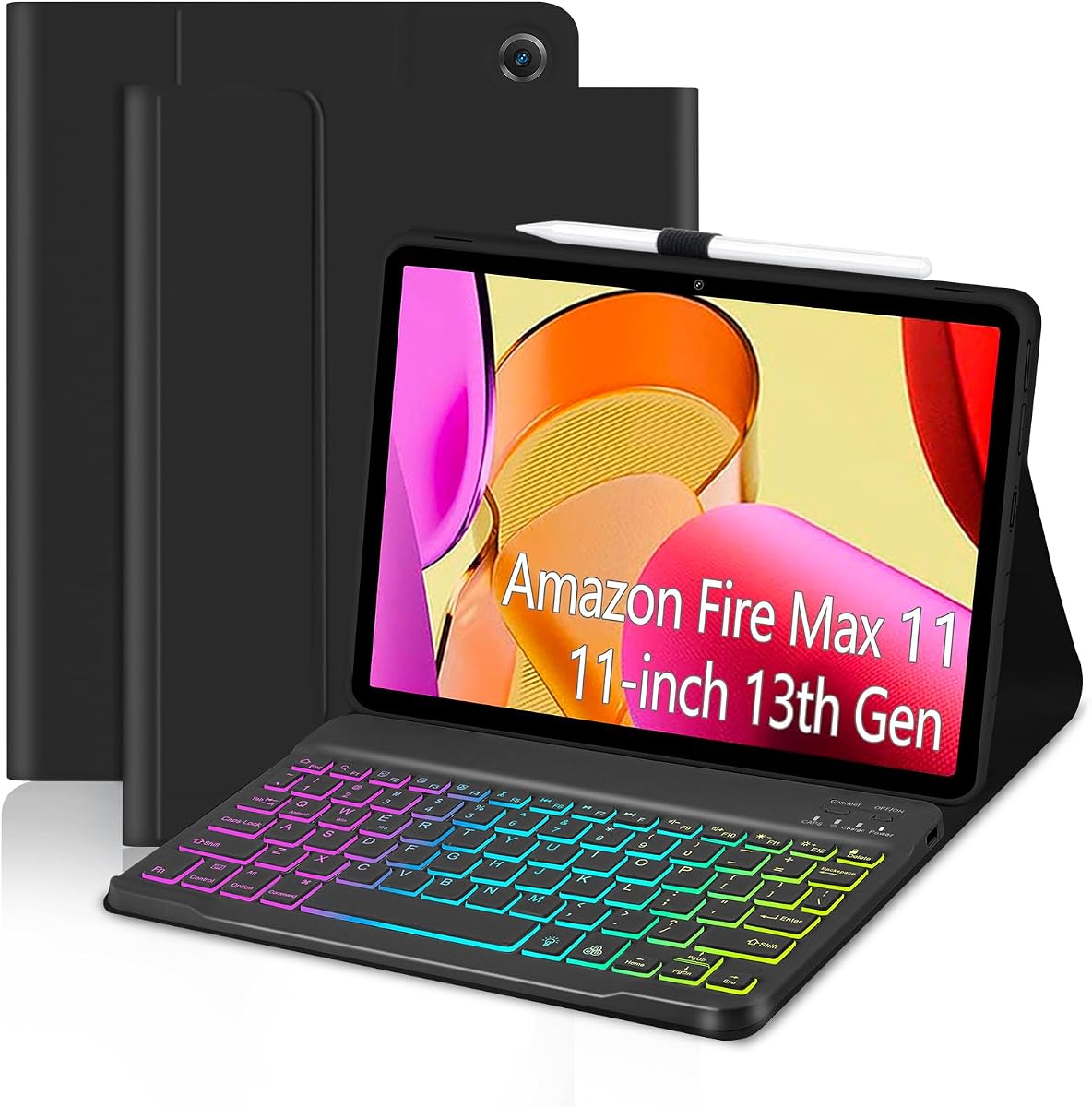
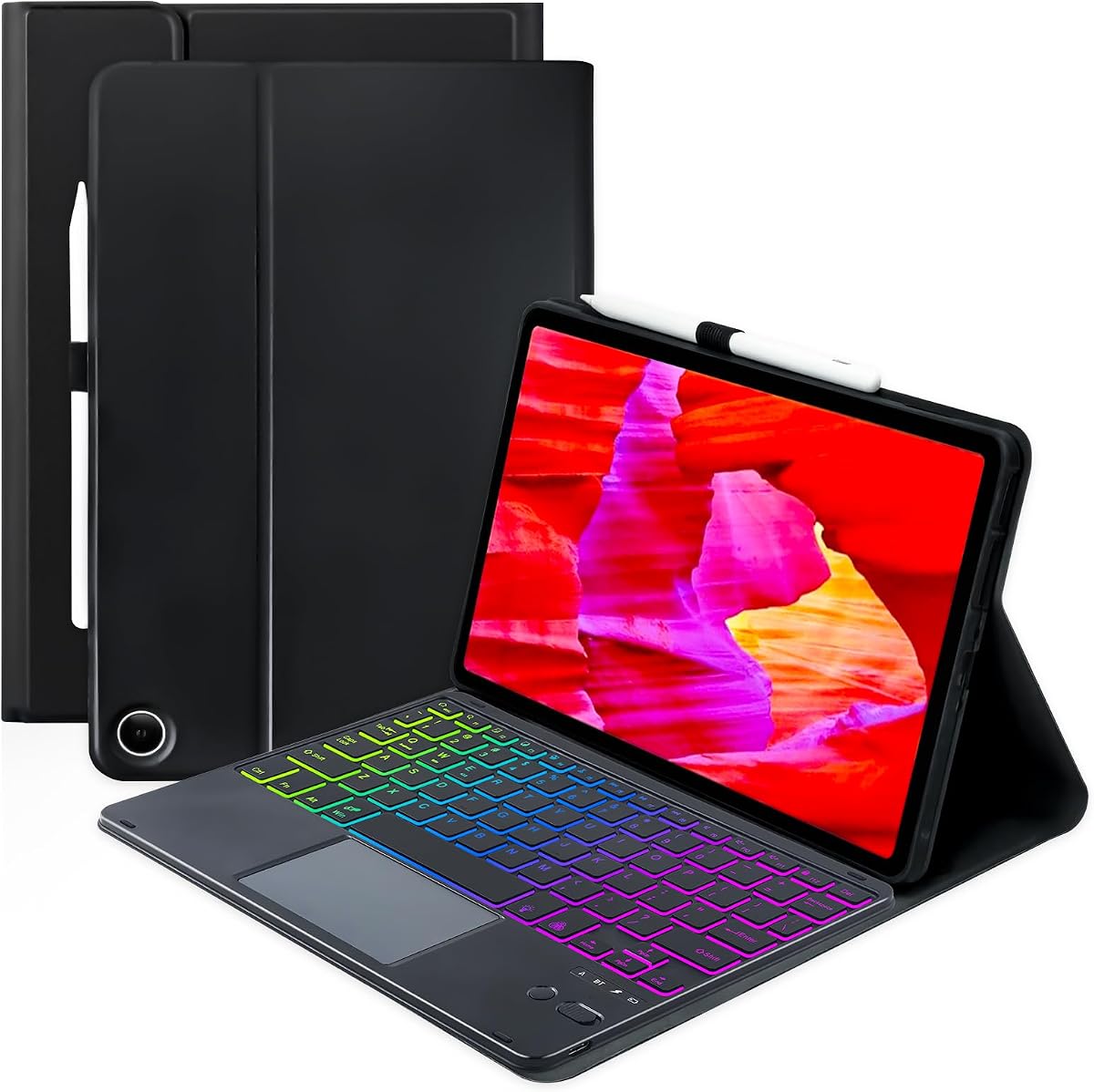


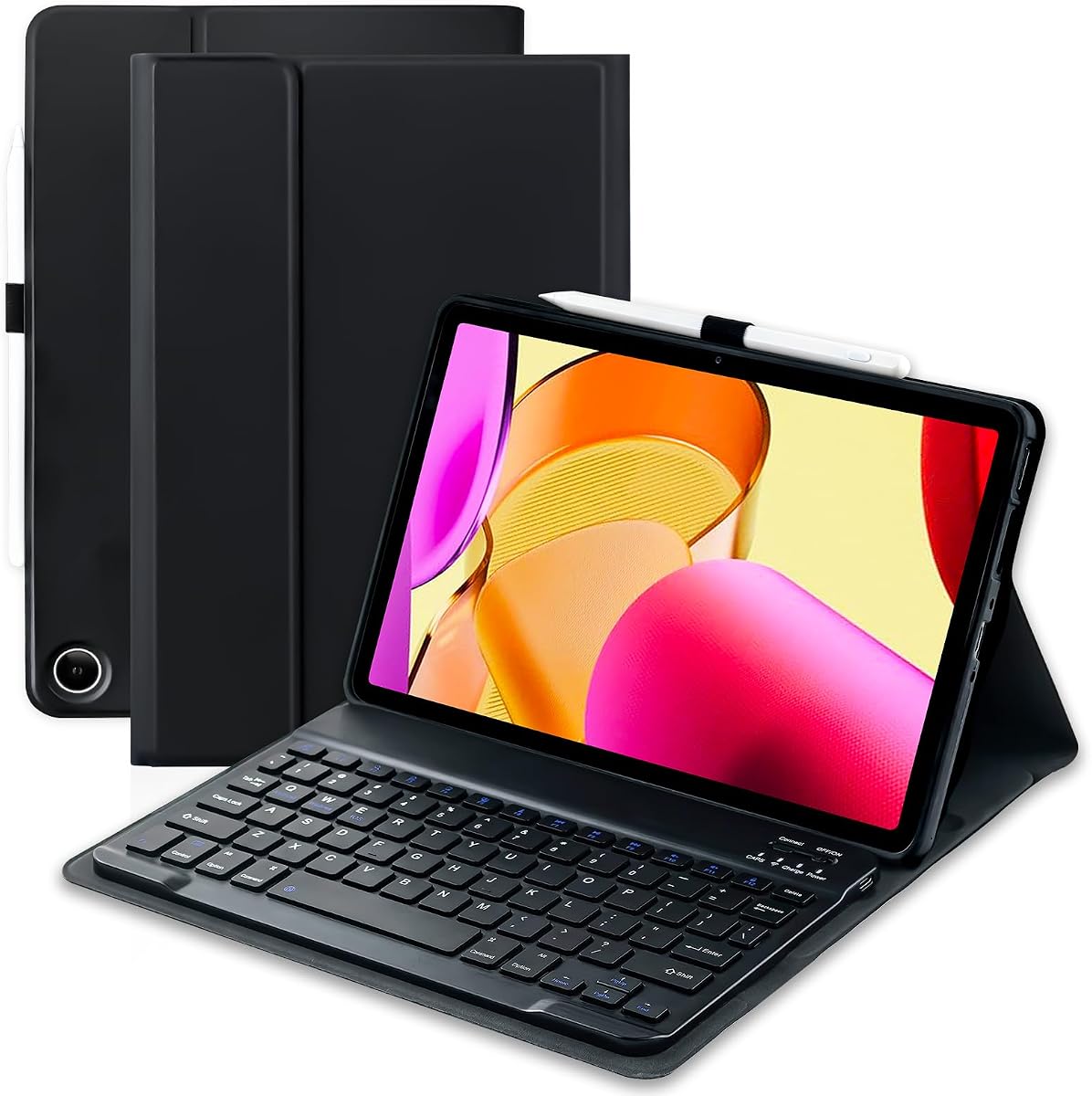


The EAMPANG Case offers a vibrant typing solution with its seven-color rainbow backlight feature. Rated highly for its visual appeal and functional design, it brings a unique flair to your Fire Max 11 setup while providing solid protection.
We may earn a commission when you buy through this link, at no additional cost to you.
Its standout quality is the customizable lighting which allows you to switch colors or brightness levels easily. The precise hole positioning ensures all tablet functions remain accessible. The honeycomb inner design helps with heat dissipation during long typing sessions.
A trade-off is the lack of a trackpad which means you rely on touch or a separate mouse for navigation. The materials feel light which some might prefer for portability but others might find less premium.
This case is ideal for users who want a stylish accessory without spending a fortune. It suits those who type frequently in low light and value quick access to ports and pens.
You can adjust brightness or select from seven distinct colors to match your environment or mood easily.
The honeycomb design inside the case helps move heat away from the tablet to prevent overheating issues.
We may earn a commission when you buy through this link, at no additional cost to you.
The MePadKey case stands out because it includes a touchpad for better navigation without needing a separate mouse. It is a strong choice for users who want laptop-like functionality directly on their Fire Max 11 device.
We may earn a commission when you buy through this link, at no additional cost to you.
Its key strength is the built-in touchpad which supports multi-finger gestures for scrolling and zooming. The keyboard also features a rechargeable battery so you do not need to buy replacements. The anti-slip grooves keep the tablet secure in place.
However you will need to charge the keyboard periodically using a cable which adds a small maintenance step. The connection process might require a few seconds to pair via Bluetooth which is standard for such devices.
Buy this if you prioritize navigation efficiency and want to avoid extra peripherals. It fits users who need precise cursor control for spreadsheets or detailed web browsing.
The touchpad replaces the need for a mouse and supports gestures that make browsing apps much faster.
Anti-slip grooves inside the cover prevent the tablet from tipping when placed at an angle on a desk.
We may earn a commission when you buy through this link, at no additional cost to you.
TUNKARMOR offers a complete solution by including both a keyboard and a mouse in the package. This makes it a strong contender for users who want a full workstation setup right out of the box.
We may earn a commission when you buy through this link, at no additional cost to you.
The standout feature is the inclusion of a rechargeable Bluetooth mouse which pairs with the keyboard for a complete typing experience. The magnetic attachment is secure and allows you to adjust the keyboard position easily. The auto sleep wake function helps save battery life.
One trade-off is that the mouse needs to be charged separately which adds a bit of complexity to the setup. The design is functional but lacks the vibrant backlighting found in other models.
This bundle is perfect for students or professionals who need a complete input set for travel. It offers great value by providing two input devices in one purchase.
Getting both a keyboard and a mouse in the box saves you from buying them separately and ensures compatibility.
The case automatically puts the tablet to sleep when closed which helps preserve the battery for later use.
We may earn a commission when you buy through this link, at no additional cost to you.
This official Amazon case delivers a premium experience with a built-in trackpad and a unique power connection. It is designed specifically for the Fire Max 11 to ensure a perfect fit and reliable performance.
We may earn a commission when you buy through this link, at no additional cost to you.
The standout quality is the Pogo pin connection which draws power directly from the tablet so the keyboard never needs separate charging. The integrated trackpad supports gestures for smooth navigation. It also includes sustainable recycled materials in its construction.
A trade-off is the higher price compared to third-party alternatives which might not fit every budget. The proprietary connection means you cannot use this keyboard with other tablets or devices.
Buy this if you want the most reliable and convenient option without worrying about batteries. It is ideal for business users who need a professional tool for daily tasks.
The keyboard draws power from the tablet so you can use it indefinitely without plugging it into a charger.
The case is made with post-consumer recycled plastics which helps reduce environmental impact compared to standard plastics.
We may earn a commission when you buy through this link, at no additional cost to you.
This model from SAMTUNK offers a robust package that includes a mouse and a keyboard with backlighting. It is designed to provide a versatile computing experience for users who need extra input options.
We may earn a commission when you buy through this link, at no additional cost to you.
The key strength is the inclusion of a Bluetooth mouse alongside the keyboard which provides flexibility in how you interact with the tablet. The three-zone backlighting allows for different lighting styles. The honeycomb pattern inside helps with cooling during heavy use.
One drawback is that the mouse needs to be charged separately which adds a small maintenance routine to your workflow. The lighting controls might require some learning to master all the different modes effectively.
Choose this if you want a comprehensive setup with both keyboard and mouse included. It is a solid choice for users who need robust protection and versatile input tools.
Having both a mouse and keyboard available gives you more control options for complex tasks like spreadsheet work.
The three-zone backlighting lets you highlight specific areas of the keyboard to suit your personal aesthetic preferences.
We may earn a commission when you buy through this link, at no additional cost to you.
This affordable case offers excellent value with a long-lasting battery and colorful backlighting features. It is a top pick for those looking to upgrade their tablet experience without spending too much money.
We may earn a commission when you buy through this link, at no additional cost to you.
The standout feature is the impressive battery life which can last up to ninety hours on a single charge. The seven-color backlight provides visibility in the dark and adds style. The honeycomb design helps protect against overheating.
A trade-off is the build quality which feels lightweight and plastic compared to higher-end models. It also lacks a trackpad so you must rely on touch or another mouse for navigation tasks.
This is the ideal choice for casual users who need a basic typing solution at a low cost. It works well for students or home users who type occasionally.
The large capacity battery ensures you can type for days without needing to plug in and recharge the keyboard.
The colorful backlighting helps you find keys easily in dimly lit rooms without straining your eyes to see.
We may earn a commission when you buy through this link, at no additional cost to you.
This official case provides a premium experience with a responsive trackpad and a sustainable design. It is perfect for users who want reliability and a high-quality feel for their typing device.
We may earn a commission when you buy through this link, at no additional cost to you.
The standout quality is the integrated trackpad which supports multi-finger gestures for smooth navigation. It connects instantly with zero setup and never needs separate charging. The packaging is also recyclable which is a plus for eco-conscious buyers.
A trade-off is the lack of backlighting which might be a problem for typing in the dark. The price is also higher than many third-party options which might not suit every buyer.
Buy this if you want a professional tool that feels durable and reliable. It is great for office work or creative tasks requiring precise navigation.
The magnetic attachment works immediately so you can start typing without waiting for Bluetooth pairing to finish.
Made with recycled plastics this case supports sustainability goals while still providing strong protection for your tablet.
We may earn a commission when you buy through this link, at no additional cost to you.
This model balances functionality and protection well with a focus on convenience features. It is a solid all-rounder for users who need a reliable typing experience and good protection.
We may earn a commission when you buy through this link, at no additional cost to you.
The key strength is the multi-function row of keys which provides quick access to common shortcuts and media controls. The battery life is strong offering around fifty hours of use on a single charge. The case design ensures all ports are easily accessible.
A trade-off is that it lacks both a trackpad and backlighting which are nice-to-have features for some users. The design is more utilitarian and focuses on practical performance over aesthetics.
Choose this if you value practical shortcuts and solid protection over extra flair. It fits users who need a dependable tool for everyday tasks.
The top row of keys includes shortcuts for volume and media which speeds up your workflow significantly.
The anti-slip grooves ensure the tablet stays stable on surfaces even when typing vigorously or moving around.
We may earn a commission when you buy through this link, at no additional cost to you.
This version of the EAMPANG case provides a blue variant with the same functional features as other models. It offers a colorful alternative for those who prefer a different look for their accessory.
We may earn a commission when you buy through this link, at no additional cost to you.
The key strength is the rainbow backlight which offers visual variety and visibility in the dark. The case provides full protection and includes a slot for your stylus so it stays safe. The shortcut keys help improve typing efficiency.
A trade-off is that this specific color option has received mixed ratings from users which suggests some quality variation. Like other budget models it lacks a trackpad which limits navigation options.
Consider this if you like the EAMPANG design but want a different color option. It suits users who prioritize style and basic functionality over advanced features.
The color variant adds a personal touch to your setup while maintaining the same functional features as other options.
The included pen holder keeps your stylus secure and prevents loss when you are carrying the tablet in a bag.
We may earn a commission when you buy through this link, at no additional cost to you.
This case features a premium vegan leather exterior which gives a sophisticated look to your Fire Max 11. It is designed for users who appreciate a leather-like finish without using animal products.
We may earn a commission when you buy through this link, at no additional cost to you.
The standout quality is the elegant leather texture which feels softer and more premium than standard plastic options. The battery life is excellent at seventy hours and the silent keys are comfortable for typing. It includes a warranty for peace of mind.
A trade-off is that it lacks backlighting which might be a limitation for some users in dark environments. The price is higher than basic plastic cases due to the material quality.
Buy this if you want a stylish professional look for your tablet. It is perfect for users who value aesthetics and a softer typing feel.
The vegan leather cover provides a classic look that elevates the style of your tablet compared to standard plastic covers.
The keys are designed to be silent which helps reduce noise distraction during work or in quiet environments.
We may earn a commission when you buy through this link, at no additional cost to you.
Selecting the right case involves considering compatibility, features, and build quality to match your usage needs effectively.
Ensure the case explicitly states it is designed for the Amazon Fire Max 11 13th Generation released in 2023. Cases for older Fire models will not fit due to differences in port placement and dimensions which can lead to issues.
Always check the product description to confirm it mentions the 13th Generation to avoid purchasing an incompatible model.
Some cases use Pogo pins which draw power from the tablet so the keyboard never needs charging. Others use Bluetooth which requires separate charging but allows for wireless flexibility and detachment from the tablet.
Choose Pogo pins for convenience or Bluetooth for versatility depending on your preference for wired versus wireless usage.
Models with an integrated trackpad offer a more laptop-like experience without needing a separate mouse for navigation. This is essential if you plan to work extensively with spreadsheets or precise cursor control tasks.
If you mostly use the touch screen or already have a mouse you can opt for a cheaper case without this feature.
Backlit keyboards with adjustable colors or brightness are helpful for typing in low light environments. Some models allow you to customize colors which adds a fun visual element to your setup.
If you use your tablet mostly during the day you can save money by skipping models with backlight features entirely.
Bluetooth keyboards vary in battery capacity and usage time. Look for models that offer at least 50 hours of usage to reduce the frequency of charging interruptions.
Longer battery life ensures you can work uninterrupted for days even if you forget to plug the keyboard in for a while.
A good case should offer 360-degree protection with a hard back and soft inner lining to shield the tablet from scratches and drops. Look for features like honeycomb designs that aid in heat dissipation.
Ensure the case covers all edges and corners to prevent accidental damage if the tablet is bumped or dropped during use.
Cases made from high-quality PU leather or vegan leather feel more premium and durable than standard plastic options. The texture also affects how comfortable the device is to hold for long periods.
Higher quality materials often last longer and provide better protection against wear and tear over time.
If you use a stylus for drawing or note taking a dedicated pen holder slot keeps your tool secure and easily accessible. This prevents the pen from getting lost in your bag or misplaced during travel.
Look for cases with a clearly defined slot or pocket specifically designed to hold a stylus in place securely.
To attach the keyboard case align the tablet with the magnetic or Pogo pin connectors and press gently until it clicks into place. This ensures a secure connection and proper power or data transfer between the devices.
Clean the keyboard surface regularly with a soft dry cloth to remove dust and debris that could interfere with key movement. Avoid using wet wipes or harsh chemicals that might damage the keys or the case material.
If the keyboard uses Bluetooth charge it fully before first use and monitor battery levels to avoid sudden disconnections during work. Store the case in a cool dry place when not in use to prolong the battery life and material integrity.
No these cases are designed specifically for the 2023 13th Generation Fire Max 11. The 2021 version has different dimensions and port locations so this keyboard will not fit the older model.
For Bluetooth models yes you can detach the keyboard and use it separately as a standalone accessory. However for Pogo pin models the keyboard requires connection to the tablet to receive power so it cannot work on its own.
Most Bluetooth keyboards come with a USB-C charging cable. You simply connect the cable to the keyboard port and plug it into a power adapter to charge the battery fully.
No these cases are not waterproof. You should avoid using them in wet environments or near water to prevent damage to both the keyboard electronics and the tablet inside.
Yes the case is designed to hold the tablet in place while you type. The keyboard and tablet remain securely connected allowing you to view the screen and type simultaneously.
Yes models with a trackpad usually support multi-finger gestures for scrolling and zooming. Refer to the specific product manual for details on which gestures are supported by that model.
No most cases include a holder slot for a stylus but do not include the stylus itself. You will need to purchase a separate stylus compatible with the Fire Max 11.
Shipping times vary by seller and location but most options offer Amazon Prime delivery which takes two days. Check the individual product page for exact shipping estimates based on your address.
The EAMPANG and Amazon official cases stand out as top choices depending on whether you prioritize style or premium features. Both offer excellent protection and typing comfort for daily use.
Focus on what matters most to you such as trackpad navigation battery life or backlighting to make the right decision. These factors will determine how much you enjoy using your tablet for productivity.
Remember that prices fluctuate so check the current listings before buying to ensure you get the best deal available today for your chosen model.