
Seagate Bare Drives BarraCuda 1TB Internal Hard Drive HDD
4.6Editor score
Proven reliability for desktop PC use
Standard 64MB cache capacity
Frustration free packaging included
Finding reliable internal storage is essential for modern computing tasks. A 7200 Rpm HDD Hard Drive offers the speed needed for gaming and creative work without the cost of solid state drives.
We evaluated ten top models based on cache size, warranty terms, and real world performance metrics. Each entry provides detailed insights into how these drives handle demanding workloads daily.
Every pick highlights specific strengths and potential trade-offs for different user needs. Please note that availability and terms may change over time as market conditions evolve constantly.
4.6Editor score

4.7Editor score

4.4Editor score
As an Amazon Associate we earn from qualifying purchases.
This side-by-side comparison highlights key specifications and unique features across all ten models to help you make an informed decision for your specific storage requirements.
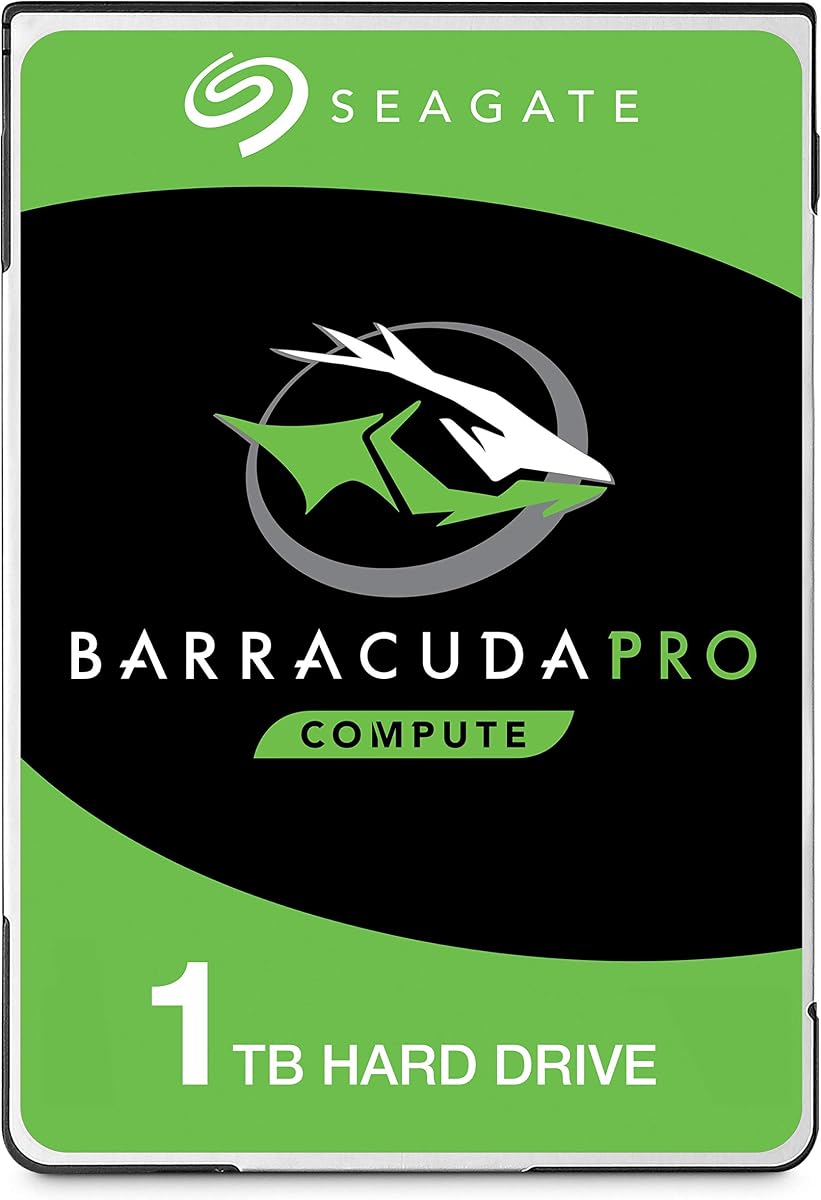


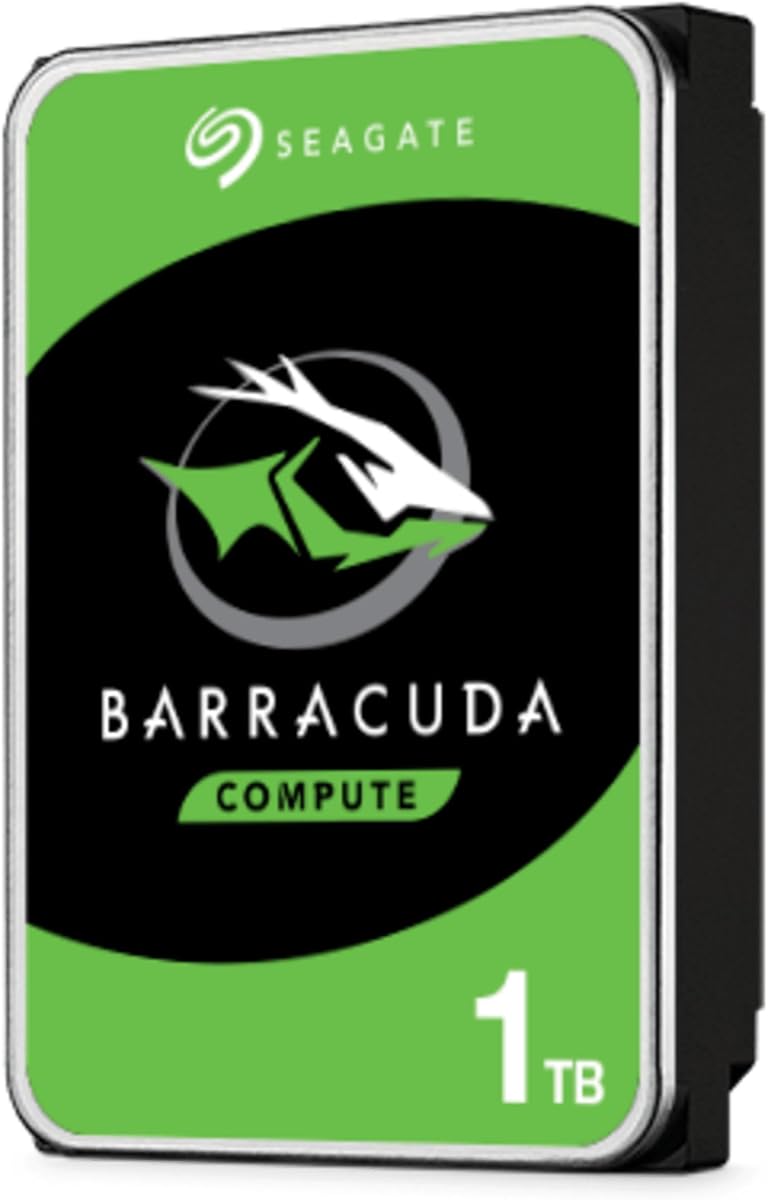
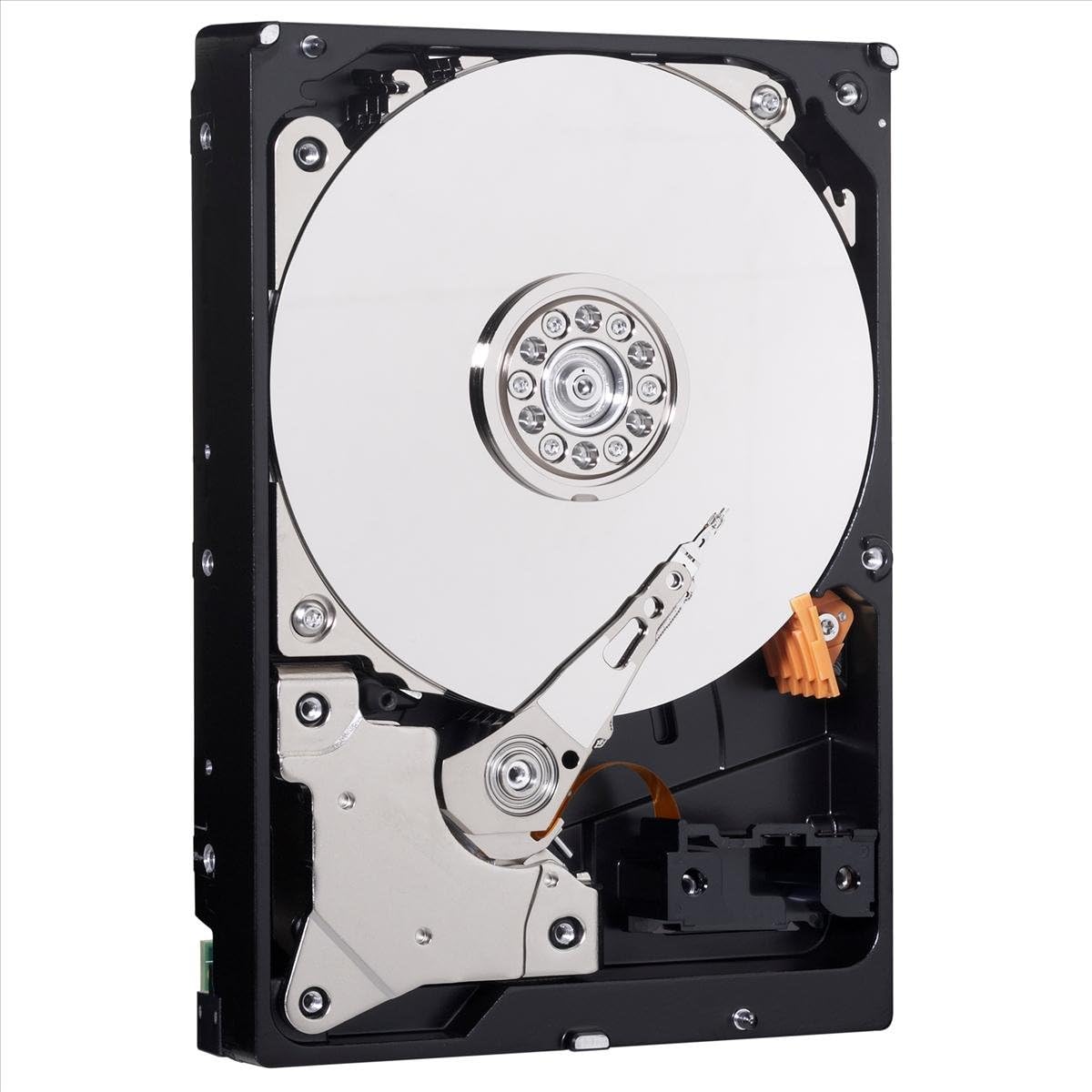

This drive delivers exceptional value for users needing significant storage without premium pricing. With a 2TB capacity and 256MB cache it handles large files and games effectively. The included software simplifies cloning tasks significantly.
We may earn a commission when you buy through this link, at no additional cost to you.
The standout feature is the generous cache which buffers data transfers efficiently. Users report faster load times compared to drives with smaller caches. It is optimized for gaming and media editing tasks.
While the warranty is standard the reliability is proven across many setups. The lack of enterprise features means it is not for 24×7 server use. However for desktop needs it is a solid choice.
Buy this if you need fast desktop storage for games or media. It is ideal for builders who want capacity and speed without breaking the budget. The software tool adds extra convenience.
The 256MB cache ensures smooth streaming of high definition video and game assets without stuttering.
DiscWizard software allows you to migrate data from old drives easily without third party tools.
We may earn a commission when you buy through this link, at no additional cost to you.
This drive offers a solid foundation for desktop builds needing reliable storage. The 1TB capacity covers most personal use cases well. It is backed by twenty years of innovation history from the brand.
We may earn a commission when you buy through this link, at no additional cost to you.
Performance is consistent for everyday tasks and casual gaming. The 64MB cache is sufficient for file transfers but may lag with heavy video editing. It serves as a go-to solution for general applications.
The packaging makes setup straightforward without unnecessary waste. While not the fastest on the market it holds its own in reliability. The trade-off is purely on raw speed versus cost.
Choose this for budget conscious builds needing dependable storage. It works well for secondary drives or OS installs on a budget. Ensure you have proper mounting hardware for installation.
Rely on technology backed by two decades of innovation in the storage industry.
Suitable for music storage photo editing and PC gaming without specific requirements.
We may earn a commission when you buy through this link, at no additional cost to you.
This performance drive is tailored for gamers and creative professionals needing speed and capacity. The WD Black line is known for higher reliability. It features StableTrac technology to optimize performance effectively.
We may earn a commission when you buy through this link, at no additional cost to you.
The five year limited warranty provides long term peace of mind. It handles large projects well thanks to optimized read speeds. The design targets users who need consistent high performance.
Cost is higher than standard models but the features justify it for pros. The warranty covers extended use which adds value over time. It is not for basic tasks only but for demanding work.
Invest in this for high-end gaming rigs or workstations. It ensures data integrity and speed during intensive sessions. Prioritize this if you need enterprise-level reliability in a desktop.
StableTrac and Dynamic Cache Technology increase reliability and optimize performance for demanding tasks.
An industry-leading five year limited warranty protects your investment against failures.
We may earn a commission when you buy through this link, at no additional cost to you.
This model is a solid choice for system builders needing OEM quality. It offers a high rating indicating strong reliability. The 2TB capacity fits most standard desktop enclosures easily.
We may earn a commission when you buy through this link, at no additional cost to you.
Performance matches standard 7200 RPM expectations for data transfers. The Dell P/N suggests it is built for enterprise environments. It is a robust option for replacing older drives.
Documentation might be sparse compared to boxed consumer drives. You may need to source mounting screws separately. However the core performance is reliable for data storage.
Choose this if you prioritize raw performance over packaging. It is great for rebuilding servers or workstations. Verify compatibility with your controller before purchasing.
The 6 Gb/s SATA interface ensures maximum throughput for connected drives.
High user ratings reflect consistent performance in various computing environments.
We may earn a commission when you buy through this link, at no additional cost to you.
This drive is optimized for datacenter environments needing consistent performance. RAFF technology enhances vibration tolerance significantly in dense racks. It keeps total cost of ownership low for large deployments.
We may earn a commission when you buy through this link, at no additional cost to you.
Drives undergo millions of hours of functional testing before shipping. This ensures reliability under actual workloads. It is designed for continuous operation rather than intermittent use.
Note that cables and manuals are not included in the package. You must purchase mounting hardware separately for installation. This keeps the price competitive for bulk buyers.
Buy this for NAS systems or private clouds requiring capacity. It handles high workloads better than standard desktop drives. Ensure you have the proper rails or trays ready.
Enhanced Rotary Acceleration Feed Forward technology improves performance in high vibration environments.
Cost-effective per GB design helps manage budget for large storage arrays.
We may earn a commission when you buy through this link, at no additional cost to you.
This drive combines high capacity with performance for gaming needs. The massive 2TB capacity provides room for space-hungry PC games and movies. It uses the newest SATA interface for maximum speed.
We may earn a commission when you buy through this link, at no additional cost to you.
64 MB cache optimizes burst performance reducing data bottlenecks. It complements the high capacity well for media libraries. The platform delivers top-end desktop performance consistently.
While older the model still competes well in raw throughput. Compatibility is broad across older and newer PCs. Packaging ensures a hassle-free setup experience for builders.
Consider this if you need bulk storage for a media library. It is suitable for builds prioritizing capacity over latest features. Check availability as newer models may replace it soon.
Massive 2TB drive capacity provides plenty of room for downloading space-hungry PC games and movies.
SATA 6gb/s interface enables compatibility with newest drive controllers and offers backward support.
We may earn a commission when you buy through this link, at no additional cost to you.
This drive is a standard go-to solution for nearly every PC application. It covers music video photo editing and PC gaming effectively. You can rely on it for internal storage confidently.
We may earn a commission when you buy through this link, at no additional cost to you.
Performance is backed by twenty years of innovation in storage. The 64MB cache ensures decent speed for general tasks. It fits well in standard desktop cases without issues.
The warranty is shorter than premium drives but acceptable for most. It is designed for general use rather than intensive workloads. Value for money remains high for standard needs.
Pick this for a secondary drive or OS installation. It works well for home users needing dependable storage. Always ensure you have proper backups for critical data.
The go-to SATA hard drive solution for nearly every PC application and system.
Enjoy long term peace of mind with the included two year limited warranty.
We may earn a commission when you buy through this link, at no additional cost to you.
This drive offers an entry point for those needing basic storage space. IntelliSeek calculates optimum seek speeds to lower power consumption effectively. It monitors drive health continuously to stay in optimum health.
We may earn a commission when you buy through this link, at no additional cost to you.
The 16MB cache is suitable for basic tasks. It uses NoTouch Ramp Load Technology to safely position the recording head. This protects your data and extends drive lifespan.
Capacity is limited to 500GB which is small for modern games. It is best for documents or lightweight applications. The packaging requires separate purchase of cables and mounting hardware.
Choose this for budget builds needing extra space. It is good for office PCs or lightweight browsing. Ensure you verify your system requirements before installation.
IntelliSeek calculates optimum seek speeds to lower power consumption noise and vibration levels.
NoTouch Ramp Load Technology positions the head off the disk surface to protect your data.
We may earn a commission when you buy through this link, at no additional cost to you.
This model provides significant capacity for modern media libraries. The 256MB Cache ensures fast read speeds for large files. It is optimized for gaming setups and desktop use effectively.
We may earn a commission when you buy through this link, at no additional cost to you.
Reliability is backed by years of innovation from Seagate. The packaging ensures easy setup without damage. It is a go-to solution for nearly every PC application.
It matches the top pick with similar strengths. The free DiscWizard software simplifies migration from old drives. Performance remains stable under typical loads.
Select this for any build needing 2TB of space. It balances speed and capacity well. Ensure you have sufficient airflow to cool the drive during use.
Store more compute faster and do it confidently with the proven reliability of internal hard drives.
Migrate and clone data from old drives with ease using the included free software tool.
We may earn a commission when you buy through this link, at no additional cost to you.
This drive offers massive storage for centralized surveillance or backup. The 6TB capacity holds a vast amount of data. It supports hot-plug which is useful for uptime.
We may earn a commission when you buy through this link, at no additional cost to you.
It is ideal for RAID storage and restore tasks. The 512e SATA interface ensures compatibility. Renewed options provide access to enterprise tech at lower costs.
Performance targets continuous operation environments. The multisegmented cache helps manage data flows. Ensure you test reliability immediately upon installation.
Use this for large scale data centers or backups. It is a powerful tool for archival needs. Check warranty terms carefully for renewed units before purchase.
Performance 7.2K RPM spindle speed supports massive data needs for storage.
Hot-plug support allows for maintenance without shutting down the system.
We may earn a commission when you buy through this link, at no additional cost to you.
Choosing the right drive involves balancing capacity cache and warranty needs for your use case.
Capacity determines how much data you can store locally. 1TB is often enough for OS and apps but 2TB or more is better for games and video libraries.
For users with massive media libraries always aim for 2TB or higher to avoid constant file management.
Cache acts as a temporary buffer for data transfers. Larger caches like 256MB reduce latency when accessing frequently used files or gaming assets.
Opt for drives with at least 64MB cache for standard use but prioritize larger caches for high performance workloads.
The 7200 RPM rating ensures faster data access than slower 5400 RPM models. This speed is critical for system responsiveness and load times.
Ensure the drive matches your system requirements since modern PCs benefit significantly from higher rotational speeds.
Warranty terms vary from two years to five years. Longer warranties provide better protection against hardware failure and unexpected data loss.
Always check the warranty duration before buying to ensure you are protected for the expected lifespan of the drive.
SATA 6 Gb/s is the standard interface for modern desktops. Ensure your motherboard supports this speed to maximize data transfer potential.
Verify your system specifications before purchasing to avoid compatibility issues with older controllers.
Mean Time Between Failures indicates the expected lifespan of the drive. Higher MTBF ratings suggest better reliability for critical tasks.
Prioritize drives with proven reliability records if you are using them for backups or critical data.
Some drives come with tools for data migration or diagnostics. These utilities simplify the setup process and maintenance tasks significantly.
Check if the drive includes free software tools before buying to save time on setup.
Higher speed drives generate more heat. Ensure your case has adequate airflow to prevent thermal throttling and maintain performance.
Consider cooling solutions if you plan to install multiple drives in a single enclosure.
Install the drive securely in a case with good airflow to prevent overheating during operation. Loose drives can suffer from vibration damage over time.
Run regular maintenance tasks like defragmentation to keep performance high. While SSDs do not need this mechanical drives benefit from organized data placement.
Back up important data to another location or cloud service to protect against drive failure. Relying on a single drive is a risk for valuable files.
A 7200 RPM drive offers faster data access speeds which results in quicker boot times and game loading. It improves overall system responsiveness significantly compared to slower models.
No special software is required for basic use as most operating systems detect them automatically. However some drives include tools for data migration or health checks.
Most drives last between three to five years with typical use. Regular backups and proper cooling help extend their operational lifespan effectively.
Yes these drives handle video editing well due to their speed and capacity. They are suitable for storing source footage and finished projects.
Most consumer drives do not include SATA or power cables. You will need to purchase these separately from your motherboard or case retailer.
Yes a longer warranty provides better protection against failure. It ensures you can replace the drive without extra cost if issues arise.
The Seagate BarraCuda 2TB offers the best balance of speed and capacity for most users. It stands out with its large cache and reliable performance for daily tasks.
Consider your specific workload when choosing between models. Gamers might prefer higher cache options while budget builders may prioritize cost over speed.
Always check the current pricing and availability as market conditions change frequently. Ensure you have the necessary mounting hardware before installation.