
Lenovo V15 Business Laptop
4.4Editor score
Intel N-Series Quad-Core Processor
15.6 FHD Display
RJ-45 Ethernet Port
This guide compares the best laptops with Ethernet ports for reliable wired internet. We review top business and budget models with RJ-45 connectivity for
Finding a laptop with an Ethernet port is crucial for stable connections. Many modern devices remove this feature. This guide helps you locate models that support wired networking effectively.
We compared ten real products based on performance and ports. Our list includes business laptops and budget options. Each model offers reliable Gigabit Ethernet connectivity for seamless work.
Each pick shows key specs like RAM and processor speed. Prices and availability change frequently online. Always check the latest details before purchasing your next reliable computing device today.
4.4Editor score

4.4Editor score

5.0Editor score
Here is a side-by-side comparison of all ten products reviewed in this guide. We highlight key specs like processor type, memory capacity, storage size, and port availability to help you choose the right device.

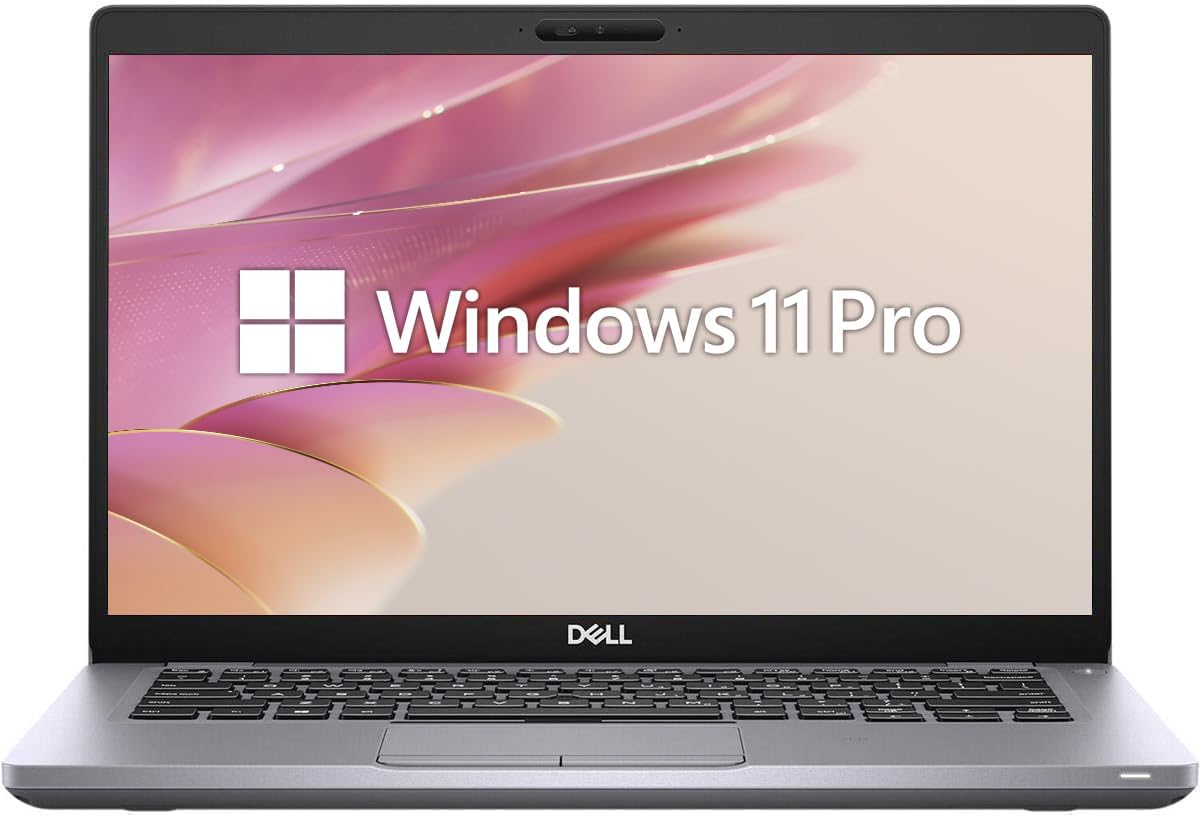




This Lenovo V15 Business laptop offers a reliable solution for users needing wired connectivity without breaking the bank. It holds a solid rating reflecting its value for basic productivity tasks and office work environments efficiently.
We may earn a commission when you buy through this link, at no additional cost to you.
The Intel N150 processor provides smooth performance for web browsing and document editing. Its built-in RJ-45 Ethernet port ensures stable network access when Wi-Fi is unreliable or slow in your workspace area.
While the 128GB storage might feel limited for large files, the PCIe SSD ensures fast boot times. The inclusion of Windows 11 Pro adds enterprise features often missing in budget-friendly consumer laptops today.
Students and entry-level professionals should consider this model for its balance of cost and core features. It delivers essential reliability for daily tasks while maintaining a secure and connected computing experience.
The Ethernet port ensures you stay connected even when wireless signals are weak or congested in busy offices.
Windows 11 Pro includes advanced security tools like BitLocker to protect your sensitive business data effectively.
We may earn a commission when you buy through this link, at no additional cost to you.
The Lenovo V15 Gen 4 stands out as a top choice for those prioritizing stability and speed. With a strong rating, it proves its worth in handling multitasking and demanding office applications reliably every day.
We may earn a commission when you buy through this link, at no additional cost to you.
Equipped with 16GB of LPDDR5 RAM, this laptop handles multiple apps without lag. The Ryzen 3 processor and 512GB storage provide a balanced setup for professionals who need power and space.
Durability is a key feature here, tested against military standards to withstand tough conditions. This makes it ideal for fieldwork or environments where standard laptops might fail under stress or rough use.
If you need a robust machine for continuous work sessions, this model is highly recommended. It combines secure computing features with the essential Ethernet port needed for consistent network access.
Firmware TPM 2.0 encrypts critical data, protecting passwords and sensitive files from unauthorized access attempts.
MIL-SPEC testing ensures the chassis can resist shocks and drops, making it perfect for travel.
We may earn a commission when you buy through this link, at no additional cost to you.
The Dell Latitude 3420 offers a professional experience with powerful Intel Core i5 performance. As a renewed unit, it provides significant savings while maintaining the core features essential for business productivity.
We may earn a commission when you buy through this link, at no additional cost to you.
Its 16GB RAM and 256GB SSD ensure quick access to files and applications. The inclusion of a dedicated Ethernet port allows for stable connections in enterprise environments where speed matters most.
Users appreciate the compact 14-inch design which balances portability with screen real estate. The build quality reflects Dell's reputation for durability and longevity in demanding corporate settings effectively.
Ideal for those seeking a reliable workhorse without premium pricing, this model delivers solid value. It meets the needs of general users who require consistent performance and secure networking features.
The Latitude series is known for stable drivers and long support windows, ensuring consistent performance.
Renewed units are inspected and tested, offering a cost-effective entry into premium business hardware.
We may earn a commission when you buy through this link, at no additional cost to you.
The Dell Latitude 5410 brings robust performance with its 10th Gen i5 processor and ample storage. It is designed for professionals who need a dependable machine for daily tasks and secure connectivity.
We may earn a commission when you buy through this link, at no additional cost to you.
With 512GB SSD storage, you get plenty of room for documents and media files. The Ethernet port ensures you maintain a fast internet connection even in areas with poor Wi-Fi coverage or signal.
This model features a full-size keyboard that supports comfortable typing during long work sessions. It remains a solid choice for those looking for a budget-friendly corporate laptop with essential features.
Consider this if you need a straightforward business laptop with proven reliability. It balances cost and functionality well for users who do not require cutting-edge processing speeds.
The 512GB SSD allows for quick loading of applications and ample space for local file storage.
This OS version offers better management tools and security features for business users.
We may earn a commission when you buy through this link, at no additional cost to you.
The Lenovo V15 G6 represents the 2026 edition with modern DDR5 memory support. It offers a clean and efficient computing experience for users who value updated technology and reliable connections.
We may earn a commission when you buy through this link, at no additional cost to you.
Its Intel N100 processor handles everyday tasks with ease while maintaining power efficiency. The Gigabit Ethernet port ensures you can work without worrying about wireless interruptions during critical work hours.
Features like the privacy shutter and firmware TPM 2.0 show a focus on user security and privacy. The MIL-STD-810H rating adds peace of mind regarding the laptop's durability against physical stress.
This laptop is best suited for general office work and students needing secure connectivity. It provides a balanced mix of modern features and essential performance for daily productivity tasks.
With USB-C and USB-A ports, you have flexibility to connect various peripherals and monitors easily.
The TPM 2.0 chip provides hardware-based security for protecting your sensitive personal data.
We may earn a commission when you buy through this link, at no additional cost to you.
This variant of the V15 Gen 4 focuses on performance with ample RAM for multitasking. The AMD Ryzen 3 processor ensures smooth operations across various applications without significant lag or delays.
We may earn a commission when you buy through this link, at no additional cost to you.
The Ethernet port is a standout feature for maintaining stable internet connections in unstable network environments. It is ideal for professionals who cannot afford connection drops during critical online meetings or transfers.
While the storage is smaller than other models, the fast SSD helps mitigate loading times. The privacy shutter and TPM chip add layers of security that are essential for business data protection daily.
If you prioritize speed and security over massive storage, this model is a strong contender. It balances cost and capability effectively for users needing a reliable and secure business laptop.
LPDDR5 RAM allows for faster data processing and improved battery efficiency during usage.
The webcam shutter gives you physical control over your privacy during video conferences.
We may earn a commission when you buy through this link, at no additional cost to you.
The ThinkPad P14s is a powerhouse designed for professional workflows and heavy multitasking. Its perfect rating reflects the high quality and advanced features found in this premium business computing device.
We may earn a commission when you buy through this link, at no additional cost to you.
Powered by the AMD Ryzen AI processor, it handles complex tasks like data analysis and content creation efficiently. The 32GB RAM and 1TB SSD ensure you never run out of memory or storage space.
With Thunderbolt 4 and Gigabit Ethernet, connectivity is unmatched on this device. It supports high-speed docking and stable network connections for seamless integration into enterprise environments.
If you need top-tier performance for specialized software or extensive data work, this is the choice. It offers reliability and speed that justify its premium price for serious professionals.
The built-in NPU accelerates AI workflows, reducing dependency on cloud processing for local tasks.
ISV certification ensures compatibility with major industry software like AutoCAD and Revit.
We may earn a commission when you buy through this link, at no additional cost to you.
The HP 14 Business laptop is a compact solution for light tasks and portability. While it lacks an Ethernet port, it offers a sleek design and essential software bundles for new users.
We may earn a commission when you buy through this link, at no additional cost to you.
Its Intel N150 processor handles basic tasks like browsing and writing efficiently. However, the limited RAM and storage may restrict its usability for heavy multitasking or large file storage.
This model is best for students or casual users who rely on Wi-Fi connectivity. The inclusion of Office 365 adds value for those needing productivity tools right out of the box immediately.
If you need an Ethernet connection, you will need an adapter for this device. It is a viable option for those prioritizing design and budget over network versatility.
The slim profile and light weight make it easy to carry around for daily classes.
One year of Office 365 provides Word and Excel access without extra subscription fees.
We may earn a commission when you buy through this link, at no additional cost to you.
This V15 Gen 4 variant uses a high-performance i5 processor for faster computing speeds. It is tailored for users who need to run demanding applications while maintaining stable wired internet connections.
We may earn a commission when you buy through this link, at no additional cost to you.
The Ethernet port ensures that you can access the network reliably even when wireless signals are weak. This is particularly useful for video conferencing and large file transfers in busy offices.
With 16GB RAM and 512GB storage, you have the capacity to handle complex workflows easily. The numeric keypad adds convenience for data entry tasks and financial work requirements daily.
If you need a blend of speed and standard features, this model is an excellent pick. It offers a reliable platform for professionals needing performance and consistent connectivity.
The H-series processor delivers higher clock speeds for demanding workloads than standard chips.
The full numeric keypad supports faster data entry and spreadsheet management.
We may earn a commission when you buy through this link, at no additional cost to you.
The HP 17 Business laptop offers a large 17.3-inch display for expansive multitasking. It is a solid choice for users who need more screen space for complex projects and detailed viewing.
We may earn a commission when you buy through this link, at no additional cost to you.
Its AMD Ryzen 5 processor provides ample power for daily tasks and media consumption. The built-in Ethernet port ensures that you stay connected to the network without relying on Wi-Fi.
The inclusion of Windows 11 Copilot helps streamline tasks with AI assistance. It makes managing workflows faster and more efficient for modern business users and students alike.
If you prioritize screen size over portability, this model is a great fit. It balances performance and connectivity to support demanding desktop replacement needs.
The 17-inch display offers more room for open windows and side-by-side productivity.
Copilot support allows for faster task management and automated suggestions.
We may earn a commission when you buy through this link, at no additional cost to you.
Choosing a laptop with an Ethernet port requires balancing performance and connectivity needs. This guide breaks down the essential factors to consider before you make a purchase decision.
The processor is the brain of your laptop. Look for Intel Core i5 or AMD Ryzen 5 processors for smooth multitasking. These chips handle office apps and browsing without lag.
Prioritize recent generations for better speed and power efficiency in your daily workflow.
16GB RAM is ideal for keeping multiple apps open. If you stick to basic tasks, 8GB may suffice. Storage should be at least 256GB SSD to ensure fast boot times and file access.
A PCIe NVMe SSD offers faster speeds than older SATA drives for better system responsiveness.
An RJ-45 Ethernet port is critical for stable wired connections. Check for USB-C and USB-A ports to connect peripherals. HDMI ports are needed for external monitor setups.
Ensure the laptop has the specific ports you need to avoid buying extra dongles.
A Full HD display is standard and provides sharp text for work. Anti-glare coatings reduce eye strain during long hours. Look for at least 250 nits brightness for indoor use.
Choose a screen size that fits your workspace needs and portability requirements.
Look for TPM 2.0 chips to encrypt data and protect against cyber threats. Fingerprint readers and camera shutters add physical security layers. Windows 11 Pro offers more security tools.
Security is vital for business laptops handling sensitive or private data.
MIL-STD-810H tested chassis can withstand bumps and drops. Solid construction ensures longevity. If you travel often, a rugged build is essential for reliability.
Check reviews for feedback on hinge durability and keyboard quality over time.
Wi-Fi 6 ensures wireless speeds when Ethernet isn't available. Bluetooth supports wireless mice and headphones. Gigabit Ethernet is preferred for fast data transfer rates.
Verify that the network card supports modern standards for best performance.
Consider the total cost including shipping and accessories. Refurbished models can offer value but check the warranty terms. Ensure the seller provides support and return policies.
A good warranty protects your investment against unexpected hardware failures.
Connect your Ethernet cable firmly to the RJ-45 port. Ensure the click is audible for a secure fit. Test the connection in your network settings to confirm stability.
Keep your laptop cool by placing it on a hard surface. Dust the ports regularly to prevent connection issues. Use a soft cloth to clean the screen and keyboard gently.
Update your drivers and OS regularly for security. Unplug the Ethernet when traveling to avoid port damage. Store your laptop in a protective sleeve when moving it.
Not all modern laptops include an Ethernet port. Many ultra-thin models exclude them for portability. Check the specs carefully to confirm if a built-in Ethernet port is present.
Ethernet offers more stable and faster connections than Wi-Fi. It reduces latency and is less prone to interference. This is crucial for video calls and large file transfers.
RJ-45 is the standard connector for Ethernet cables. It looks like a large telephone jack. This port allows your laptop to connect directly to a network router.
Yes, you can use a USB to Ethernet adapter. These adapters plug into USB ports to add connectivity. They are a good option for laptops that lack built-in ports.
Most modern laptops support Gigabit Ethernet speeds. This allows for 1000 Mbps data transfer rates. Faster speeds are available on newer 2.5G Ethernet models.
Ethernet is generally more secure than Wi-Fi. It requires physical access to the network cable. Combined with encryption, it protects your data during transmission.
We reviewed ten laptops that balance performance with stable connectivity. The Lenovo V15 and ThinkPad series stood out for reliability. These models cover various budgets and use cases for you.
Prioritize processor power and RAM if you multitask often. Ensure the laptop has the Ethernet port you need for your network setup. Check for essential features like Windows 11 Pro.
Always verify current pricing and availability before buying. Technology prices fluctuate based on demand and stock levels. Use the links provided to access the latest deals for your choice.