
YAWYORE Gaming PC
4.5Editor score
Ryzen 7 5700X CPU
RTX 5060 Graphics Card
32GB DDR4 RAM Memory
Discover the top gaming PC for playing Kenshi with detailed comparisons of performance, specs, and value to help you choose the ideal machine for survival.
Finding the right gaming PC for playing Kenshi requires balancing processing power with graphical fidelity. This guide examines top models to ensure smooth performance during complex simulations.
We compared ten distinct systems based on CPU strength, GPU capability, and memory capacity. Each selection targets the unique demands of open world survival gameplay.
Every pick highlights specific strengths for budget or premium needs. Note that prices fluctuate frequently, so verify current deals before finalizing your purchase decision today.
4.5Editor score

4.5Editor score
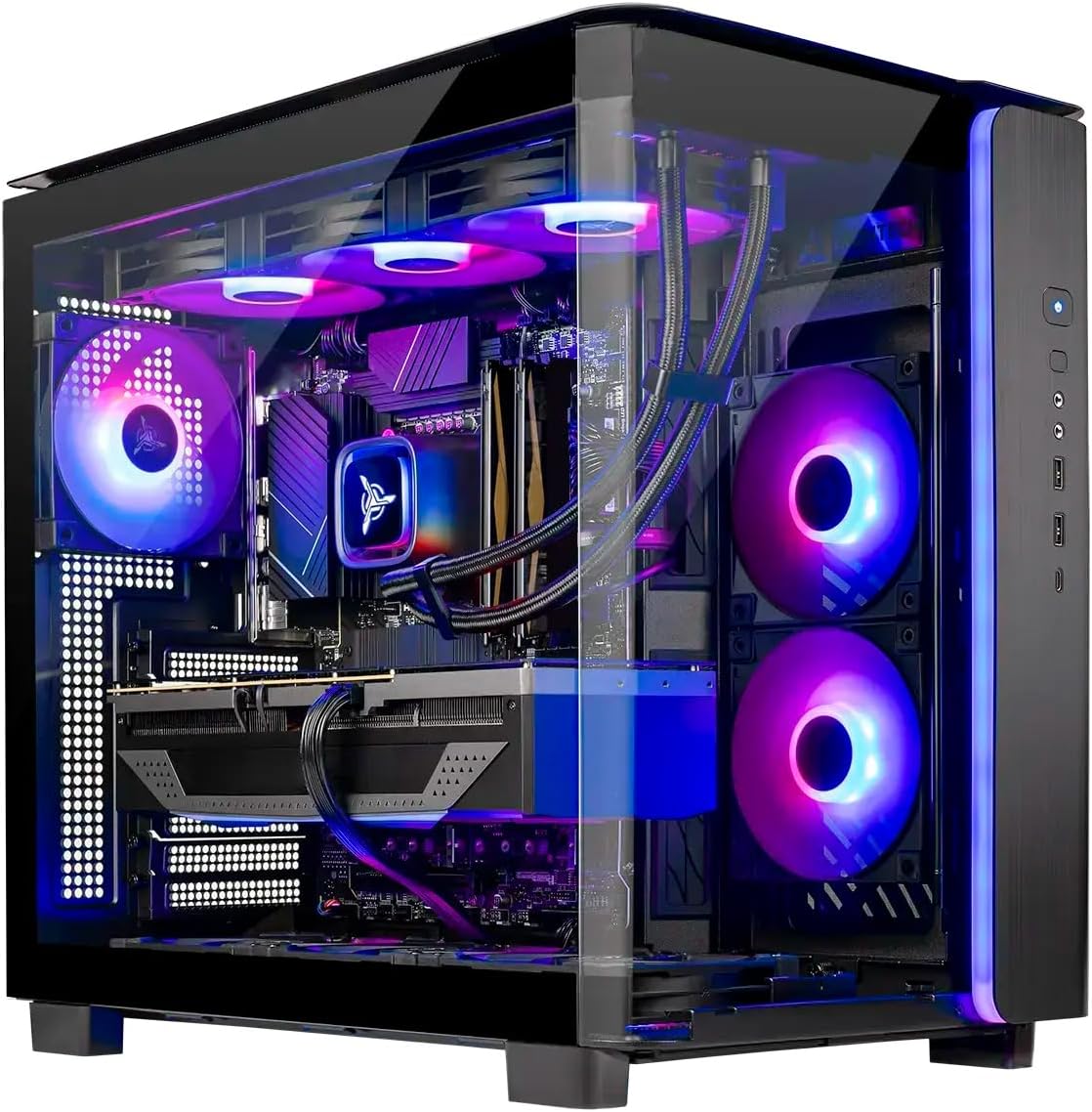
4.8Editor score
This section provides a side by side comparison of all ten selected gaming PCs. Review specifications like CPU models and GPU tiers to find the best fit.


This system leads our list with top tier components designed for demanding simulations. It holds a strong rating for reliability and performance consistency across varied workloads.
We may earn a commission when you buy through this link, at no additional cost to you.
The Ryzen 7 9850X3D processor ensures smooth logic calculations while the RX 9070 XT delivers crisp visuals. This combination handles complex world generation without stuttering or lag.
While expensive, the included warranty and build quality justify the cost for serious enthusiasts. Users will appreciate the quiet operation even under heavy load conditions.
Buyers seeking maximum performance for Kenshi should prioritize this model. It offers a balanced mix of speed and stability ideal for long gaming sessions.
The high core count ensures seamless multitasking during complex simulations.
The GPU supports high settings for crisp environmental details.
We may earn a commission when you buy through this link, at no additional cost to you.
This PC offers excellent value for players on a tight budget. It delivers reliable performance for standard settings while maintaining a low cost footprint.
We may earn a commission when you buy through this link, at no additional cost to you.
The Ryzen 7 5700X provides sufficient power for logic tasks. Paired with the RTX 5060, it handles moderate graphics settings well for smooth gameplay.
Tradeoffs include older RAM technology and less storage than premium models. However these limitations are acceptable for budget conscious gamers prioritizing entry level play.
Recommend this unit for those wanting to start playing Kenshi without overspending. It represents a smart entry point into dedicated PC gaming.
Delivers core gaming performance without breaking the bank.
Standard parts make future hardware upgrades straightforward.
We may earn a commission when you buy through this link, at no additional cost to you.
This machine represents the pinnacle of pre built gaming power available today. Its exceptional rating reflects superior build quality and unmatched component choices.
We may earn a commission when you buy through this link, at no additional cost to you.
The RTX 5080 paired with the 9850X3D ensures future proof performance. Players can expect smooth framerates even at high resolutions during intense battles.
Cost is the primary drawback as this system commands a premium price. Yet for those wanting absolute best performance the investment is well justified.
High end enthusiasts seeking flawless performance should choose this model. It eliminates bottlenecks entirely for a perfect Kenshi experience.
Delivers the highest possible frame rates available today.
Advanced cooling keeps temperatures low during extended play.
We may earn a commission when you buy through this link, at no additional cost to you.
This model offers a great balance between size and power for home setups. It features strong specs that handle Kenshi requirements efficiently.
We may earn a commission when you buy through this link, at no additional cost to you.
The RTX 5070 provides solid graphics capability while the CPU manages game logic well. This pairing ensures smooth performance for most users.
Limited internal space restricts future expansion which may concern some buyers. However the included specs meet current needs for high quality gaming.
Buyers wanting a tidy setup should consider this option. It delivers strong performance without taking up too much desk space.
Compact chassis fits easily on smaller desks.
Known for stable motherboards and quality control.
We may earn a commission when you buy through this link, at no additional cost to you.
This unit combines modern hardware with practical features like a smart display. It offers solid performance for the price point.
We may earn a commission when you buy through this link, at no additional cost to you.
The Ryzen 7 9700X handles demanding tasks well. The RTX 5070 ensures visuals remain sharp during extended gaming sessions.
Storage is slightly smaller than other models but sufficient for most libraries. The display adds a unique touch for monitoring system status.
Gamers looking for unique features and strong value will appreciate this choice. It balances performance with functional design elements.
The integrated display offers real time system monitoring.
Modern CPU ensures responsiveness during complex scenarios.
We may earn a commission when you buy through this link, at no additional cost to you.
This system leverages advanced CPU caching to optimize performance for logic heavy tasks. It is well suited for complex simulations.
We may earn a commission when you buy through this link, at no additional cost to you.
The RTX 5070 Ti provides ample power for high frame rates. Combined with ample RAM storage it delivers a robust gaming experience.
While effective the price is slightly higher than competing models. Users may find better value elsewhere but the specific CPU advantage is notable.
Those prioritizing processor performance for simulation games should consider this. It offers a specific edge in handling complex game logic.
V-Cache technology boosts performance for complex logic.
2TB drive holds extensive game libraries easily.
We may earn a commission when you buy through this link, at no additional cost to you.
This model features a powerful CPU ideal for demanding game logic. It includes connectivity options that keep you updated with the latest standards.
We may earn a commission when you buy through this link, at no additional cost to you.
The RTX 5070 ensures solid visuals while the RAM supports multitasking. The smart display helps track performance metrics easily.
Storage is limited to 1TB which may require external drives for large collections. Despite this the core performance is strong for serious players.
Tech enthusiasts who value connectivity and CPU power will prefer this. It offers a forward looking configuration for modern gaming needs.
Includes latest WiFi 7 for fast wireless speeds.
Built-in screen tracks system stats clearly.
We may earn a commission when you buy through this link, at no additional cost to you.
This system stands out with its unique vision case design that showcases internals. Performance remains strong for standard gaming needs.
We may earn a commission when you buy through this link, at no additional cost to you.
The RTX 5070 handles visuals well while the GPU supports modern standards. It provides a solid experience for players without extreme needs.
The CPU is slightly older than competitors but still capable. For many users the visual appeal offsets the slight performance difference.
Design focused gamers will appreciate this model's aesthetic features. It offers a great blend of looks and reliable performance.
Open design lets you see hardware components clearly.
Gold certified PSU ensures stable system power.
We may earn a commission when you buy through this link, at no additional cost to you.
This desktop offers unmatched storage and memory for heavy multitasking users. It is designed for those needing extensive capacity alongside performance.
We may earn a commission when you buy through this link, at no additional cost to you.
The 64GB RAM allows for complex tasks beyond gaming. The massive storage ensures you never run out of space for files.
Cost is significant and the unit is physically large. Most gamers may not need this much capacity unless running specific professional workflows.
Power users requiring high capacity should look at this option. It excels in storage and memory over raw gaming efficiency.
5TB total space fits massive media libraries.
64GB RAM supports demanding non gaming tasks.
We may earn a commission when you buy through this link, at no additional cost to you.
This tower provides a reliable platform with a trusted brand reputation. It balances performance with practical features for everyday use.
We may earn a commission when you buy through this link, at no additional cost to you.
The GPU and CPU deliver smooth gameplay for standard settings. The design allows for easy upgrades as your needs grow.
Included software subscriptions add value beyond the hardware itself. While standard in looks the internal components are high quality.
Buyers valuing brand trust and upgradeability should choose this. It offers a solid foundation for long term gaming.
Side panel access simplifies future component swaps.
Game Pass adds immediate value to the purchase.
We may earn a commission when you buy through this link, at no additional cost to you.
Selecting the right machine involves analyzing key hardware components. This guide breaks down what matters most for survival simulation performance.
For Kenshi the CPU handles complex world logic and AI calculations. Look for high core counts and modern architectures to prevent bottlenecks during intense battles. A strong processor ensures the game runs smoothly without lag when many entities are active.
Prioritize CPUs with strong single core speed and high core counts for best results.
A capable GPU is essential for rendering detailed environments and lighting effects. Mid range cards usually suffice for 1080p while high end models support 1440p. Ensure the card supports modern ray tracing for better visuals in dark areas.
Select a GPU that matches your desired resolution for smooth visual output.
Memory size dictates how many background applications can run alongside the game. 32GB is the sweet spot for multitasking without slowdowns. Insufficient RAM can cause stuttering when loading new map sectors quickly.
Aim for 32GB of DDR5 or DDR4 RAM for optimal stability.
Fast storage reduces load times when entering new areas or starting sessions. NVMe SSDs are significantly faster than traditional hard drives. A capacity of at least 1TB allows for installing multiple titles without constant management.
Always choose an NVMe SSD for fast access to game files.
Long gaming sessions generate heat that must be managed effectively. Liquid coolers often provide better thermal performance than air units. Good cooling prevents throttling which slows down the CPU during intense activity.
Look for systems with high quality AIO coolers to maintain peak speeds.
A reliable PSU ensures stable power delivery to all components. Gold certified units are efficient and reduce wasted energy. Sufficient wattage is necessary to support high end graphics cards without instability.
Choose a PSU with enough wattage for your GPU and CPU combo.
Reputable manufacturers often provide better warranties for pre built systems. Look for at least one year of coverage on parts and labor. Good technical support helps resolve issues quickly without returning the whole unit.
Check warranty terms carefully before buying a custom or pre-built rig.
A proper case ensures airflow reaches all internal components effectively. Mesh front panels allow cool air to enter easily. Consider size constraints to ensure the PC fits on your desk or stand.
Select a case with good airflow to keep temperatures low consistently.
Set up your PC in a well ventilated area to prevent overheating. Avoid placing it on carpet or in enclosed cabinets that block airflow.
Regularly clean dust from filters and fans to maintain cooling efficiency. A simple blower or compressed air can remove buildup easily.
Update graphics drivers frequently to ensure compatibility with game patches. Keeping software current helps avoid bugs during gameplay.
A strong CPU and sufficient RAM are critical due to the game's complex logic. A mid to high range GPU ensures smooth visuals. Aim for 32GB RAM and a modern processor for best results.
Yes you can play on a budget by lowering graphical settings. A mid range GPU and a solid CPU will still provide a good experience even at lower resolutions.
While 16GB can run the game 32GB is recommended for smooth multitasking. It allows background apps to run without impacting game performance during heavy moments.
An SSD is highly recommended to reduce loading times significantly. HDDs may cause noticeable delays when entering new areas or loading saves.
Both AMD and Intel offer excellent processors suitable for Kenshi. Look for high core counts and modern generations regardless of brand preference.
Temperatures up to 80 degrees Celsius are generally safe for gaming. If it exceeds 85 degrees you should check your cooling system for potential improvements.
This guide highlights top models ranging from budget friendly options to premium powerhouses. Each system balances components differently to suit various player needs.
Prioritize CPU strength and memory size for a smooth simulation experience. A stable setup ensures you can focus on strategy without technical issues.
Check current prices and availability before making a decision to get the best deal.