
Photography Copy Holder, Mag Stand # 1612DTM
5.0Editor score
16×12 inch magnetic base
Precision grid surface print
Includes two magnetic strips
This guide compares the top ten copy stands for film scanning and photo digitizing to help you choose the right tool for archiving and scanning needs.
Finding the right copy stand for film scanning and photo digitizing ensures your memories stay safe. A good stand provides stability, alignment, and flexibility for any camera setup.
We evaluated ten real products based on build quality, compatibility, and ease of use. This list covers options for hobbyists, professionals, and everyone in between.
Each pick shows key specs, pros, and cons to help you decide. Prices change often, so check the current links for the latest deals before you buy.
5.0Editor score

4.3Editor score

4.6Editor score
This side-by-side comparison highlights key differences in size, materials, and features across all ten products to help you make an informed decision for your digitizing workflow.




The Cosmo Mini 100 is a top choice for hobbyists needing a reliable copy stand. It holds a solid rating for ease of use and portability in home environments.
We may earn a commission when you buy through this link, at no additional cost to you.
Its adjustable column allows flexible camera heights for various shot sizes. The floating magnet board ensures your documents stay flat for clear scans every time.
The baseboard is smaller than larger stands, limiting larger documents. However, this compact size makes it ideal for travel and small desk spaces easily.
Buy this if you need a simple, effective tool for digitizing photos. It balances quality and affordability well for casual archiving needs.
The side hole aligns your smartphone camera perfectly over the center of the baseboard for consistent results.
This board keeps originals flat with magnetic strips and grid lines for easy sizing and positioning.
We may earn a commission when you buy through this link, at no additional cost to you.
The Cosmo Mini 300 offers a bit more workspace while keeping the compact footprint. It is an excellent budget option for scanning more substantial items.
We may earn a commission when you buy through this link, at no additional cost to you.
Its heavier column provides stability for DSLR cameras up to three pounds. The reversible bracket allows for flexible positioning to suit various shooting angles.
At eight pounds, it is less portable than the Mini 100. This weight adds stability but makes frequent transport slightly more difficult.
Choose this if you need more stability and base space on a budget. It fits hobbyists seeking durability without breaking the bank.
The steel tube column ensures the stand stays steady even with heavier camera setups.
Reversible bracket allows multiple vertical and horizontal positions for precise camera alignment.
We may earn a commission when you buy through this link, at no additional cost to you.
This macro stand is built for professionals requiring exact alignment and sturdy construction for film digitizing. Its heavy-duty metal frame ensures minimal vibration during captures.
We may earn a commission when you buy through this link, at no additional cost to you.
The included bubble level prevents lens tilt, critical for high-quality film copies. Quick-release plates allow you to attach and detach cameras rapidly during workflow.
It is larger and heavier than hobbyist stands, occupying significant desk space. This footprint is justified by the stability it provides for serious work.
Buy this if you are digitizing film professionally or need exact stability. It is a robust investment for long-term archival projects.
Built-in bubble level and locking knob keep the camera perfectly aligned during film duplication.
The quick-release clip works with DSLRs and mirrorless cameras for fast secure mounting.
We may earn a commission when you buy through this link, at no additional cost to you.
The Kaiser RS 2-XA is a traditional design with proven durability for studio use. The matte base eliminates reflections that can ruin scans of glossy items.
We may earn a commission when you buy through this link, at no additional cost to you.
The rotatable column offers unique flexibility to adjust camera angles without moving the whole stand. Scales in both inches and centimeters aid precise positioning.
It does not include lighting kits, which may be needed for transparency work. However, the base build quality supports professional workflows well.
Choose this for reliable studio digitizing with a classic setup. It balances tradition and function for those who need a sturdy copy stand.
The matte gray board prevents reflections from affecting image quality during scans.
Rotating the column 180 degrees allows flexible camera positioning for different setups.
We may earn a commission when you buy through this link, at no additional cost to you.
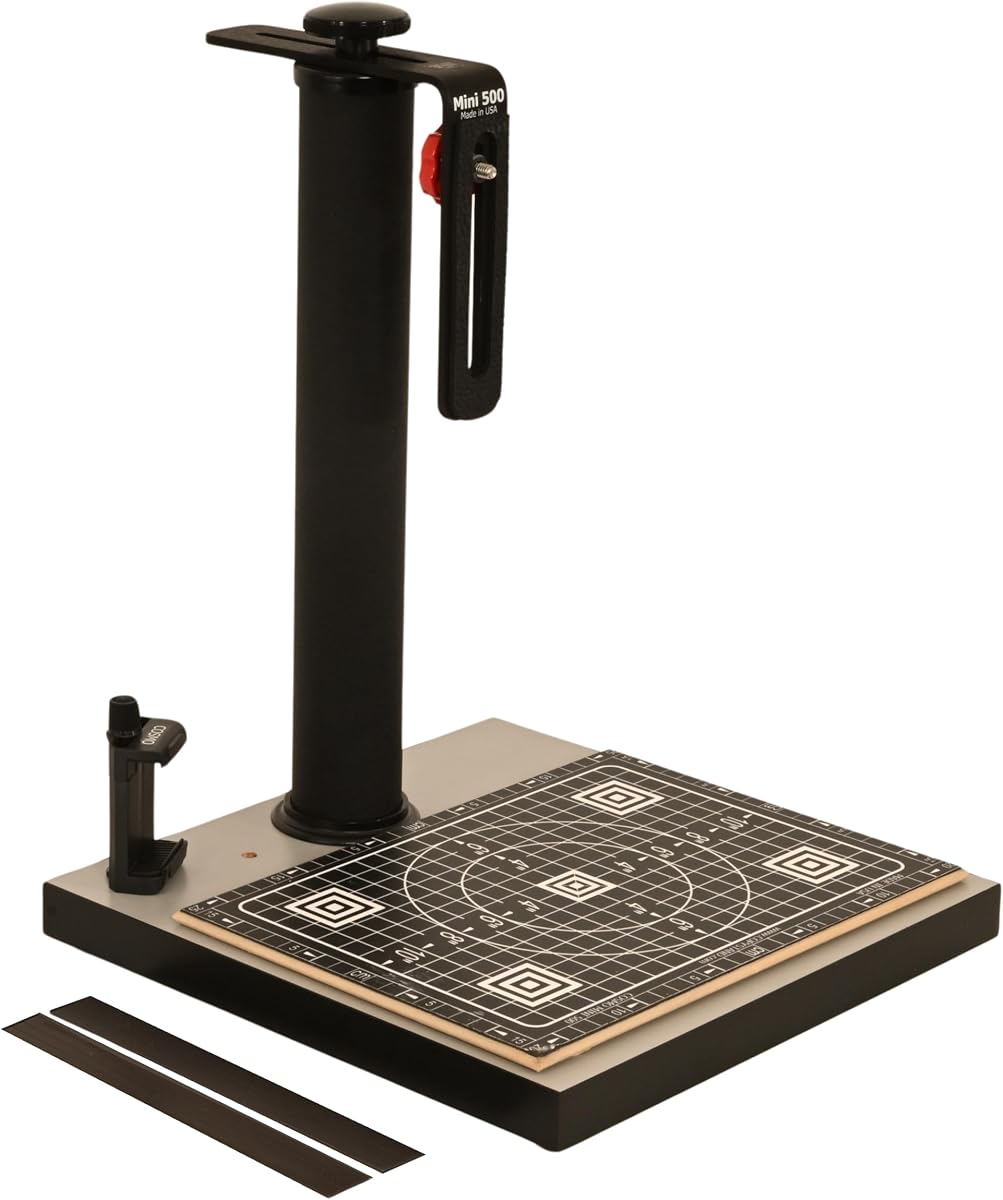
The Mini 500 offers a square base for versatile item placement and improved stability. It supports cameras up to three pounds, making it suitable for DSLR setups.
We may earn a commission when you buy through this link, at no additional cost to you.
Its column height extends up to 19 inches, providing more room for large objects. The integrated phone holder ensures quick smartphone scanning is possible easily.
Some applications like transparency scanning might require an external light box. This limitation is minor for most photo and document digitizing tasks.
Buy this if you need a sturdy mid-range stand for creative work. It supports slides, negatives, and sketches with reliable stability.
The 12×12 inch base offers more workspace and better balance for larger items.
The phone holder fits most devices for easy mobile scanning without extra adapters.
We may earn a commission when you buy through this link, at no additional cost to you.
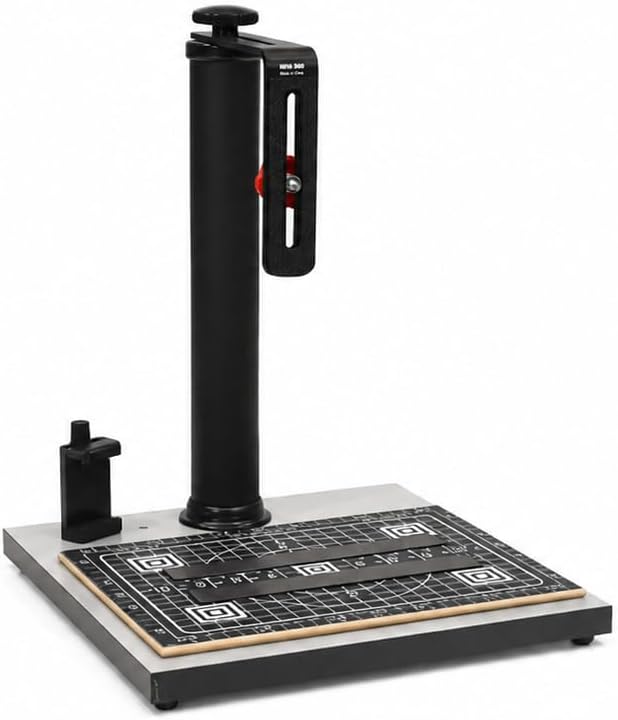
This Mini 500 variant provides a stable platform for digitizing and creative projects. It holds cameras up to three pounds and is easy to assemble.
We may earn a commission when you buy through this link, at no additional cost to you.
The floating magnet board features grid lines for precise alignment and sizing. This aids in keeping originals flat and centered during scanning.
The larger base compared to the Mini 100 offers more flexibility. However, it remains a hobbyist tool rather than a professional studio stand.
Choose this if you want a balance of portability and stability. It is ideal for personal archives and casual art digitizing.
The half-inch grid helps you focus and position items accurately for consistent results.
Designed to last without compromising on portability for home use.
We may earn a commission when you buy through this link, at no additional cost to you.
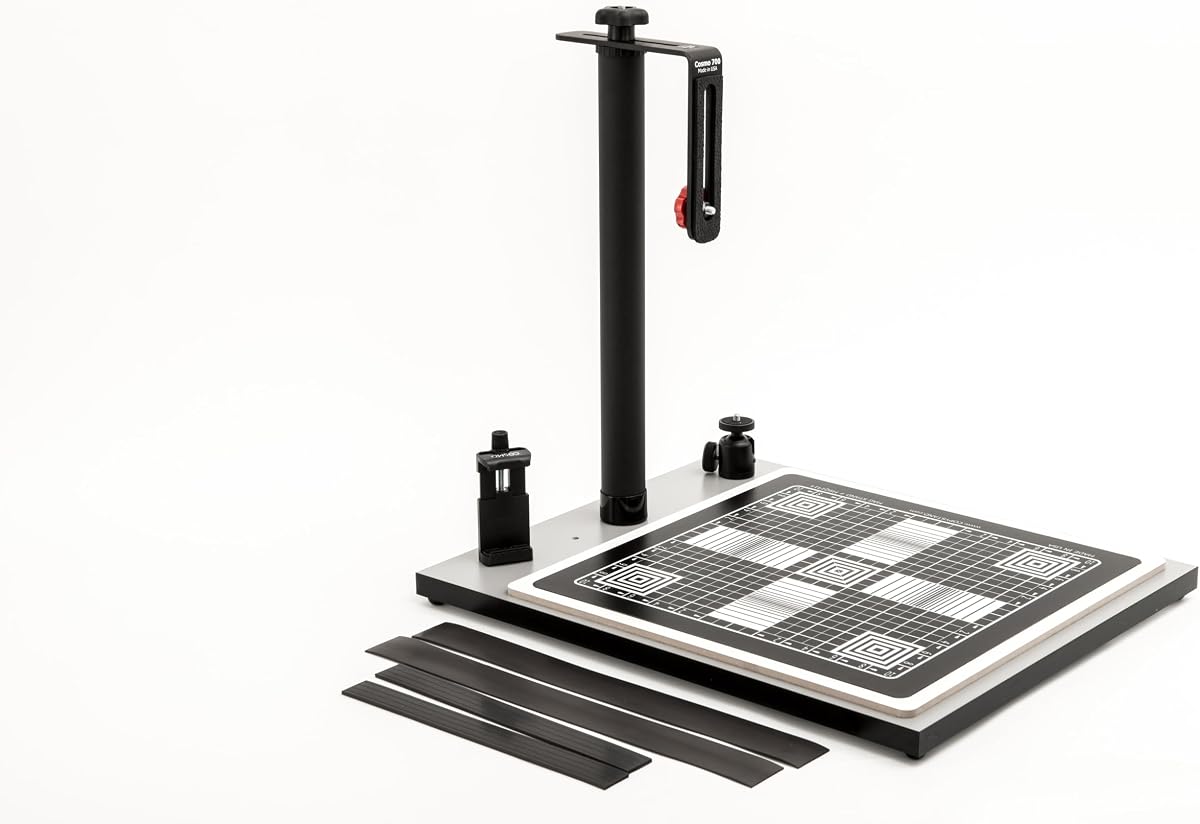
The Mini 700 is perfect for digitizing large documents and food photography. Its 15.5×18.5 inch baseboard offers ample space for big items.
We may earn a commission when you buy through this link, at no additional cost to you.
A large floating magnet board and included ball head enhance versatility. The ball head allows precise angle adjustments for better framing.
At 14 pounds, it is the heaviest hobbyist option. This weight ensures stability for larger objects but limits portability for travel.
Buy this if you need to scan large items or plate dishes. It supports food photographers and sellers needing overhead shots.
The 15.5×18.5 inch surface accommodates large documents and food plates easily.
The ball head ensures precise angle adjustments for consistent overhead shots.
We may earn a commission when you buy through this link, at no additional cost to you.
This stand supports digital sellers needing consistent overhead food shots. The large board holds plates securely for clear and repeatable images.
We may earn a commission when you buy through this link, at no additional cost to you.
The magnetic strips and grid lines help center objects. This ensures consistent framing for social media and e-commerce use.
Its size and weight are suited for fixed workstations. Frequent transport may be difficult for casual photographers.
Choose this if you sell food online or need large scan space. It delivers consistent results for professional-quality presentation.
Designed to meet e-commerce needs for consistent, high-quality overhead shots.
Four magnetic strips hold originals flat for distortion-free images.
We may earn a commission when you buy through this link, at no additional cost to you.
The Kaiser RS1 is designed for professional work requiring maximum stability and precision. It includes a spring compensation mechanism for smooth camera movement.
We may earn a commission when you buy through this link, at no additional cost to you.
Its extra-wide column resists vibration, ensuring sharp copies even with heavy lenses. The matte base provides a non-reflective environment for accurate scans.
At over 1,000 dollars, this is a significant investment. It suits studios where consistent results and durability are non-negotiable.
Buy this if you need a professional-grade copy stand. It delivers reliability for high-volume or demanding digitizing tasks.
The roll-off spring mechanism weights the arm for easy height adjustments without sudden movements.
Extra-wide column minimizes shake for consistent results during shooting.
We may earn a commission when you buy through this link, at no additional cost to you.
This mag stand is a simple yet effective solution for quick digitizing. It can sit on a desk or a copy stand base depending on your needs.
We may earn a commission when you buy through this link, at no additional cost to you.
The precision grid helps align documents for framing. Two magnetic strips secure originals to the surface during photo capture.
It lacks a column, meaning you cannot adjust camera height directly. However, it is the most affordable entry into copy digitizing.
Buy this if you need a budget-friendly base for scanning. It pairs well with existing tripods for a low-cost setup.
Priced lower than other options, making it accessible for casual users.
Can be placed on a desk or copy stand base for flexible use.
We may earn a commission when you buy through this link, at no additional cost to you.
Choosing the right copy stand requires understanding your specific needs, from size to stability and camera compatibility.
Baseboards range from compact 10×8 inches to large 15×18 inches. Larger boards accommodate big documents or plates, while smaller ones save space.
Choose a base size that matches your typical originals.
Adjustable columns allow you to frame different shot sizes. Look for adjustable ranges that fit your desk height.
Ensure the column locks securely for stability.
Some stands support DSLRs and heavy lenses, others only smartphones. Check weight limits to avoid sagging.
Make sure mounting threads match your camera gear.
Many models include floating boards to keep originals flat. This prevents bending and ensures uniform focus.
Look for grid lines to help with alignment.
Metal columns and heavy bases reduce vibration. Look for durable materials like steel and aluminum.
Avoid cheap plastics for long-term use.
If you travel, lighter stands are better. Heavy models offer stability but are harder to move.
Consider your need for mobility versus stability.
Most modern stands assemble in under a minute. Check if tools are needed for setup.
Quick setup saves time when scanning in batches.
Entry-level models are affordable but lack features. Premium stands offer better build and tools.
Pick the level that fits your use case.
First, assemble the stand and ensure the column is locked securely. Place the board on the base and align it with the center.
Second, position your item flat on the board using magnetic strips or tape. Adjust the camera height to frame the subject.
Third, check your lens alignment using grid lines. Use a remote trigger to avoid shaking the camera during the shot.
Yes, many stands support slide scanning. You may need a light box for transparent originals. Ensure your lens is clean and the stand is stable.
They work with DSLRs, mirrorless cameras, and smartphones. Check the weight limit for your camera to avoid bending the arm.
Most copy stands replace tripods. They hold the camera in place. You do not need an extra tripod unless using a unique setup.
Use a soft, dry cloth to wipe dust. Avoid liquids that could damage the finish. Keep the magnetic strips free of debris.
Some stands are designed for hobbyists. Professional work may need heavier-duty models. Check the intended use in the product specs.
Yes, most have phone holders. Ensure your phone fits the width. Align the side hole for accurate centering over the subject.
This guide covered top options from compact hobbyist stands to heavy-duty professional models. Each offers unique benefits for different scanning needs.
Prioritize stability and base size when choosing. Ensure the stand supports your camera weight for best results.
Prices change often so verify current listings before buying. The right stand will make archiving your memories easy.