KTC 5K Monitor 27 Inch
4.4Editor score
Dual Mode 5K and 2K
99% DCI-P3 coverage
65W Type-C fast charging
Finding the right display for professional work or gaming requires careful consideration of resolution and performance. A 27 inch 5K monitor offers exceptional clarity that elevates your creative and entertainment experiences significantly.
We evaluated ten top models based on color accuracy, connectivity options, and gaming capabilities. Our analysis covers everything from professional-grade calibration to high refresh rates for smooth action sequences.
Each pick highlights unique strengths to match your specific workflow needs. Prices fluctuate often so verify current deals before purchasing to ensure you get the best value for your investment.
4.4Editor score

3.6Editor score

3.7Editor score
As an Amazon Associate we earn from qualifying purchases.
The following table provides a side-by-side comparison of all ten selected models highlighting their key specifications and unique features to assist your decision making process.




The ASUS ProArt PA27JCV stands out as a top choice for professionals requiring precise color and high resolution. With a 3.6 rating it delivers a solid experience for design workflows.
We may earn a commission when you buy through this link, at no additional cost to you.
Its factory pre-calibrated accuracy ensures Delta E under two right from the start. The 96W USB-C port allows charging MacBook Pros while maintaining a clean desk setup.
While it lacks high refresh rates for gaming the Auto KVM feature is a huge plus for users managing multiple devices. The included Adobe subscription adds extra value to the package.
Creative professionals who prioritize color fidelity and connectivity will find this monitor highly suitable. It balances performance and utility effectively for office and studio environments.
The display covers 99% DCI-P3 and 100% sRGB ensuring vibrant and accurate visuals. Calman verification confirms reliable output for critical color grading tasks.
Built-in Auto KVM lets you switch control between two computers seamlessly. This reduces clutter and boosts productivity for hybrid workflows.
We may earn a commission when you buy through this link, at no additional cost to you.
Samsung Odyssey G8 delivers high performance for gamers wanting clarity and speed. Its 4.4 rating reflects strong satisfaction among users seeking immersive gameplay experiences.
We may earn a commission when you buy through this link, at no additional cost to you.
The dual mode feature lets you toggle between 5K at 180Hz and QHD at 360Hz. This flexibility ensures crisp visuals in cinematic modes and responsive action in competitive settings.
Fast IPS panels and low latency make motion look smooth. G-SYNC compatibility prevents screen tearing which is crucial for fast-paced titles.
Gamers who demand top tier specs will appreciate this unit. It combines resolution with refresh rates better than most competitors in this class.
Switch between resolutions effortlessly to match your task. Enjoy stunning detail when watching media or high speed during intense gaming sessions.
Includes DP 2.1 and HDMI 2.1 for modern setups. These ports ensure you get the most out of next gen GPUs.
We may earn a commission when you buy through this link, at no additional cost to you.
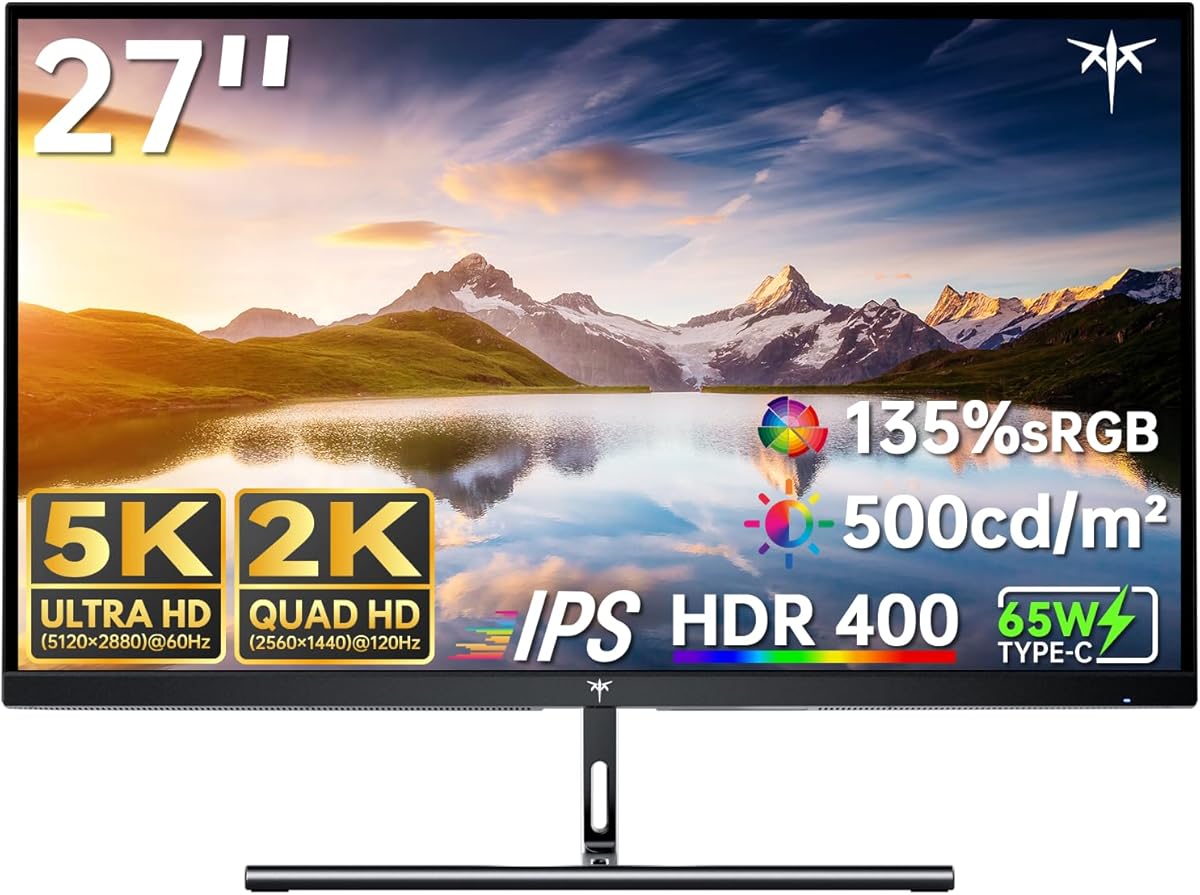
The KTC 5K Monitor offers incredible value for those needing high resolution without breaking the bank. A 4.4 rating highlights its reliability and performance relative to cost.
We may earn a commission when you buy through this link, at no additional cost to you.
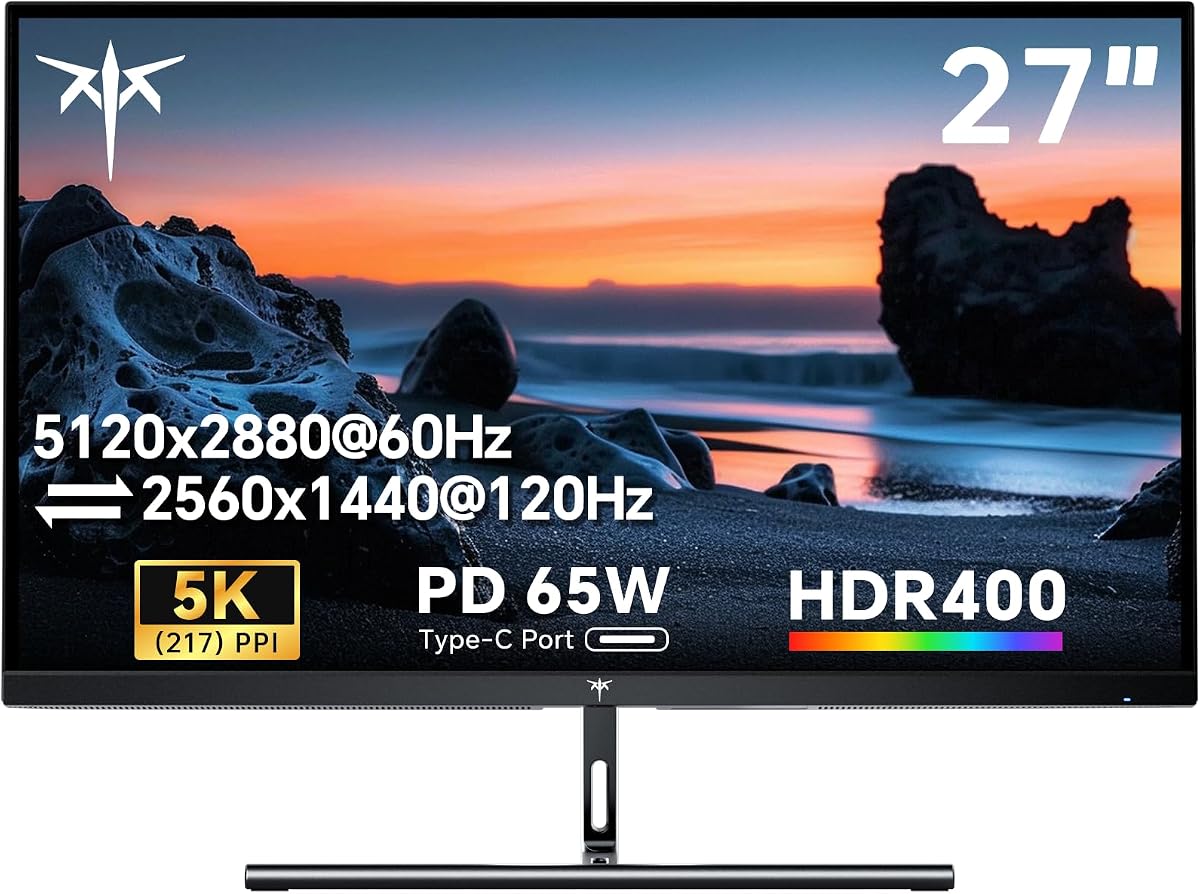
It supports 5K at 60Hz for work and 2K at 120Hz for gaming. This dual capability makes it versatile for both creative tasks and entertainment.
Color coverage includes 99% DCI-P3 which is impressive for the price. The 65W Type-C port charges laptops while driving the display.
Budget conscious users looking for 5K sharpness should consider this model. It delivers professional features at an accessible price point.
Enjoy 5K clarity for editing and switch to 2K for smoother gaming. This feature maximizes the monitor utility for mixed users.
Hardware low blue light reduces fatigue during long sessions. Combined with flicker-free tech it protects eyes effectively.
We may earn a commission when you buy through this link, at no additional cost to you.
KTC 27 Inch 5K is designed specifically to work well with Mac Mini systems. It provides a seamless visual experience for Apple users seeking high resolution.
We may earn a commission when you buy through this link, at no additional cost to you.
The 5K resolution at 60Hz or 2K at 120Hz offers flexibility. It matches the density of Apple displays for sharp text and images.
With 135% sRGB coverage it ensures vibrant colors. The Type-C port supports data and power making cable management simple.
Mac Mini owners who want a desktop upgrade will find this ideal. It brings premium resolution to budget desktop setups effectively.
Specifically tuned for Mac Mini outputs to avoid scaling issues. This ensures crisp rendering of interface elements and media.
HDMI DisplayPort and USB-C ports provide wide compatibility. You can connect consoles or PCs alongside your Mac.
We may earn a commission when you buy through this link, at no additional cost to you.
ASUS ROG XG27JCEG is built for competitive gamers needing speed. Its dual mode allows ultra-fast refresh rates for action games.
We may earn a commission when you buy through this link, at no additional cost to you.
Switch to 2K at 320Hz for near instant response. This gives you an edge in tournaments or ranked matches.
ROG AI features boost shadows and visuals. HDR600 ensures contrast remains high during dark scenes.
Hardcore gamers should prioritize this model for performance. It offers the fastest refresh rates in this category.
Ultra-fast refresh rates ensure smooth motion. This minimizes blur and helps track targets accurately in fast games.
AI visual boosts shadows and crosshairs. These features aid visibility and reaction time during play.
We may earn a commission when you buy through this link, at no additional cost to you.
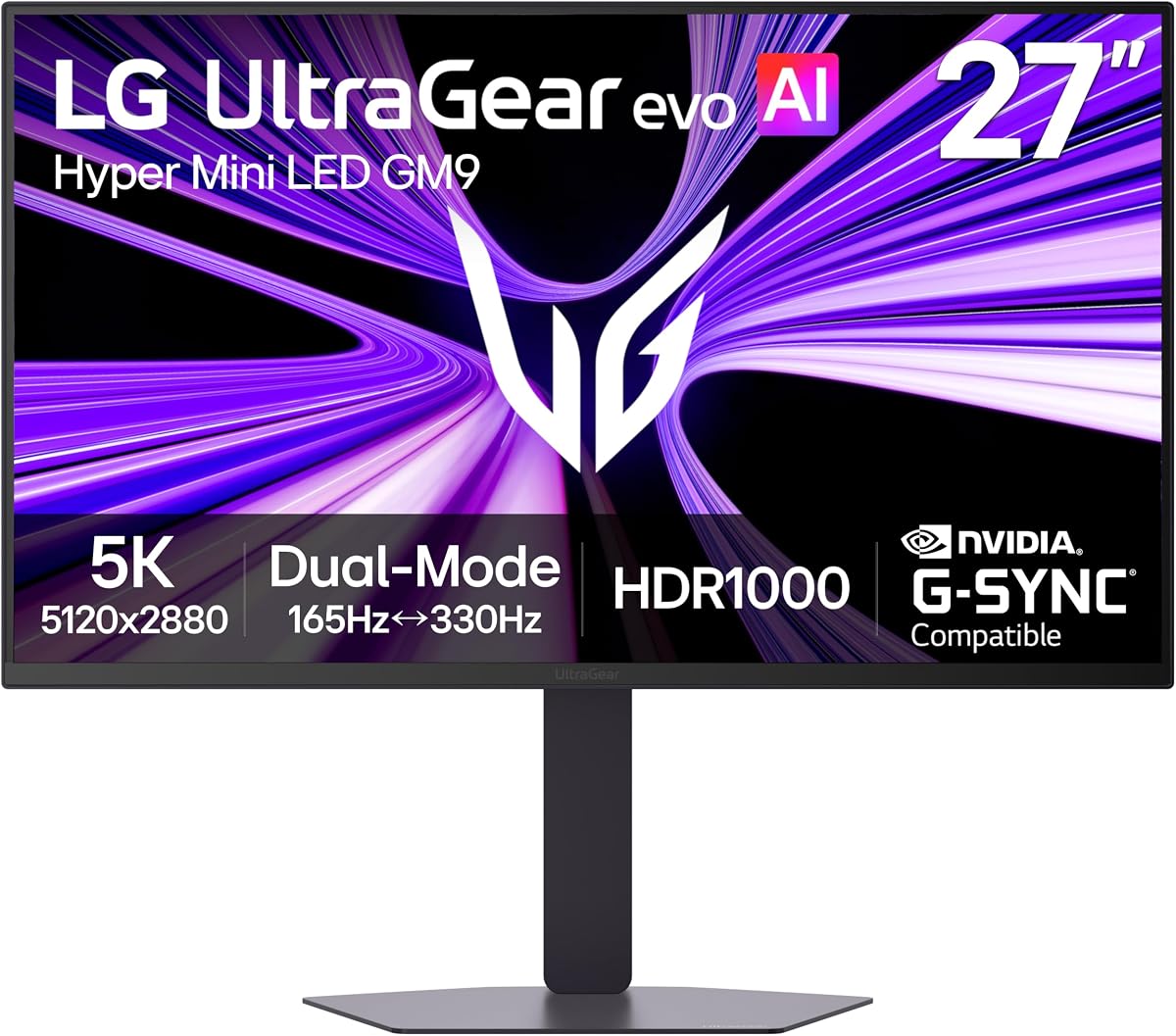
LG 27GM950B-B delivers powerful gaming visuals with Mini-LED. It offers high brightness for impact in dark rooms.
We may earn a commission when you buy through this link, at no additional cost to you.
HDR1000 certification brings deep shadows and bright highlights. This makes explosions and lighting effects stand out vividly.
AI upscaling improves lower resolution content to 5K. This is useful for games that lack native 5K support.
Gamers wanting HDR impact will love this screen. It stands out with bright peaks and deep contrast zones.
HDR1000 rating ensures true impact. Bright peaks stand out while dark areas stay rich in detail.
Built-in AI upscaler sharpens 4K content. This helps maintain clarity across various media.
We may earn a commission when you buy through this link, at no additional cost to you.
Dell S2725QC provides a smooth 4K experience. It is ideal for general office use and casual entertainment.
We may earn a commission when you buy through this link, at no additional cost to you.
120Hz refresh rate makes scrolling text feel fluid. ComfortView Plus reduces blue light for long sessions.
Built-in speakers deliver clear sound for calls. It simplifies your desk without external audio gear.
Users needing 4K without 5K costs will prefer this. It balances features for professional work well.
Low blue light filters reduce eye strain. This helps during long work hours without color shifts.
Enhanced speakers provide richer sound. This eliminates the need for desktop speakers.
We may earn a commission when you buy through this link, at no additional cost to you.
LG 27UP850K-W brings streaming and media together. WebOS allows direct content access via remote control.
We may earn a commission when you buy through this link, at no additional cost to you.
It supports 4K HDR for better visual depth. This enhances movies and shows compared to standard screens.
Built-in stereo speakers add convenience. USB-C supports laptop charging and data transfers easily.
Users who want a smart hub will like this. It simplifies entertainment setups significantly.
WebOS allows direct streaming without a PC. This turns your monitor into an entertainment center.
95% DCI-P3 ensures rich tones. This helps with movies and image viewing.
We may earn a commission when you buy through this link, at no additional cost to you.
BenQ PD2730S is designed for VFX and creative pros. The nano matte panel reduces reflections for consistent viewing.
We may earn a commission when you buy through this link, at no additional cost to you.
Thunderbolt 4 delivers power and data over one cable. This streamlines your desk and supports high speeds.
Color accuracy is reliable for grading work. Daisy chain lets you add another display easily.
Artists needing glare reduction will value this. It offers precision and stability for creative output.
Nano matte diffuses ambient light. This reduces glare and improves visibility in bright offices.
Expand your setup to two 5K screens. This maximizes workspace for complex projects.
We may earn a commission when you buy through this link, at no additional cost to you.
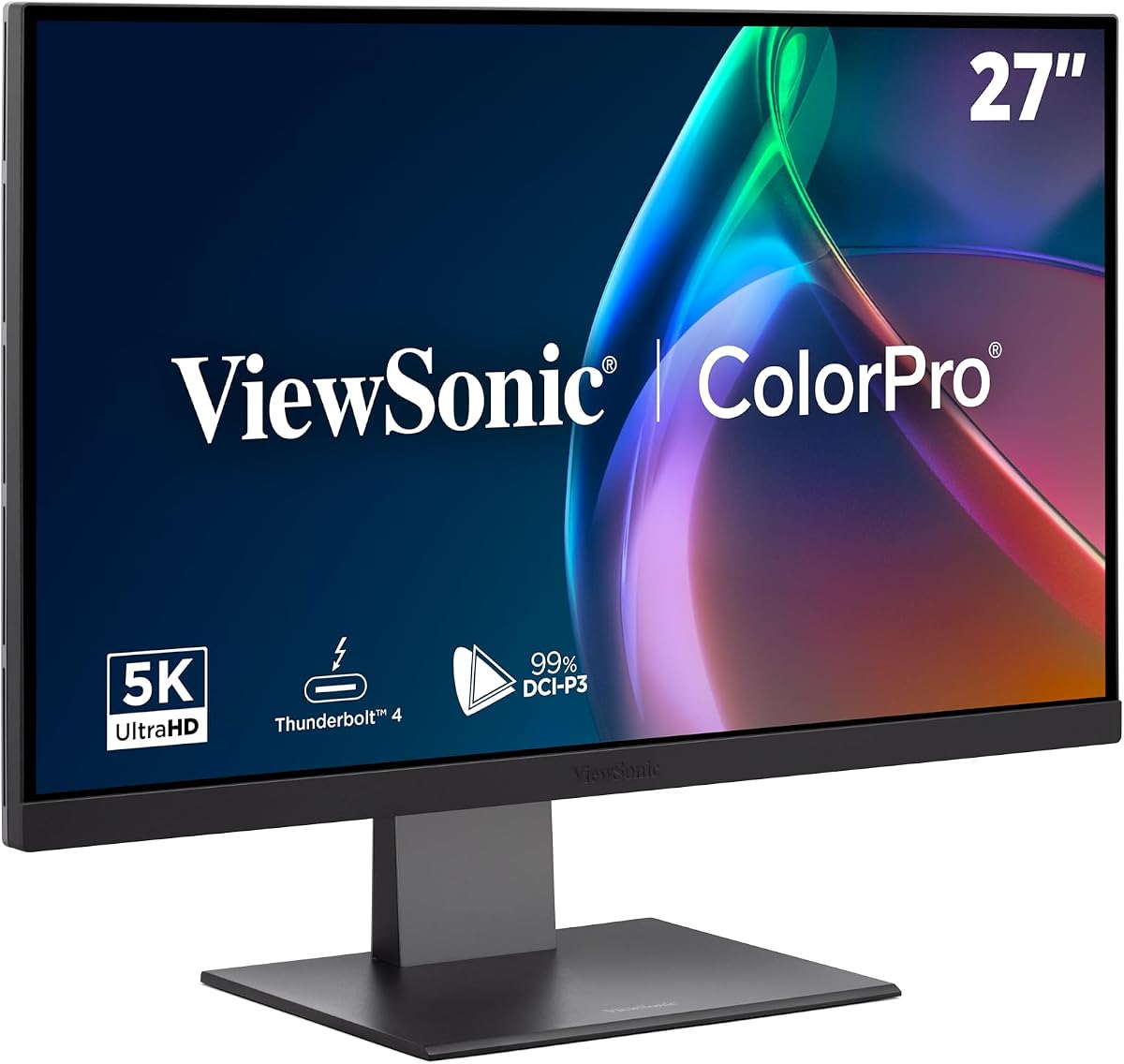
ViewSonic VP2788-5K targets professional designers. It is Pantone validated for consistent color results.
We may earn a commission when you buy through this link, at no additional cost to you.
100W power delivery charges Macs quickly. 100% sRGB ensures accurate reproduction of standard colors.
The stand is fully adjustable for comfort. This supports long sessions without strain.
Designers needing color certainty should pick this. It delivers reliable outputs for commercial work.
This display reproduces Pantone colors accurately. This ensures consistency with industry standards.
Seamlessly integrates with macOS color space. It aligns perfectly with Apple system settings.
We may earn a commission when you buy through this link, at no additional cost to you.
Choosing the right 27 inch 5K monitor involves understanding your specific needs for work or play. Key factors include color accuracy, refresh rate, connectivity options, and build quality.
5K resolution (5120×2880) offers about 218 PPI which is excellent for text and image clarity. This pixel density matches high-end desktop experiences and makes details sharp.
Always verify pixel density matches your workflow needs for text legibility and workspace efficiency.
For professional work look for 100% sRGB and 95%+ DCI-P3 coverage. Delta E under two ensures factory calibration is accurate.
Check for Pantone or Calman validation if precise color is critical for your output.
Gamers should aim for high refresh rates like 160Hz or higher. Fast response times reduce motion blur in action games.
For creative work 60Hz is usually sufficient but dual mode can offer flexibility.
USB-C with power delivery (65W or higher) simplifies laptop connections. DisplayPort and HDMI 2.1 support higher bandwidths.
Ensure the monitor supports the ports your devices use for video and charging.
A stand with height adjustment, tilt, and swivel improves posture. Look for matte panels to reduce glare in bright rooms.
Quality chassis and adjustable stands help maintain comfort during long sessions.
HDR400 or HDR600 provides better contrast for media and gaming. HDR1000 is ideal for high-end cinematic experiences.
Check if HDR supports peak brightness that matches your viewing environment.
Look for warranties of 3 years or more. Extended warranties add protection for costly display panels.
Reliable support from the brand ensures issues get resolved quickly if they arise.
Features like KVM, daisy chaining, and built-in speakers add convenience. These reduce cable clutter and improve workflow.
Consider which extras matter most to your daily routine before purchasing.
To get the most out of your 27 inch 5K monitor start by adjusting brightness and contrast for your room lighting. Use built-in presets if available to match your needs for work or gaming.
Keep the screen clean with a soft microfiber cloth to avoid scratches. Avoid harsh chemicals or sprays that can damage the panel coatings or coatings.
Update firmware and drivers periodically to ensure optimal performance. This helps maintain color accuracy and connectivity stability over time.
5K is excellent for detailed editing and design as it provides more real estate than 4K. It makes text sharper and reduces scaling issues on Mac systems. For casual use it may be less critical but beneficial.
For creative work 60Hz is sufficient. Gamers may prefer 144Hz or higher for smooth motion. Many monitors offer dual mode to switch between 5K at lower rates and lower resolution at high rates.
Yes, many models include USB-C power delivery ranging from 65W to 100W. This charges laptops while sending video and data over one cable for a tidy desk.
Accurate colors ensure your designs look consistent across devices. Professional monitors offer wide gamut coverage and pre-calibration to avoid color shifts during edits.
Most modern GPUs support 5K at 60Hz. For high refresh rates you may need a powerful card. Check compatibility before purchasing to ensure smooth performance.
KVM allows you to control two computers with one keyboard and mouse. This increases productivity by letting you switch systems instantly without changing peripherals.
Dual mode lets you switch between 5K at 60Hz for detail and lower resolutions at high refresh rates for speed. This flexibility supports both creative and gaming workflows.
Matte panels reduce glare and reflections in bright environments. Glossy screens may offer deeper blacks but can be distracting with ambient light.
We reviewed ten models ranging from budget options to premium professional displays. The ASUS ProArt PA27JCV leads as our top pick for color accuracy and utility.
Prioritize your needs whether it is gaming speed, design precision, or value. Dual mode features offer flexibility for those who need both performance and clarity.
Prices and availability change frequently so check current offers before buying. Your right choice depends on balancing features with your specific budget requirements.