
Dell 27 Monitor S2725QS
4.4Editor score
4K UHD IPS Display
120Hz Refresh Rate
ComfortView Plus Technology
Finding the right AI ready monitors can transform your digital workspace by enhancing visual clarity and intelligent task management capabilities effectively.
We compared leading models based on resolution, refresh rates, AI features, and connectivity to help you choose the perfect display for your needs.
Each pick highlights key strengths and ideal use cases so you can make an informed decision quickly since prices and availability change frequently.
4.4Editor score

4.5Editor score

4.3Editor score
As an Amazon Associate we earn from qualifying purchases.
This side-by-side comparison highlights the key specifications and unique features of each top model to help you find the best fit.



The Dell 27 Monitor S2725QS offers an impressive balance of performance and affordability for users seeking a high-quality display without breaking the bank. Its 4K UHD resolution provides crisp details that enhance both work productivity and media consumption experiences effectively.
We may earn a commission when you buy through this link, at no additional cost to you.
With AMD FreeSync Premium support and a 120Hz refresh rate, this monitor delivers smooth visuals ideal for multitasking and casual gaming. The IPS panel ensures wide viewing angles and vibrant colors, while ComfortView Plus reduces eye strain during long sessions.
While it lacks USB-C connectivity and advanced smart features, its focus on core display quality makes it a solid choice for budget-conscious buyers. The modern design with minimal bezels fits well in any home office setup.
If you need a reliable 4K monitor for general use and occasional gaming, this Dell model stands out as an excellent entry point into high-resolution displays.
The 4K resolution combined with ComfortView Plus ensures clear visuals while protecting your eyes from harmful blue light during extended use.
FreeSync Premium and 120Hz refresh rate deliver tear-free images perfect for dynamic content and responsive gaming experiences.
We may earn a commission when you buy through this link, at no additional cost to you.
The LG 27UP850K-W is a standout choice for creative professionals and power users who demand exceptional color reproduction and versatile connectivity. Its 95% DCI-P3 coverage ensures accurate colors critical for design and video editing work.
We may earn a commission when you buy through this link, at no additional cost to you.
With USB-C connectivity supporting up to 90W power delivery, you can connect and charge a laptop with a single cable. DisplayHDR 400 enhances contrast and brightness for more immersive media viewing and content creation workflows.
Although the built-in speakers are decent, they may not satisfy audiophiles. However, the ergonomic adjustability and robust build quality make it a reliable long-term investment for any desk setup.
This monitor is ideal for those seeking a premium blend of productivity features and visual performance without sacrificing connectivity options.
The wide DCI-P3 color gamut and DisplayHDR 400 support ensure vibrant, true-to-life colors for professional creative tasks.
USB-C with 90W power delivery simplifies your workspace by providing both data transfer and device charging through one port.
We may earn a commission when you buy through this link, at no additional cost to you.
The Samsung 40 ViewFinity S8 offers a stunning 5K2K resolution on a spacious 40-inch curved display, ideal for multitasking and immersive workflows. Its Thunderbolt 5 support ensures ultra-fast data transfer and up to 140W charging for connected devices.
We may earn a commission when you buy through this link, at no additional cost to you.
Built-in KVM switch allows seamless control of multiple computers with a single keyboard and mouse setup. This feature combined with Picture-by-Picture modes makes it perfect for professionals managing multiple devices simultaneously.
While the price is high and demands powerful hardware to fully utilize the resolution, the productivity gains are significant. The ergonomic design ensures comfort during long work hours with customizable height and tilt.
This premium monitor is best suited for power users and multitaskers who need maximum screen space and advanced connectivity for high-performance computing.
The KVM switch and wide screen real estate streamline workflows by letting you manage multiple systems effortlessly on one display.
Thunderbolt 5 connectivity provides blazing fast data speeds and high power delivery for efficient device integration and charging.
We may earn a commission when you buy through this link, at no additional cost to you.
The Samsung 32 Smart Monitor M7 stands out as a standalone entertainment and productivity hub that doesn't require a connected PC for many tasks. Its Vision AI optimizes picture quality automatically based on content and ambient lighting.
We may earn a commission when you buy through this link, at no additional cost to you.
Built-in streaming apps and Samsung Gaming Hub provide instant access to entertainment without extra hardware. The Active Voice Amplifier enhances audio clarity in noisy environments ensuring you never miss dialogue in movies or calls.
While ideal for casual use and smart home management, serious gamers might find input lag slightly higher compared to dedicated gaming monitors. However, the 4K resolution and smart features make it versatile for mixed use.
Choose this model if you want an all-in-one smart display for media, light work, and smart home control without cluttering your desk with a computer.
Vision AI and smart home tools allow automatic visual optimization and easy device control directly from the monitor interface.
Stream content and play games without a PC thanks to built-in apps and cloud gaming support for a streamlined setup.
We may earn a commission when you buy through this link, at no additional cost to you.
The LG 27U730SA-W combines a 4K IPS display with LG's webOS smart platform offering seamless access to streaming apps and cloud services. It supports Remote PC functionality allowing you to access your desktop remotely without a physical connection.
We may earn a commission when you buy through this link, at no additional cost to you.
AI dynamic tone mapping enhances brightness and contrast for optimized visuals. USB-C power delivery up to 65W simplifies connectivity for laptops while AirPlay 2 and screen share enable easy wireless content projection.
Though webOS navigation might feel slightly sluggish compared to a PC interface, the convenience of standalone streaming and remote access is valuable. The stand offers great flexibility with pivot and height adjustments.
This monitor suits users who want smart features and remote access capabilities alongside a high-quality display for both work and entertainment purposes.
The built-in webOS platform gives you direct access to streaming apps and remote tools without needing a connected computer.
AirPlay 2 and screen share allow effortless wireless content sharing from mobile devices to your large display screen.
We may earn a commission when you buy through this link, at no additional cost to you.
The Samsung 32 M8 Series uses AI upscaling to boost lower resolution streaming content to near 4K clarity enhancing your viewing experience. This NQM AI Processor ensures sharper images and vibrant colors even with standard HD feeds.
We may earn a commission when you buy through this link, at no additional cost to you.
A SlimFit camera allows video conferencing directly without external hardware while the SolarCell Remote offers eco-friendly operation. Active Voice Amplifier Pro analyzes background noise to optimize dialogue clarity for better communication and entertainment.
Gaming Hub access adds another dimension without needing a console making it versatile for entertainment users. The ergonomic stand adjusts height and tilt for long comfortable viewing sessions.
Ideal for those who stream frequently and want smarter picture optimization plus integrated video conferencing capabilities on a single device.
AI upscaling refines standard streaming content to look sharper and more detailed on the 4K display.
The solar powered remote eliminates battery waste while maintaining full control over monitor and smart functions.
We may earn a commission when you buy through this link, at no additional cost to you.
The ASUS ROG XG27ACS delivers high-performance gaming with a 180Hz refresh rate and 1ms response time ensuring fluid gameplay free from motion blur. Its Fast IPS panel provides vibrant colors and wide viewing angles for immersive visual experiences.
We may earn a commission when you buy through this link, at no additional cost to you.
G-SYNC Compatible technology prevents screen tearing while DisplayWidget Center simplifies settings adjustment via mouse. USB-C hub support helps connect peripherals without extra cables making your setup cleaner and more efficient.
While it lacks smart TV features and speakers focus is squarely on competitive gaming performance and responsiveness. The included Adobe subscription adds value for creators who game as well.
This monitor is the perfect choice for gamers and competitive players seeking top-tier speed and image quality without unnecessary distractions.
180Hz refresh and 1ms response deliver ultra-smooth motion essential for competitive gaming and fast-paced action.
USB-C hub capabilities allow easy connection of accessories without needing extra docking stations or adapters.
We may earn a commission when you buy through this link, at no additional cost to you.
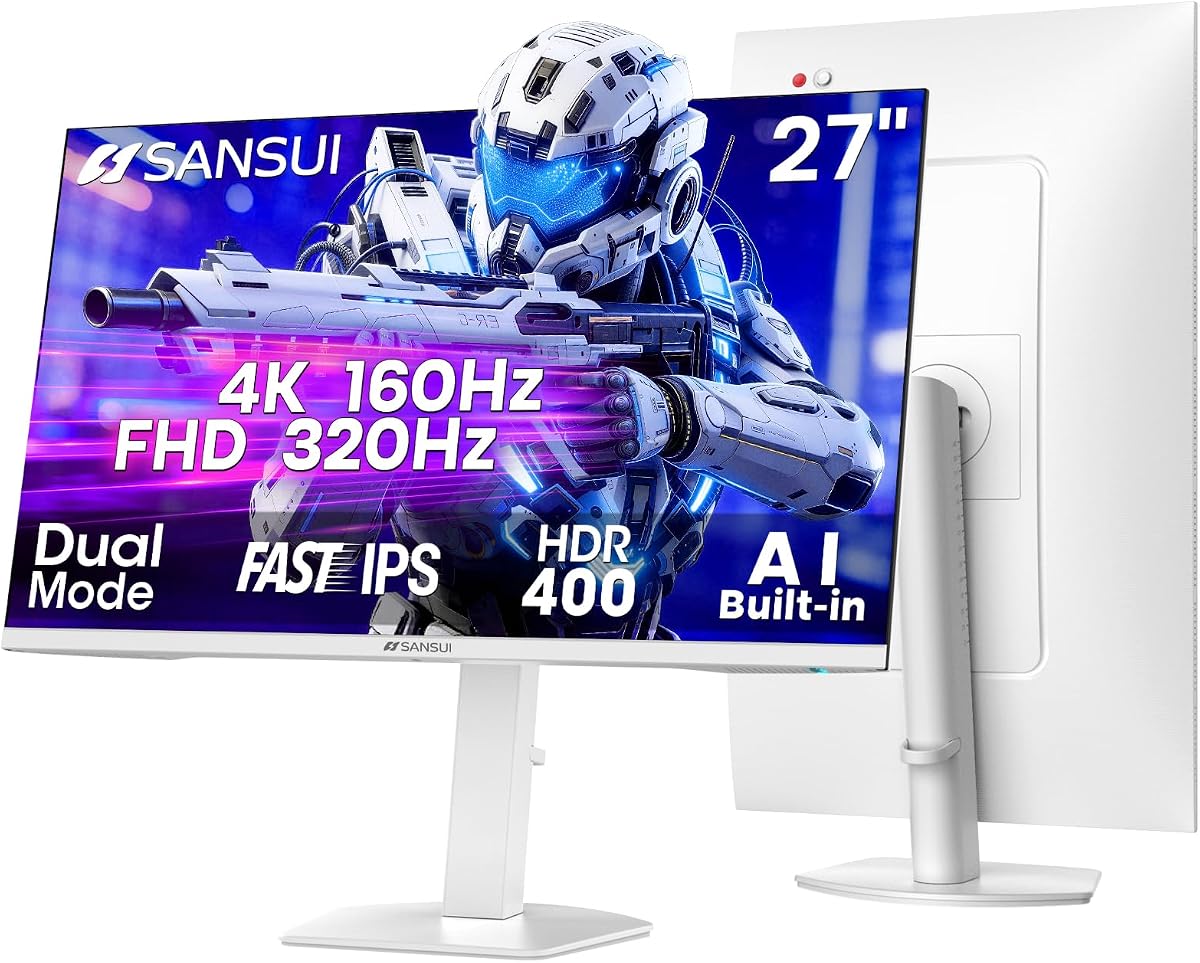
The SANSUI 27 Gaming Monitor offers unique dual mode flexibility switching between 4K resolution or higher refresh FHD modes based on your needs. This versatility makes it great for both detailed work and fast-paced competitive gaming.
We may earn a commission when you buy through this link, at no additional cost to you.
AI Crosshair and Sniper Scope features enhance aim precision in FPS titles. HDMI 2.1 and DP 1.4 ensure compatibility with next-gen consoles and PC hardware while built-in speakers provide convenient audio output.
Though HDR performance is decent rather than exceptional the eye care tech helps reduce strain during long sessions. The rotating stand adds ergonomic value allowing you to view content in portrait or landscape.
Ideal for gamers who want flexibility between resolution and speed without buying multiple monitors for different use cases.
Switch between 4K clarity and high refresh FHD easily to match your content or gaming style instantly.
AI Crosshair tools help improve targeting accuracy and immersion during intense first-person shooter gameplay sessions.
We may earn a commission when you buy through this link, at no additional cost to you.
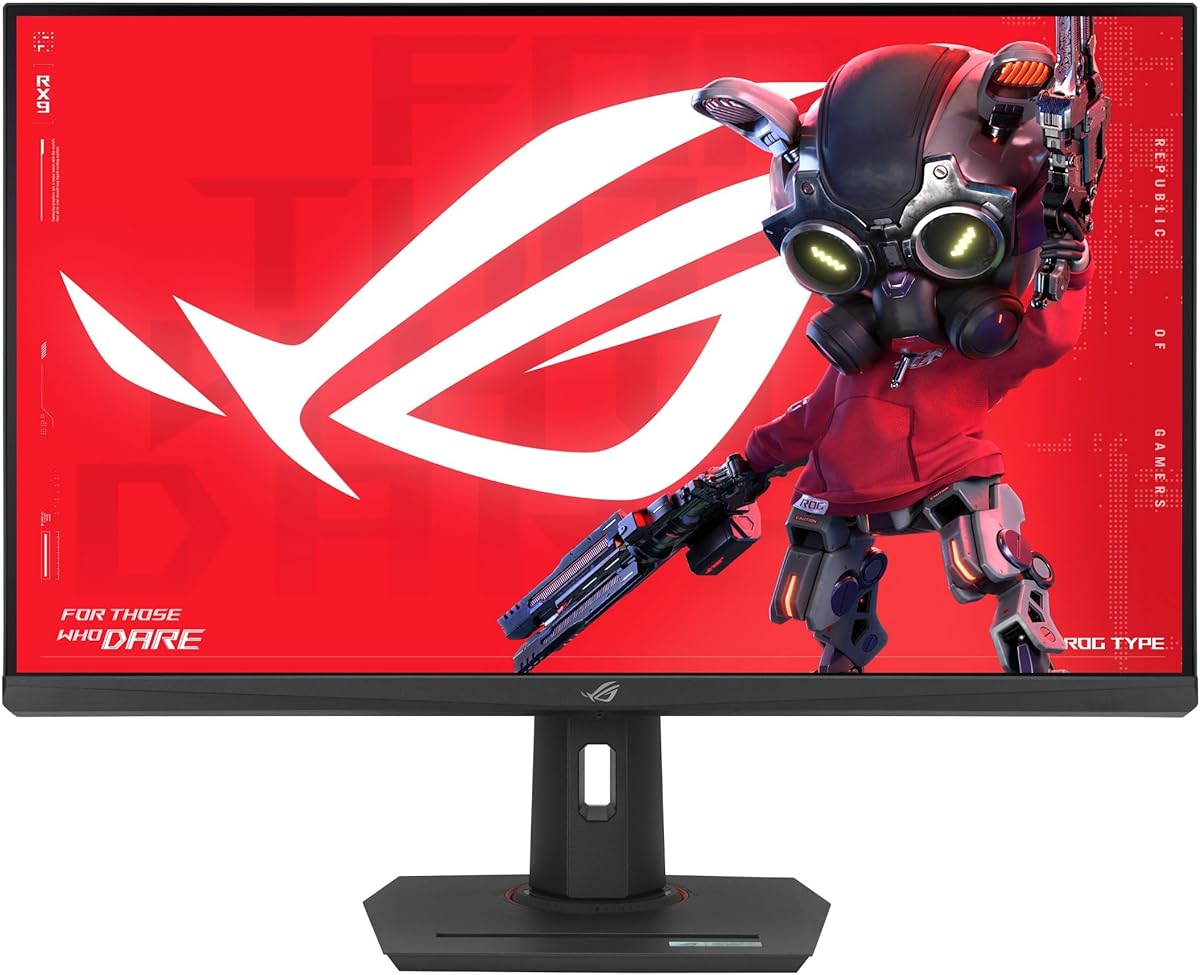
The ASUS ROG XG32UCG is a powerhouse gaming monitor combining 4K resolution with high refresh rates through dual mode technology. You get crisp visuals at 160Hz or extreme speed at 320Hz in FHD mode for maximum competitive edge.
We may earn a commission when you buy through this link, at no additional cost to you.
ROG Gaming AI optimizes visuals dynamically while DisplayWidget Center simplifies adjustments on the fly. Color accuracy and fast response times make it suitable for both creative work and intense gaming scenarios.
Its price is higher than average but the performance justifies the cost for serious gamers needing top-end specs. The included Adobe subscription adds extra value for creators who also game.
Choose this for a top-tier gaming experience that doesn't compromise on resolution, speed, or color fidelity.
160Hz refresh in 4K offers ultra smooth visuals rare in high resolution gaming monitors for stunning clarity.
ROG Gaming AI enhances visuals and responsiveness automatically for an immersive competitive gaming advantage.
We may earn a commission when you buy through this link, at no additional cost to you.
The SANSUI 34 Curved Gaming Monitor delivers an immersive 34-inch ultrawide experience with fast refresh rates perfect for dynamic content. Its curved design wraps around your field of view enhancing depth and focus during work or gaming.
We may earn a commission when you buy through this link, at no additional cost to you.
AI blue light reduction and eye care features help protect vision during extended sessions. With HDMI 2.1 and high refresh rates it supports next-gen console gaming and smooth PC experiences without breaking the bank.
While VA panels may have slightly slower response times than IPS the value here is excellent for those wanting screen real estate. The 1500R curvature ensures natural viewing angles from any seat position.
This monitor is the best budget option for creators gamers wanting an ultrawide format with solid performance and eye comfort features.
34-inch curved design expands field of view for better focus and immersion in games and multimedia content.
High refresh rates and AI eye care provide top tier features at an accessible price for most users.
We may earn a commission when you buy through this link, at no additional cost to you.
Choosing the right AI ready monitor requires evaluating resolution, refresh rates, connectivity, and smart features to match your workflow needs.
Higher resolutions like 4K or 5K2K provide sharper text and images improving productivity and media quality. Look for monitors offering high pixel density for detailed work like photo editing or multitasking.
Prioritize at least 4K resolution if you work with graphics or need crisp text clarity for long hours.
Refresh rates determine how smooth motion appears especially in gaming or video content. High refresh rates like 120Hz or 200Hz reduce motion blur and improve responsiveness significantly.
Choose higher refresh rates if you game or watch fast-paced video content regularly for smoother visuals.
AI features include picture optimization voice control and smart app integration enhancing convenience and visual quality. These tools adjust brightness or noise in real time to suit your environment.
Look for Vision AI or active voice amplifiers if you want automated adjustments and smarter interaction with your display.
Ports like USB-C HDMI and DisplayPort determine how easily you connect devices. USB-C with power delivery simplifies cabling by providing video and charging through one connection.
Ensure your monitor has enough ports and power delivery for all your devices to avoid adapter clutter.
IPS panels offer better color accuracy and viewing angles while VA panels provide higher contrast. Choose IPS for creative work and VA for deeper blacks in media consumption.
IPS is generally preferred for productivity while VA suits cinematic experiences better.
Adjustable stands with height tilt and swivel improve comfort during long sessions. A sturdy build ensures durability and stability on your desk surface.
Opt for ergonomic stands to reduce neck strain and maintain proper posture while using your monitor.
HDR support enhances contrast and brightness for more vivid images and deeper blacks. Color gamut coverage like DCI-P3 ensures accurate colors for professional editing.
Look for DisplayHDR 400 or higher and wide color gamuts if you work with visual media.
Smart OS platforms allow streaming and app use without a PC. Check if the platform supports your favorite apps and offers smooth navigation.
Choose monitors with webOS or similar platforms if you want standalone entertainment and smart home control.
Start by connecting your devices via HDMI or USB-C and adjusting display settings in your OS for best clarity. Calibrate brightness and color to match ambient lighting conditions effectively.
Keep your screen clean using a microfiber cloth and avoid harsh chemicals that damage coatings. Regular dusting prevents buildup that can reduce visibility over time.
Use smart features like AI tone mapping to automatically adjust visuals based on content. Update firmware periodically for improved performance and security features.
AI ready monitors include built-in artificial intelligence features such as automatic brightness adjustment noise cancellation and visual optimization. These tools enhance user experience without requiring manual settings changes often.
Not all models support USB-C charging but many of the recommended ones do. Check the USB-C power delivery rating to ensure it meets your laptop requirements before buying.
Yes most of these monitors offer high refresh rates and low response times suitable for gaming. Some include G-SYNC or FreeSync support to prevent screen tearing during play.
Smart features like app streaming and remote access add convenience especially if you lack a nearby PC. However dedicated users might prefer simpler setups with external streaming devices.
For productivity tasks like coding or design 4K or 5K2K resolution provides ample screen real estate and sharp text. Higher resolutions reduce the need for constant scrolling and zooming.
IPS panels are generally best for color accuracy and viewing angles while VA panels offer better contrast. Choose based on your priority for vibrant colors or deep blacks.
Our top picks include the Dell S2725QS for budget value the LG 27UP850K-W for creators and the Samsung 40 ViewFinity S8 for premium productivity.
Prioritize refresh rate and connectivity needs based on whether you game or work heavily with visual content daily. AI features add convenience but may not be essential for all users.
Remember to verify current pricing and availability as deals change frequently. Selecting the right monitor enhances both comfort and productivity significantly over time.