
AOC 24" Gaming Monitor FHD 200Hz IPS NVIDIA G-SYNC Compatible 0.3ms 24G42HE
4.6Editor score
200Hz refresh rate
0.3ms MPRT response
116% sRGB gamut
Frameless design
Choosing the right monitor can transform your computing experience. Whether you need speed for gaming or clarity for work, AOC offers reliable options for every budget and preference.
We evaluated ten top models based on performance specs, display technology, and user feedback. Our analysis highlights standout features like refresh rates and panel types to guide your decision.
Each pick below shows key specs and real strengths. Prices fluctuate often, so verify current listings before buying to ensure you get the best value available today.
4.6Editor score

4.6Editor score
4.4Editor score
As an Amazon Associate we earn from qualifying purchases.
This table compares all ten models side by side. Review the specs to find the perfect match for your needs and budget quickly.


This model delivers top-tier speed with a 260Hz refresh rate and 0.3ms response time. Its QHD IPS panel ensures sharp details and wide viewing angles for competitive gaming.
We may earn a commission when you buy through this link, at no additional cost to you.
Adaptive Sync and G-SYNC support eliminate screen tearing for smooth gameplay. The 300-nit brightness and frameless design enhance immersion and clarity in various environments.
While the contrast ratio is standard for IPS, the speed and color accuracy make up for it. Tilt adjustment is limited, but the overall performance remains high.
Ideal for fast-paced gamers who prioritize refresh rates and color fidelity. This monitor balances speed and visuals effectively for most setups.
The 260Hz refresh rate ensures minimal blur during rapid motion in games like shooters or racing titles.
IPS technology provides consistent colors across wide angles, making it suitable for collaborative work or shared viewing.
We may earn a commission when you buy through this link, at no additional cost to you.
This compact monitor offers exceptional speed at a budget-friendly price point. Its 200Hz refresh rate and 0.3ms response time make it ideal for esports.
We may earn a commission when you buy through this link, at no additional cost to you.
The 116% sRGB gamut delivers vivid colors despite its lower cost. Frameless design allows for easy dual-monitor setups without distracting bezels.
Console gamers benefit from low input lag and up to 120Hz support. The only trade-off is the smaller screen size compared to larger 27 inch options.
Great for budget-conscious gamers who want high refresh rates and solid color performance. It maximizes console and PC value effectively.
Supports up to 120Hz on consoles for smooth transitions and low latency during competitive matches.
The 116% sRGB coverage ensures rich visuals that pop even in standard gaming scenarios.
We may earn a commission when you buy through this link, at no additional cost to you.
This OLED monitor offers unmatched visual fidelity with deep blacks and over 1.07 billion colors. The 280Hz refresh rate ensures ultra-smooth performance.
We may earn a commission when you buy through this link, at no additional cost to you.
G-SYNC and adaptive sync guarantee fluid gameplay without tearing. The built-in lighting adds a customizable aesthetic to your gaming setup.
HDR10 enhances contrast and color depth significantly. While premium priced, the visual quality justifies the cost for enthusiasts seeking the best.
Perfect for those who want the best display tech available. It combines speed, color, and immersion for an elite gaming experience.
Self-luminous OLED pixels provide genuine blacks and extreme color accuracy for stunning visuals.
Customizable RGB lighting on the back enhances immersion and syncs with other AOC devices.
We may earn a commission when you buy through this link, at no additional cost to you.
Designed for work and multimedia, this 4K UHD monitor delivers sharp text and detailed images. The IPS panel ensures consistent colors across wide angles.
We may earn a commission when you buy through this link, at no additional cost to you.
Built-in speakers add convenience for casual media consumption without extra hardware. The 350 cd/m2 brightness makes it suitable for brightly lit offices.
While not a gaming-focused model, it handles general content creation well. The frameless design supports a clean, professional desk aesthetic.
Ideal for professionals needing high resolution and eye comfort. It prioritizes clarity over speed for daily tasks and media.
4K resolution provides crisp text and detailed visuals perfect for creative work or spreadsheets.
Built-in speakers simplify setup by eliminating the need for external audio devices.
We may earn a commission when you buy through this link, at no additional cost to you.
This model offers a large 27-inch screen at a budget price with impressive speed. It overclocks to 260Hz for ultra-smooth motion in fast games.
We may earn a commission when you buy through this link, at no additional cost to you.
Adaptive Sync support ensures fluid visuals without tearing. Flicker-free technology and low power usage make it comfortable for long sessions.
While FHD resolution is lower than QHD, the speed compensates for competitive gaming. The sleek design blends well with any gaming setup.
Perfect for gamers wanting a large screen without high costs. It balances speed and affordability effectively for competitive play.
Offers high refresh rates and overclocking at a price point accessible to most users.
Flicker-free tech reduces eye strain while Eco Mode keeps power consumption low.
We may earn a commission when you buy through this link, at no additional cost to you.
This curved monitor wraps around your vision for deep immersion. The 32-inch QHD panel with 1500R curvature brings you into the action.
We may earn a commission when you buy through this link, at no additional cost to you.
SmartContrast ratio offers deep blacks and vibrant colors. Console gamers can enjoy up to 120Hz for smooth performance on next-gen systems.
LowBlue Mode and warranty protection add value for long usage. While not the fastest, the immersive design stands out for racing or RPG titles.
Best for players seeking a large, enveloping view. It delivers rich visuals and comfort for extended play sessions.
Curved design pulls your eyes into the screen for a more engaging gaming experience.
VA panel delivers excellent black levels for dramatic visuals in dark game scenes.
We may earn a commission when you buy through this link, at no additional cost to you.
A large curved screen combined with 240Hz speed creates a unique mix. It offers immersion while keeping motion crisp for competitive shooters.
We may earn a commission when you buy through this link, at no additional cost to you.
Low latency enhances responsiveness in multiplayer games. The 3-3-1 Re-Spawn program provides reliable warranty support for peace of mind.
While FHD on 32 inches may seem pixel-dense, the speed remains strong. It suits those who prioritize refresh rates over sharp details.
Ideal for large-screen fans who still need high frame rates. It balances size and performance effectively for competitive gaming.
Combines a large 32-inch view with 240Hz refresh for fast-paced action.
The Re-Spawn program offers comprehensive warranty coverage including replacement and accidental damage.
We may earn a commission when you buy through this link, at no additional cost to you.
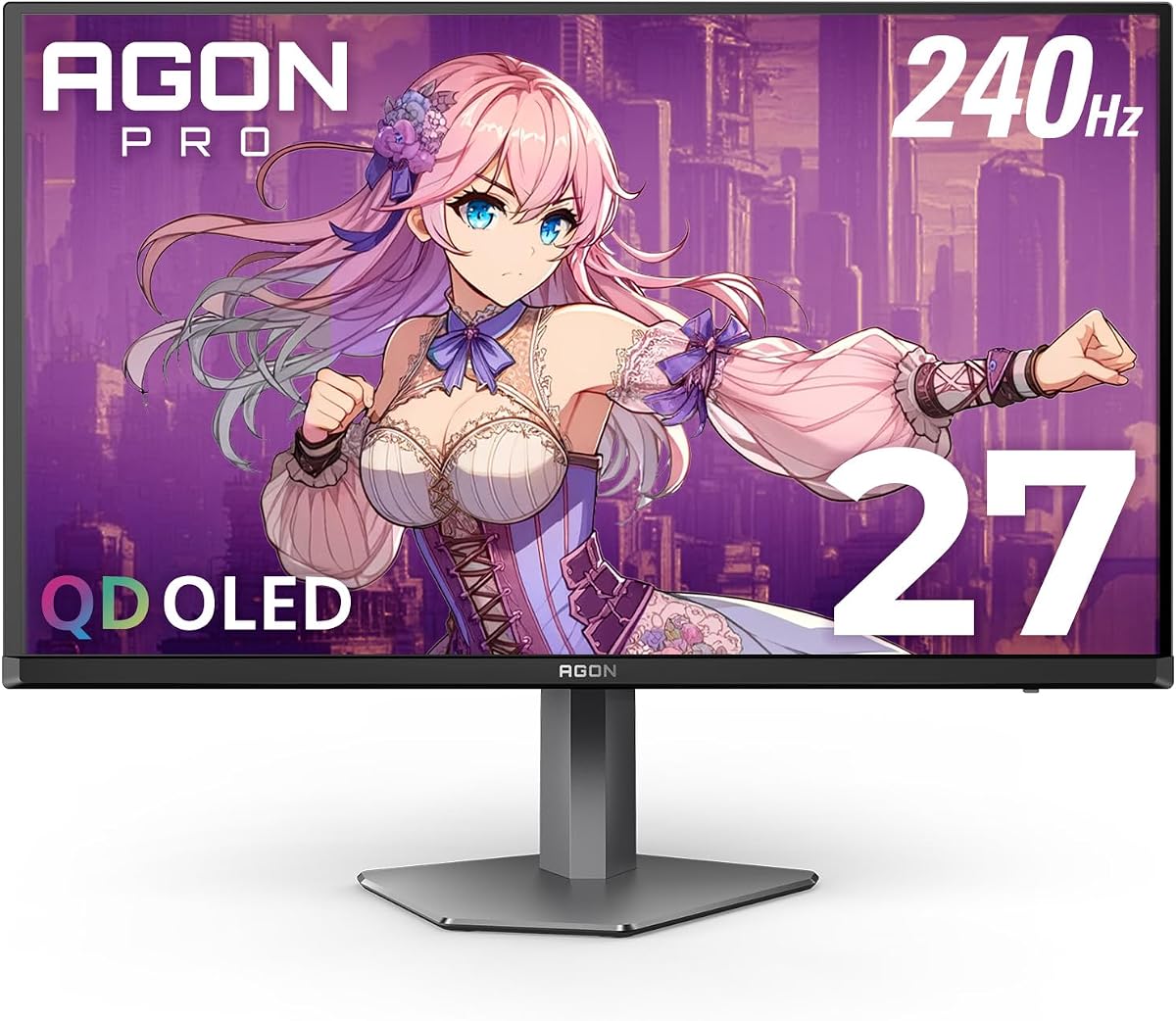
This OLED panel combines speed with stunning visual quality. 240Hz refresh rates and 0.03ms response times deliver unmatched fluidity.
We may earn a commission when you buy through this link, at no additional cost to you.
HDR10 and wide color gamut enrich every scene. G-SYNC compatibility ensures tearing-free gameplay across powerful GPUs.
While expensive, the visuals are worth it for enthusiasts. Console gamers get up to 120Hz for seamless cross-platform performance.
Perfect for those wanting top-tier OLED performance. It delivers elite speed and color fidelity for immersive gaming.
Combines the instant response of OLED with high refresh rates for blur-free action.
HDR10 support produces deep contrasts and vivid colors for immersive media.
We may earn a commission when you buy through this link, at no additional cost to you.
This premium model adds practical USB hub connectivity to OLED visuals. Height adjustability ensures ergonomic comfort for long gaming sessions.
We may earn a commission when you buy through this link, at no additional cost to you.
0.03ms GtG response time eliminates blur. FreeSync Premium Pro and G-Sync support provide versatile compatibility with all GPU brands.
Built-in presets allow quick switching between game modes. While costly, the combination of features justifies its premium status.
Ideal for power users wanting connectivity and performance. It delivers top-tier visuals and practical ergonomics in one unit.
Integrated USB Hub lets you connect peripherals directly to the monitor.
Height adjustable stand reduces neck strain during extended usage.
We may earn a commission when you buy through this link, at no additional cost to you.
Compact and affordable, this monitor suits smaller setups. 100Hz refresh rate offers smoother visuals than standard 60Hz panels.
We may earn a commission when you buy through this link, at no additional cost to you.
Flicker-free tech and Blue Light Filter reduce eye fatigue. FreeSync support eliminates tearing for smoother casual gaming.
Renewed condition ensures value without sacrificing core features. Ideal for secondary screens or budget builds.
Best for entry-level gamers or tight spaces. It provides essential gaming features at a minimal cost.
Small footprint fits easily on tight desks without sacrificing performance.
Built-in filters protect eyes during extended viewing sessions.
We may earn a commission when you buy through this link, at no additional cost to you.
Selecting the right monitor involves balancing several technical specs against your budget and usage patterns. Here are the key factors to consider.
AOC uses IPS, VA, and OLED panels. IPS offers best viewing angles and color. VA provides better contrast. OLED offers instant response and deep blacks.
Choose IPS for color, VA for contrast, or OLED for premium quality.
Higher refresh rates like 240Hz deliver smoother motion. This is critical for competitive gaming. 60-100Hz suits casual or office use.
Prioritize higher Hz for fast-paced games to reduce motion blur.
Lower response times reduce ghosting. Look for under 5ms for gaming. 1ms or lower ensures clean transitions in rapid scenes.
Check response time specs for competitive gaming clarity.
1080p fits smaller screens. 1440p offers better detail. 4K suits work or high-end gaming. Match resolution to screen size for sharpness.
Select 1440p or 4K for larger screens and better clarity.
HDMI and DisplayPort ports connect various devices. HDMI 2.1 is needed for 4K high refresh. Check ports match your GPU or console.
Verify port types support your intended resolution and refresh.
FreeSync and G-SYNC prevent screen tearing. Match your GPU brand for best results. Some monitors support both for flexibility.
Choose the sync tech compatible with your graphics card.
Adjustable stands improve comfort. Look for tilt, height, and pivot options. VESA mounts allow custom arm setups for flexibility.
Ensure ergonomic adjustments to prevent strain during long use.
Price varies by panel and specs. OLED costs more. Check warranty terms like zero-bright-dot or replacement coverage.
Balance performance needs with your available budget and warranty plans.
Connect your monitor using the appropriate cable for the desired resolution. Ensure your GPU drivers are up to date for best performance.
Adjust brightness and contrast to match your room lighting. Use the OSD menu to enable eye care features like flicker-free modes.
Clean the screen with a microfiber cloth. Avoid harsh chemicals that could damage the panel coating or electronics.
For competitive gaming, the AOC Q27G41ZE stands out with its 260Hz refresh rate and QHD IPS panel. It offers excellent motion clarity. For OLED fans, the AG276QZD2 provides instant response times.
Yes, most AOC monitors work with Macs via HDMI or DisplayPort. Ensure the Mac output matches the monitor resolution for best results. Some models include USB hubs useful for peripherals.
Many models support HDR10 or HDR400. The OLED models provide the best HDR performance with deeper contrast. Check specific specs to confirm the level of HDR support.
VESA mounting allows you to attach the monitor to arms or walls. This saves desk space and improves ergonomics. Most AOC monitors include 100x100mm VESA compatibility.
Screen tearing is often solved by enabling Adaptive Sync. Turn on FreeSync or G-SYNC in settings. Ensure your GPU drivers match your monitor for best results.
Yes, many models support consoles. The CQ32G4VE is optimized for 120Hz on consoles. HDMI 2.1 is recommended for 4K 120Hz gaming.
Standard warranty includes a 3-year limited hardware warranty. Some models like CQ32G4VE offer zero-bright-dot coverage. Check the product page for detailed terms.
The U27B3A is ideal for design work with 4K UHD clarity. Its IPS panel ensures consistent colors across angles. This model offers high detail for creative tasks.
Our top picks offer speed, color, and value for any gamer. The Q27G41ZE, 24G42HE, and AG276QZD2 lead in their categories.
Prioritize refresh rates for competitive play and panel type for color accuracy. Match your budget to features that impact your gameplay.
Prices and stock change often, so check current listings before buying. Ensure the monitor fits your desk and setup needs perfectly.