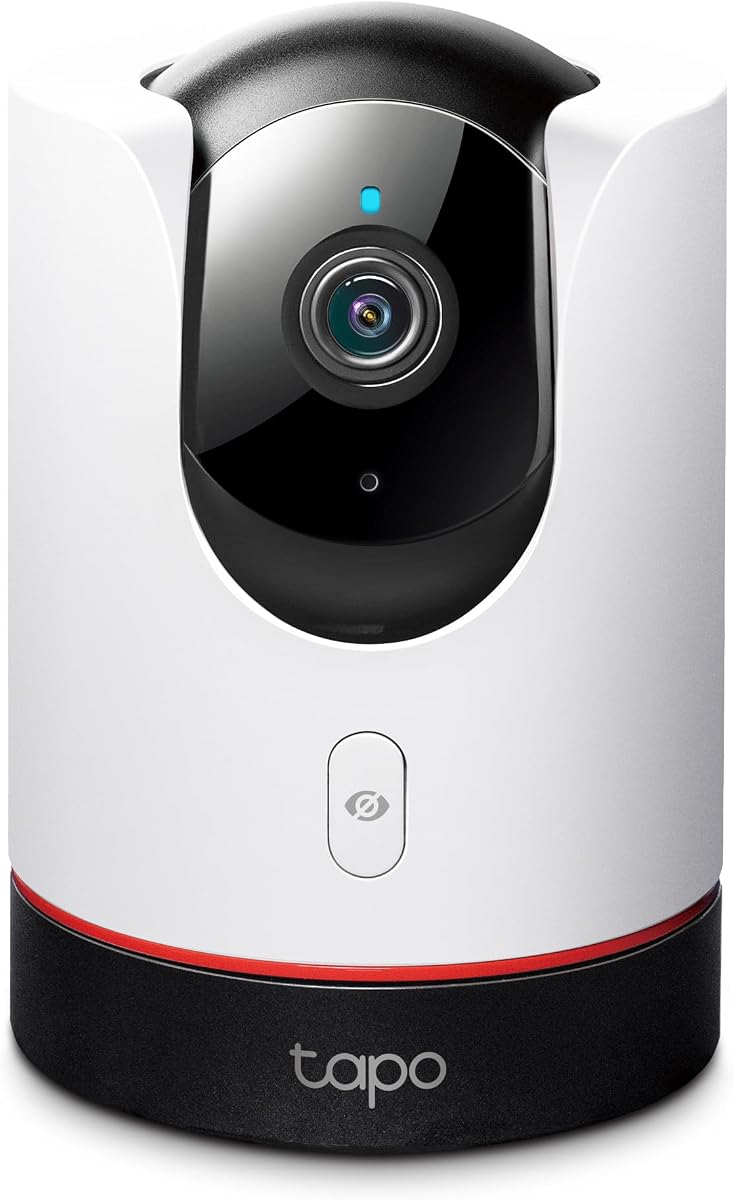
TP-Link Tapo 2K+ Pan/Tilt Security Camera Apple HomeKit, C225
4.5Editor score
2K QHD resolution
360 degree viewing
Physical privacy mode
This guide compares the top Apple Homekit security cameras for 2026, evaluating resolution, storage options, AI detection features, and ecosystem integration.
Securing your home with Apple Homekit security cameras offers seamless integration and robust privacy features. These devices allow you to monitor your property directly through the Apple Home app while maintaining end-to-end encryption.
We evaluated ten top models based on video quality, night vision capabilities, smart detection accuracy, and local storage options. Each product was selected for its ability to work reliably within the Apple ecosystem and provide consistent performance.
Each pick below highlights unique strengths and potential limitations to help you choose the right fit for your setup. Please note that product prices and availability can change over time, so verify current details before purchasing.
4.5Editor score
4.2Editor score
4.3Editor score
The table below provides a side-by-side comparison of all ten models included in this review. Use this to quickly scan key specifications like resolution, storage support, and special features before diving into individual reviews.



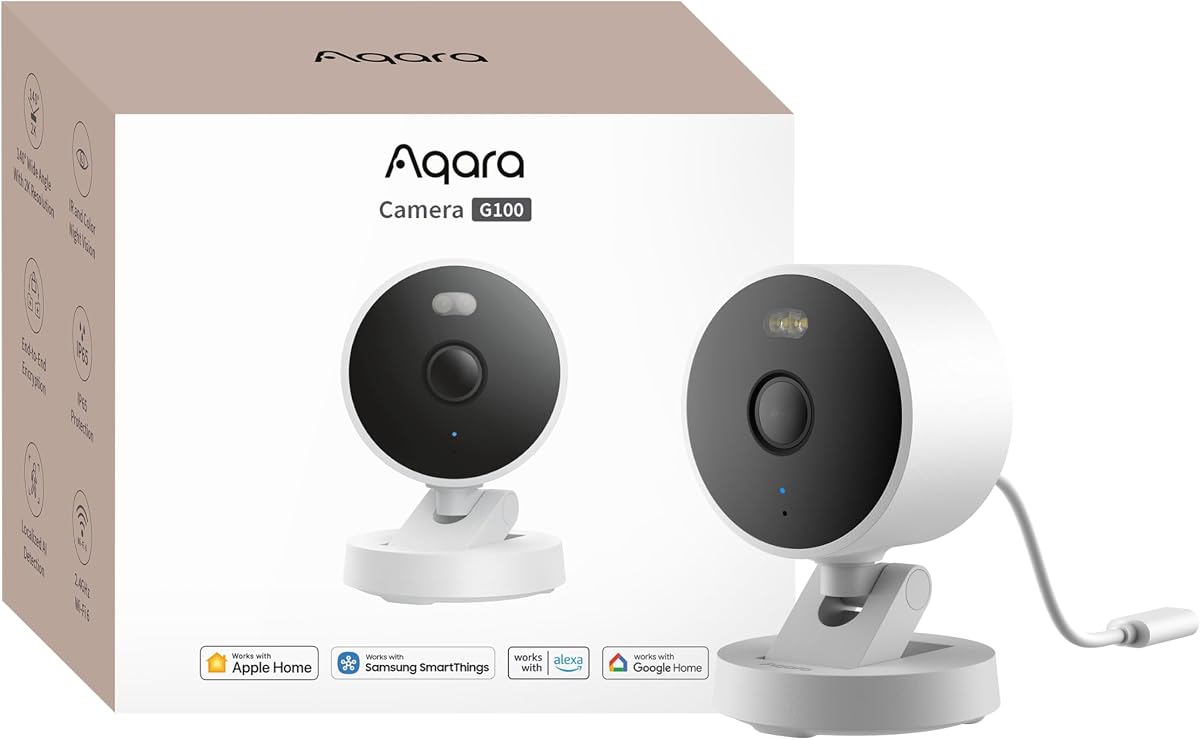
The Aqara G100 delivers high-quality 2K video with robust HomeKit Secure Video support, making it a top choice for reliable indoor and outdoor monitoring. It balances performance and privacy effectively.
We may earn a commission when you buy through this link, at no additional cost to you.
Its IP65 weather resistance ensures durability in various environments, while local AI detection helps filter false alarms. The camera supports multiple storage methods including microSD and cloud options for flexible archival.
While the night vision modes require manual enabling in the app, this design choice preserves battery efficiency and control. Users should note that HomeKit resolution limits apply even if the sensor supports higher resolution.
Buyers seeking a versatile camera that integrates well with smart home automations will appreciate the G100. It stands out for combining broad compatibility with solid image quality.
The 3MP sensor captures detailed footage in 2304×1296 resolution, allowing clear identification of activity day and night.
Support for RTSP and third-party ecosystems like Alexa and Google Home increases its utility beyond Apple devices.
We may earn a commission when you buy through this link, at no additional cost to you.
The Eve Cam is designed exclusively for Apple HomeKit, ensuring tight security and privacy through local data processing and end-to-end encryption. It is ideal for users prioritizing data safety.
We may earn a commission when you buy through this link, at no additional cost to you.
It offers instant notifications and automatic motion detection with recognition for people and pets. The camera functions without relying on external cloud servers, keeping all video analysis within your home.
However, the premium price and indoor-only limitation may not suit every household. Additionally, users need an active iCloud subscription and home hub to utilize all features.
Privacy-conscious homeowners who value Apple ecosystem integration will find the Eve Cam compelling. It simplifies security without sacrificing control over personal data.
Processing happens directly on the device so your video streams stay private and never leave your home network unnecessarily.
The system alerts your devices immediately when motion is detected, letting you check in on your property instantly.
We may earn a commission when you buy through this link, at no additional cost to you.
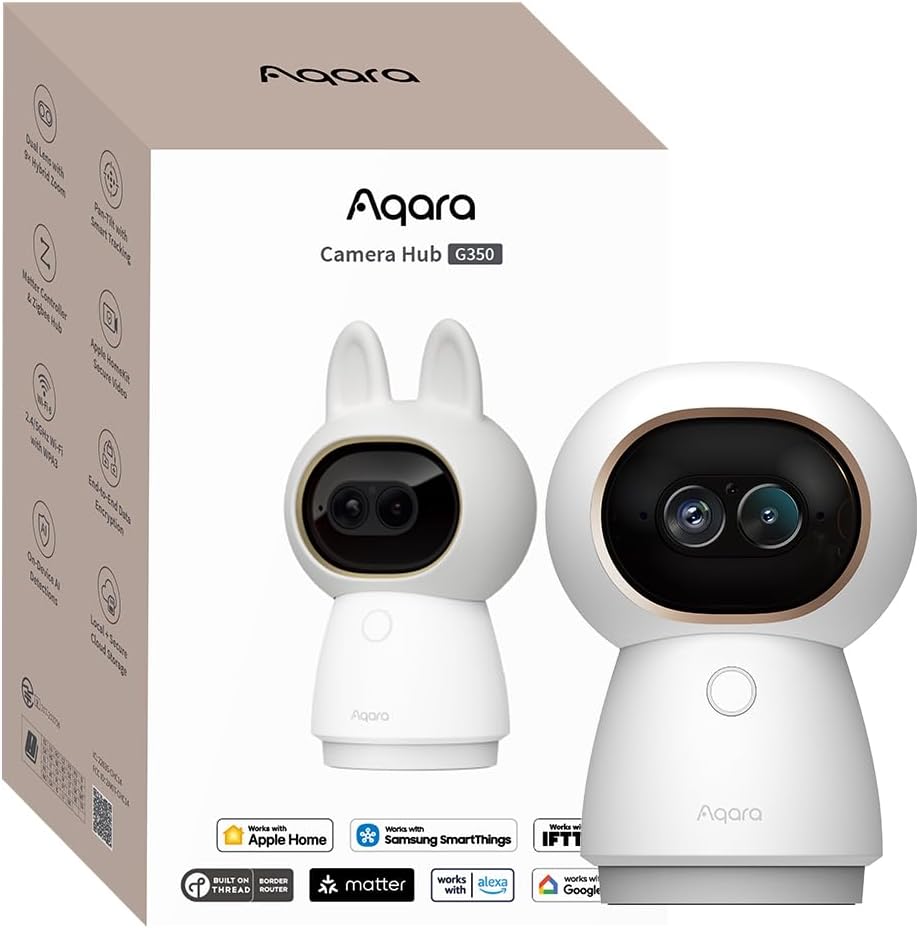
The Aqara G350 combines a 4K dual-lens camera with a Matter and Zigbee hub, offering unmatched versatility for advanced smart home setups. Its optical zoom and gesture controls set it apart.
We may earn a commission when you buy through this link, at no additional cost to you.
It handles local AI detection for faces pets and sounds without uploading data to the cloud. The physical privacy mode retracts the lens for complete visual assurance when you are home.
While the price reflects these premium capabilities, some features like gesture recognition require configuration through the Aqara Home app. It is a robust choice for tech enthusiasts.
Investors in the Aqara ecosystem will benefit from this dual-purpose device. It replaces a standalone hub while delivering top-tier surveillance and automation tools.
Combining a wide-angle 4K lens with a telephoto lens lets you capture both context and details seamlessly.
Trigger smart scenes simply by waving or showing an OK sign, adding hands-free convenience to your routine.
We may earn a commission when you buy through this link, at no additional cost to you.
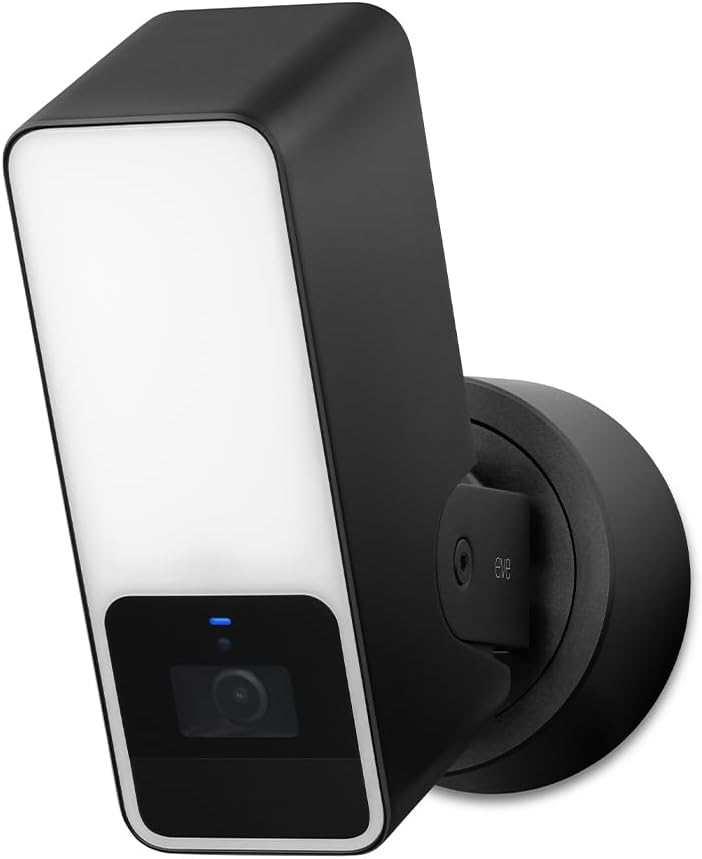
The Eve Outdoor Cam combines a security camera with a dimmable floodlight to deter intruders while recording activity in HD. It is built exclusively for HomeKit Secure Video with strong privacy standards.
We may earn a commission when you buy through this link, at no additional cost to you.
The system detects people pets vehicles and packages accurately, sending alerts directly to your Apple devices. Local intelligence ensures your footage remains private without relying on cloud servers.
Installation requires both a neutral wire and ground connection, which may limit placement options for some users. The hardware cost is also higher compared to basic security cameras.
Homeowners with compatible outdoor wiring who want an all-in-one deterrent and recorder will value this model. It provides robust protection with seamless Apple integration.
The integrated motion sensor triggers a powerful light that brightens the area to improve video quality and warn visitors.
No Eve cloud storage means your recordings stay on your local hub ensuring total control over who sees them.
We may earn a commission when you buy through this link, at no additional cost to you.
The TP-Link Tapo C225 offers excellent value with 2K QHD resolution and a physical privacy shutter for indoor use. It supports HomeKit Secure Video while keeping costs low.
We may earn a commission when you buy through this link, at no additional cost to you.
Its 360-degree pan and tilt range let you monitor every corner of a room. The starlight sensor ensures decent low-light performance without relying on bright infrared LEDs.
Advanced AI detection is present but less extensive than premium models. Also it is designed for indoor use only so outdoor coverage requires additional hardware.
Budget buyers who want reliable home monitoring and strong privacy controls will find this camera appealing. It delivers high performance at an accessible price point.
A physical housing block covers the lens when privacy mode is active giving you absolute visual control indoors.
With full horizontal rotation the camera eliminates blind spots so you never miss activity in the room.
We may earn a commission when you buy through this link, at no additional cost to you.
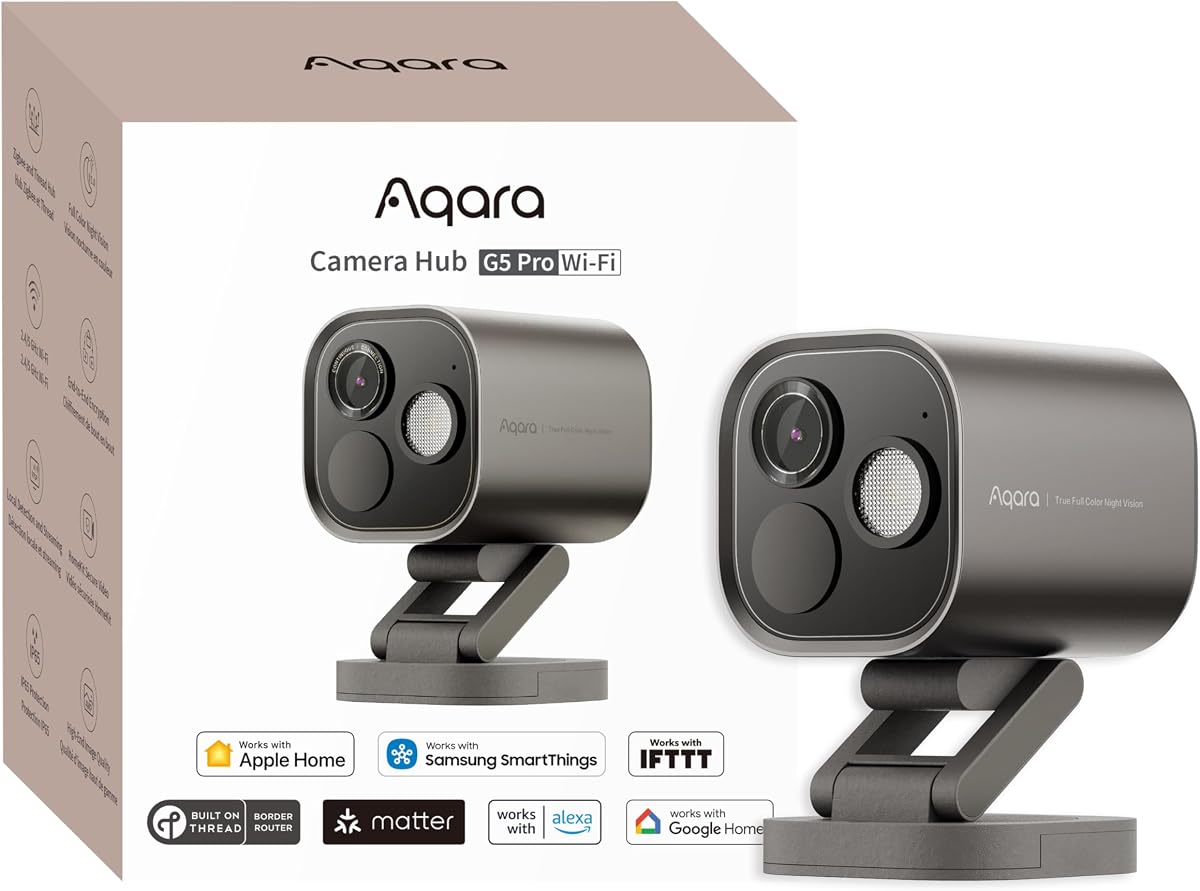
The Aqara G5 Pro WiFi provides 4MP clarity and True Color Night Vision, allowing you to see intruders clearly even in low light. Its spotlight doubles as a deterrent for added security.
We may earn a commission when you buy through this link, at no additional cost to you.
Local AI processing identifies faces vehicles and sounds without cloud uploads. It also acts as a dual-protocol hub connecting Zigbee and Thread devices to your home automation system.
While it lacks battery operation for wireless placement, its wired reliability ensures constant monitoring. The included encrypted storage helps protect data without requiring monthly subscriptions.
Users needing a powerful hub that doubles as a camera will appreciate this model. It balances high fidelity video with extensive smart home connectivity.
The large aperture sensor captures color detail at night without relying on infrared, making identification easier.
Choosing between 2.4GHz and 5GHz gives you better range and speed depending on your network setup needs.
We may earn a commission when you buy through this link, at no additional cost to you.
The Logitech Circle View is built for outdoor durability with a 180-degree field of view and TrueView optics for sharp HD footage. It integrates directly into the Home app for easy access.
We may earn a commission when you buy through this link, at no additional cost to you.
Its sensor handles high contrast lighting well, capturing details in bright sun or shadows. The weatherproof design ensures it performs reliably in rain or cold conditions.
However it records only on motion detection rather than continuous video which may miss events between triggers. Setup also requires a HomePod or Apple TV to function fully.
Those wanting a sleek wide-angle outdoor option with premium build quality should consider this model. It provides dependable coverage for entryways and driveways.
The 180-degree lens lets you cover nearly an entire facade or yard with a single camera.
You can tilt the camera down or press a rear button to hide the view instantly when you want privacy.
We may earn a commission when you buy through this link, at no additional cost to you.
The Aqara E1 offers 2K resolution with a 360-degree pan and tilt range making it ideal for covering large indoor spaces efficiently. It supports HomeKit Secure Video with strong encryption.
We may earn a commission when you buy through this link, at no additional cost to you.
Local detection allows you to filter events and trigger automations without sending data to the cloud. The privacy mode pivots the lens to hide the view when needed.
Users should note that power is supplied via a USB-C cable which requires a separate adapter not included in the box. Otherwise it is a reliable and versatile monitor.
Families wanting an affordable indoor camera with wide coverage and privacy options will find the E1 suitable. It works well for nurseries or living areas.
The motor allows complete coverage of the room so you can follow movement without missing spots.
Filtering motion events on device helps reduce false alerts and keeps your notifications relevant and useful.
We may earn a commission when you buy through this link, at no additional cost to you.
The eufy E30 captures 4K video and offers advanced tracking for people and pets without requiring a subscription for basic features. It supports HomeKit Secure Video for privacy-focused users.
We may earn a commission when you buy through this link, at no additional cost to you.
AI tracking follows subjects as they move while color night vision with a spotlight ensures clear images in the dark. Local SD card storage means you own your footage.
HomeKit limits the resolution to 1080p but the native 4K output works well in the eufy app. Some premium features still require a cloud subscription.
Pet owners and families wanting detailed 4K monitoring and flexible storage will find this camera excellent. It balances high resolution with cost-effective operation.
Quick focus tap lets you instantly switch to any area of the room for precise monitoring.
Save footage to an SD card to avoid monthly fees and keep your data safe offline.
We may earn a commission when you buy through this link, at no additional cost to you.
The Aqara G5 Pro PoE provides reliable wired connectivity through Power over Ethernet while delivering 4MP clarity and True Color Night Vision. It serves as a powerful hub for smart devices.
We may earn a commission when you buy through this link, at no additional cost to you.
Local AI detection recognizes faces and sounds to help filter notifications. It also bridges Zigbee and Thread devices to Matter platforms expanding your automation reach.
Installation needs a PoE switch which adds to the initial cost. However for a stable and secure network it offers excellent long-term value.
Those wanting a reliable wired camera that also manages smart home devices should consider this model. It simplifies cabling while maintaining advanced performance.
A single network cable handles both power and video data reducing clutter and installation complexity.
Connect Zigbee and Thread devices to other platforms like Alexa or Google Home for broader smart home control.
We may earn a commission when you buy through this link, at no additional cost to you.
Selecting the right HomeKit security camera involves balancing resolution, storage, and connectivity. Here are the key factors to consider.
Higher resolution like 4K or 2K ensures you can identify details clearly. Check if HomeKit limits output to 1080p even if the camera supports more.
Prioritize models with high pixel counts and wide dynamic range for clarity in varied lighting.
Local storage via microSD or NAS gives you full control over footage without monthly fees. Cloud options offer redundancy but may cost more.
Look for cameras supporting both local and cloud to suit your backup needs.
On-device AI helps distinguish people from pets reducing false alerts. Ensure data processing happens locally to protect privacy.
Choose cameras with local processing to keep sensitive data within your home network.
Wired cameras ensure stable performance while PoE simplifies installation. Wireless models need frequent battery maintenance or outlet access.
Select a power source that matches your home setup for reliable uptime.
Outdoor cameras require IP65 or higher ratings to survive rain and dust. Indoor units can be less rugged.
Verify the weather rating to ensure durability in your installation environment.
Some cameras double as hubs supporting Zigbee or Thread. This can reduce the need for extra hardware.
Consider models that bridge protocols to expand your ecosystem coverage.
True color night vision captures details in low light better than standard infrared. Spotlights aid detection too.
Choose cameras with color night or spotlights for better nighttime security.
Ensure the camera works with Secure Video to enable automatic recording and encryption. Compatibility with other platforms adds flexibility.
Prioritize secure video support for maximum privacy within the Apple ecosystem.
Start by placing your camera in a spot with strong Wi-Fi signal and minimal obstruction. Use the Home app to add it and enable HomeKit Secure Video.
Adjust sensitivity settings to reduce false alarms from pets or trees. Configure motion zones to focus only on important areas like doors or windows.
Keep lenses clean with a soft cloth and check storage space monthly. Update firmware regularly to maintain security and performance.
Yes most HomeKit cameras require a HomePod or Apple TV with tvOS 15 or later. This hub allows remote access and secure video processing.
You can access live feeds anywhere using the Home app on iPhone or iPad. Secure Video ensures encrypted access through your Apple ID.
Many cameras support local microSD cards or network attached storage. This allows continuous recording without monthly cloud fees.
It is a privacy-focused feature that encrypts video in the cloud. It supports advanced detection and storage without third-party exposure.
Some models like Aqara support RTSP or bridge to other ecosystems. This allows integration beyond Apple devices for broader automation.
Optional cloud plans are available but not required for basic functionality. Local storage and HomeKit Secure Video handle most needs.
We reviewed ten HomeKit cameras offering various resolutions and storage options. The Aqara G100 and Eve Cam stand out for balanced performance.
Prioritize local AI detection and weather resistance if you need outdoor or private monitoring. Ensure your home network supports the bandwidth required.
Prices vary across vendors so check current listings before buying. Confirm compatibility with your HomeKit hub for seamless setup.