
19V 65W Power Cord for Asus Monitor VS248H-P VG248QE VX238H MX279H ROG PG278Q
4.6Editor score
65W high wattage delivery
5.5mm x 2.5mm tip
CE FCC RoHS certified
This guide compares the top ten ASUS monitor power cord replacement options to help you find a reliable adapter that matches your model and wattage.
Finding a reliable ASUS monitor power cord replacement is essential when your original adapter fails or goes missing. A compatible power supply ensures your display runs without flickering or shutting down unexpectedly during use.
We compared ten top rated options based on voltage compatibility, connector size, safety certifications, and user feedback. Each product listed meets strict criteria for working with various ASUS monitor series and sizes.
Every pick includes key specs and real user ratings to help you choose confidently. Prices and availability change frequently so always verify the details on the product page before purchasing your new adapter.
4.6Editor score

4.8Editor score

4.6Editor score
This side-by-side comparison highlights the key differences across all ten recommended power adapters to help you match the right specs to your specific ASUS monitor model.


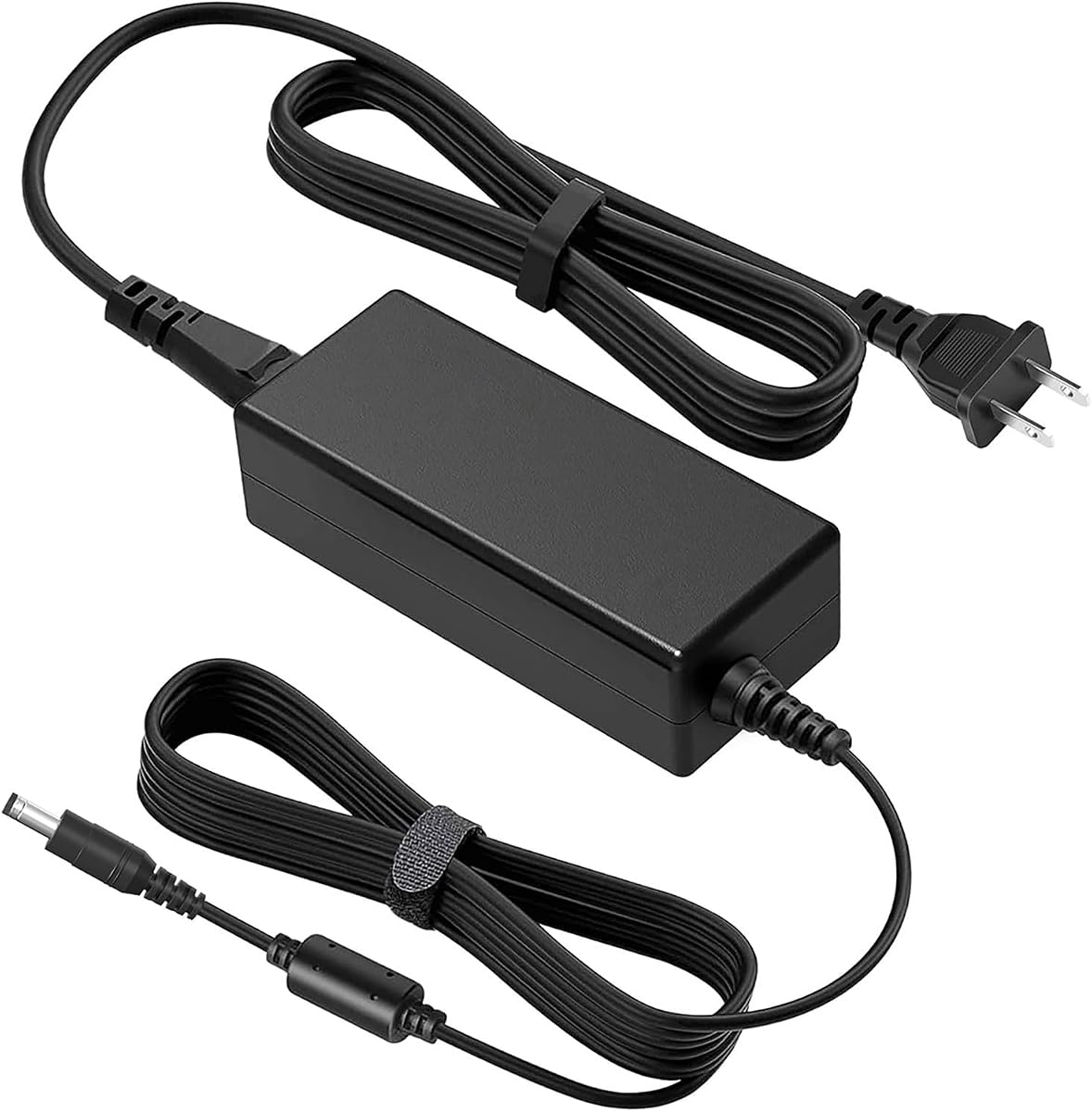


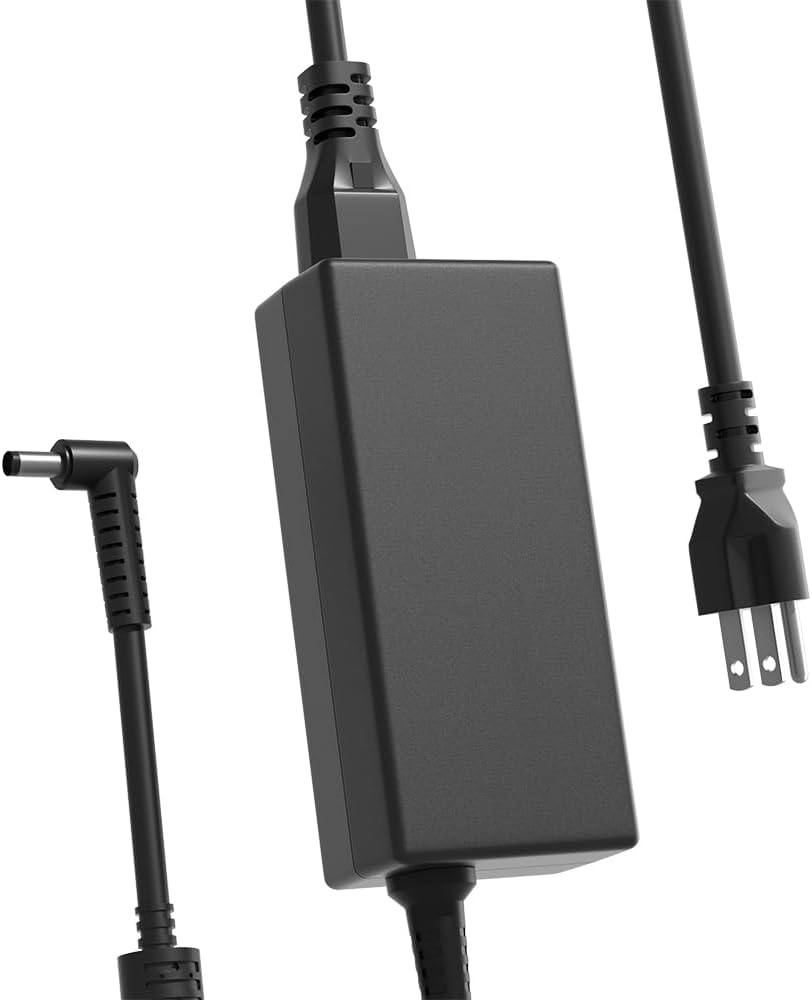

This adapter earns the top spot due to its extensive compatibility with ASUS monitors ranging from 22 to 27 inches. It delivers up to 90W of power which is more than enough for most standard and gaming displays.
We may earn a commission when you buy through this link, at no additional cost to you.
The 5×2.5mm connector matches many popular models including the VG248QG and VG278 series. Users report that the power supply runs quietly and maintains consistent voltage even during high brightness usage.
One trade-off is the lack of explicit safety certifications in the listing details. However the high wattage capacity ensures it can handle varying amperage needs without strain or overheating issues.
Buyers seeking a reliable replacement for common ASUS models will find this adapter a solid choice. It provides dependable power delivery at a reasonable cost for home or office setups.
The adapter works with VS VG MX and ML series monitors making it a versatile option for many users.
At 90W it can support higher demand models without underpowering the display or causing instability.
We may earn a commission when you buy through this link, at no additional cost to you.
This product is ideal for monitors that use an external power brick and only need a standard AC cord. It offers a sturdy 5ft cable that reaches from outlet to power adapter without excess length.
We may earn a commission when you buy through this link, at no additional cost to you.
Users appreciate the heavy duty 18 AWG gauge which ensures safe power delivery. The fully molded design resists wear and tear at the connection points for long term use.
The main limitation is that it will not work for monitors with internal power supplies requiring a specific DC tip. Always check if your adapter needs a cord or an internal power unit.
If your ASUS monitor has a separate power brick this cord provides a reliable and cost effective way to restore power to your setup quickly and easily.
The fully molded design and 18 AWG gauge ensure durability and safety for daily power delivery.
It works with any device using a standard 3 pin power connection including TVs and laptops.
We may earn a commission when you buy through this link, at no additional cost to you.
This adapter stands out for its balance of price and performance. It delivers 65W which covers most standard ASUS monitors and runs cooler than lower wattage options due to headroom.
We may earn a commission when you buy through this link, at no additional cost to you.
It includes CE FCC and RoHS certifications which add confidence in its safety. The global voltage input means it works anywhere without needing extra travel adapters for power.
The 5.5×2.5mm tip is standard for many models but you must confirm your monitor uses it. Some slim units use smaller 4mm tips so checking the port is essential.
For users seeking a safe and reliable power replacement without overspending this adapter offers excellent value. It restores power to popular VS VG and MX series instantly.
Built with CE FCC and RoHS certifications to prevent short circuits and overheating during use.
The 65W capacity runs cooler than standard 40W adapters since it isn't constantly at max load.
We may earn a commission when you buy through this link, at no additional cost to you.
This adapter is designed to handle high refresh rate gaming monitors by delivering steady current. It replaces part numbers like ADP-65GD B and is compatible with ROG Swift models.
We may earn a commission when you buy through this link, at no additional cost to you.
Built-in protection circuitry guards against over voltage and overheating which protects your investment. The 5.5×2.5mm connector ensures a secure fit for many LCD LED screens.
While it works with many models always verify the back of your monitor for 19V and the correct tip size. It will not fit 12V models or smaller 4mm connectors.
Gamers needing stable power for G SYNC or Freesync displays will appreciate its reliability. It provides clean current to prevent flicker or sudden shutdowns during play.
Delivers steady current for high refresh rate gaming setups to prevent flickering or instability.
Compatible with original part numbers such as ADP-65GD B for a direct OEM replacement.
We may earn a commission when you buy through this link, at no additional cost to you.
This power cord offers a 9ft total length which is helpful for placing monitors away from outlets. The DC power cord alone is 5ft giving extra reach for desk setups.
We may earn a commission when you buy through this link, at no additional cost to you.
It includes a high efficiency smart chip for precise AC to DC conversion. Safety features cover overcurrent overcharge overtemperature short circuit overvoltage and surge protection for peace of mind.
While the AC cable is shorter the DC extension makes up for it. Users report stable performance even under high brightness or fast refresh rate conditions.
If cable length is a priority for your workspace this adapter provides flexibility. It ensures your monitor receives clean power without needing extra extension cords.
The 9ft total length allows you to place monitors further from wall outlets without clutter.
Six layer protection shields your monitor from voltage spikes and overheating during daily use.
We may earn a commission when you buy through this link, at no additional cost to you.
This adapter supports a wide range of amperage from 1.5A to 3.42A making it flexible for various models. It covers Tuf Gaming and ROG Swift monitors with reliable power delivery.
We may earn a commission when you buy through this link, at no additional cost to you.
Input voltage works globally at 100 to 240V so it is suitable for international use. The 5.5×2.5mm connector fits many standard ASUS monitors without issues.
It matches several original part numbers which helps users confirm compatibility before purchase. Safety features prevent overheating and short circuits for consistent operation.
Users needing a robust power solution for larger Tuf or ROG displays will find this adapter suitable. It restores full functionality to screens that require 65W input.
Input works from 100 to 240V allowing international use without extra voltage converters.
Compatible with 1.5A up to 3.42A loads so it adjusts to different monitor power needs.
We may earn a commission when you buy through this link, at no additional cost to you.
This power supply is engineered to match original part numbers for easy identification. It covers sizes from 22 to 27 inches and supports Tuf Gaming series monitors.
We may earn a commission when you buy through this link, at no additional cost to you.
Users report consistent power delivery which helps maintain stable brightness and refresh rates. The 5.5×2.5mm connector ensures a secure fit for most ASUS models.
While it lacks detailed safety specs it is designed as a reliable replacement. The output supports various amperage needs without overloading the unit.
Buyers looking for a straightforward replacement part will find this adapter effective. It restores power to your screen without complicated setup steps.
Supports original part numbers like ADP-65GD B and EXA1203YH for accurate replacements.
Works with 22 to 27 inch models covering most common monitor sizes.
We may earn a commission when you buy through this link, at no additional cost to you.
This adapter features a compact design ideal for travel or office use. It uses heat resistant materials and has built-in safeguards against overcurrent and short circuits.
We may earn a commission when you buy through this link, at no additional cost to you.
Input works worldwide from 100 to 240V so it adapts to different power standards. The built-in chip adjusts power based on device temperature for safer charging.
It delivers 65W which fits most ASUS monitors and some HP models. Always confirm the 5.5×2.5mm connector matches your port before buying.
If you need a safe and portable power solution this adapter is a smart choice. It protects your monitor with flame retardant materials and stable output.
Lightweight and compact size makes it easy to pack for business trips or daily office use.
Made with flame retardant and fire-resistant materials to ensure ultimate device protection.
We may earn a commission when you buy through this link, at no additional cost to you.
This adapter is designed for home and office workstations with multiple monitors. It offers over voltage and short circuit protection for safe daily use.
We may earn a commission when you buy through this link, at no additional cost to you.
Input voltage works globally from 100 to 240V so it is portable across regions. The 5.5×2.5mm connector fits ASUS and selected HP monitors.
It is a practical spare or replacement cord for multi-monitor setups. The design is lightweight for easy cable management and travel.
Users needing a basic power solution for office displays will find this useful. It ensures stable operation at a reasonable cost for everyday work.
Works with both ASUS and HP monitors to simplify power needs for mixed setups.
Compact and easy to manage cable makes it ideal for desks or travel use.
We may earn a commission when you buy through this link, at no additional cost to you.
This adapter emphasizes quality with flame retardant materials and a pure copper wire core. It supports up to 10 years of continuous power delivery with low heat generation.
We may earn a commission when you buy through this link, at no additional cost to you.
The 8FT cable provides flexible placement options for gaming setups. Certifications include CE FCC and RoHS ensuring safety and compliance.
While more expensive it offers durability and long term reliability. The output supports most Tuf Gaming monitors with stable current.
Buyers seeking long life and premium build quality will value this adapter. It delivers efficient power with minimal heat for your display.
Made with high quality materials for an over 10 year lifespan with continuous power delivery.
The 8FT cable offers extended reach and flexible placement for your gaming monitor.
We may earn a commission when you buy through this link, at no additional cost to you.
Selecting the right replacement adapter requires matching technical specs to your monitor model to avoid damage or poor performance.
The most critical factor is matching the voltage which is usually 19V for ASUS monitors. The amperage must be equal to or higher than the original adapter to support the power needs.
Look for 19V output and at least the original A rating to ensure stable operation.
The tip size must match the port on your monitor. Common sizes are 5.5×2.5mm and 4.0×1.7mm. Using the wrong size can cause poor contact or no power.
Check the label on your old adapter or the port on the monitor to confirm.
A higher wattage adapter can safely power a lower requirement monitor. Choose 65W or higher for most models to prevent overload under load.
Select adapters with enough headroom for your monitor power specs.
Consider how far your monitor is from the power outlet. A longer cable reduces the need for extra extension cords.
Measure your setup to pick the right length.
Look for CE FCC or RoHS marks to ensure safety and quality. These indicate the product meets protection standards.
Choose certified units for safe operation.
If possible compare the replacement to the original part number. This ensures a direct fit without guesswork.
Check your old adapter for the part number.
Quality adapters range from affordable to premium. Balance cost with features like cable length and safety.
Select the best value for your needs.
Choose adapters from brands with positive reviews. Reputable sellers offer better quality control.
Check user feedback before buying.
Inspect the adapter and cable before first use. Ensure the tip is clean and undamaged to prevent poor contact.
Connect the DC tip to your monitor securely. Plug the AC end into a grounded outlet. If the monitor has a power switch turn it on.
Avoid bending the cable sharply near the connector. Keep the adapter away from heat sources. Store it properly when not in use.
Yes you can use a higher wattage adapter safely. It will only provide the power your monitor needs. Higher wattage often runs cooler and lasts longer.
The connector size refers to the tip diameter and inner pin. Common sizes are 5.5×2.5mm. Matching this ensures a snug fit and power transfer.
Check the back of the monitor for a power socket. If it is round and small it uses an external adapter. If it plugs directly into the wall it uses an internal cord.
Most use 19V but some older or newer models may use 12V. Always check the label on your adapter or monitor port to confirm the voltage before buying.
Look for over current over voltage and short circuit protection. Certifications like CE or FCC indicate safety testing. These features protect your monitor from power spikes.
No a longer cable does not affect performance as long as it is high quality. It provides better reach and placement flexibility. Ensure it is shielded to reduce interference.
We found ten reliable adapters that meet strict compatibility and safety criteria. The top picks cover most ASUS models with stable power delivery and good user ratings.
Prioritize matching voltage and connector size before checking price. Choose a wattage equal to or higher than the original to ensure reliability.
Verify your monitor specs on the official website or label before buying. Prices and stock change so check current details on Amazon.