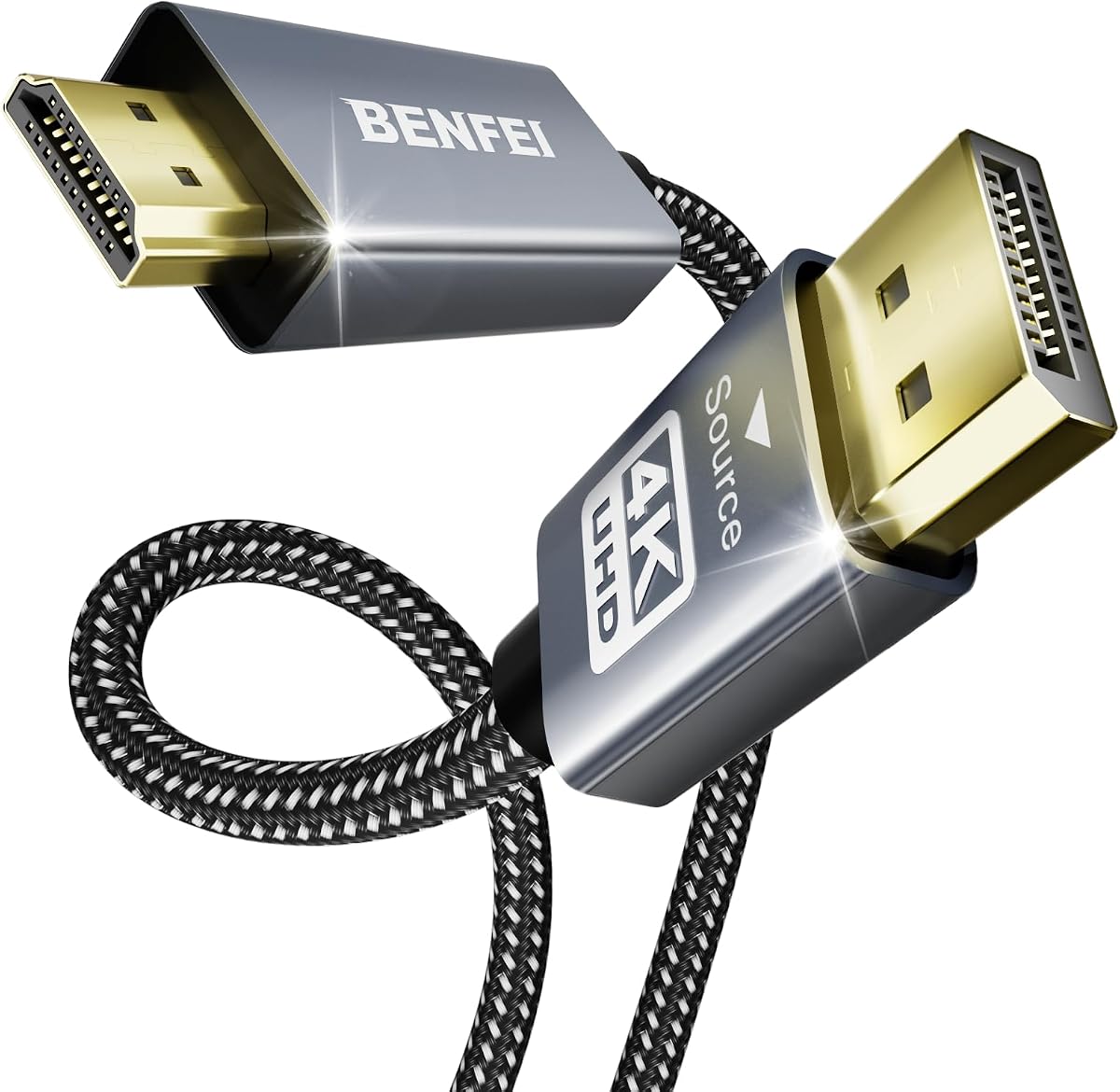
BENFEI 4K DisplayPort to HDMI 6 Feet Cable[Aluminum Shell, Nylon Braided]
4.5Editor score
Affordable price point
Aluminum shell protection
Built-in advanced IC chip
This comprehensive guide compares the top 10 Displayport to HDMI cables for 2026, evaluating build quality, resolution support, and signal stability for all
Finding the right cable for your setup is essential for seamless connectivity between modern devices and displays. A high-quality Displayport to HDMI cable ensures stable video and audio transmission without signal loss or interference. It connects computers and laptops to TVs and monitors effectively.
We compared ten popular options based on build quality, resolution support, and user feedback. Our analysis focuses on uni-directional performance, durability features, and compatibility with common graphics cards. Each product offers unique strengths for different viewing and presentation needs.
Each pick highlights specific capabilities like 4K support or durable braiding. Prices fluctuate frequently so check current listings before buying. Use this guide to match the cable to your specific source and display requirements for optimal performance.
4.5Editor score

4.7Editor score

4.8Editor score
This table provides a side-by-side comparison of the top ten Displayport to HDMI cables available today. It highlights key specifications and unique features to help you choose the best option for your specific display needs.


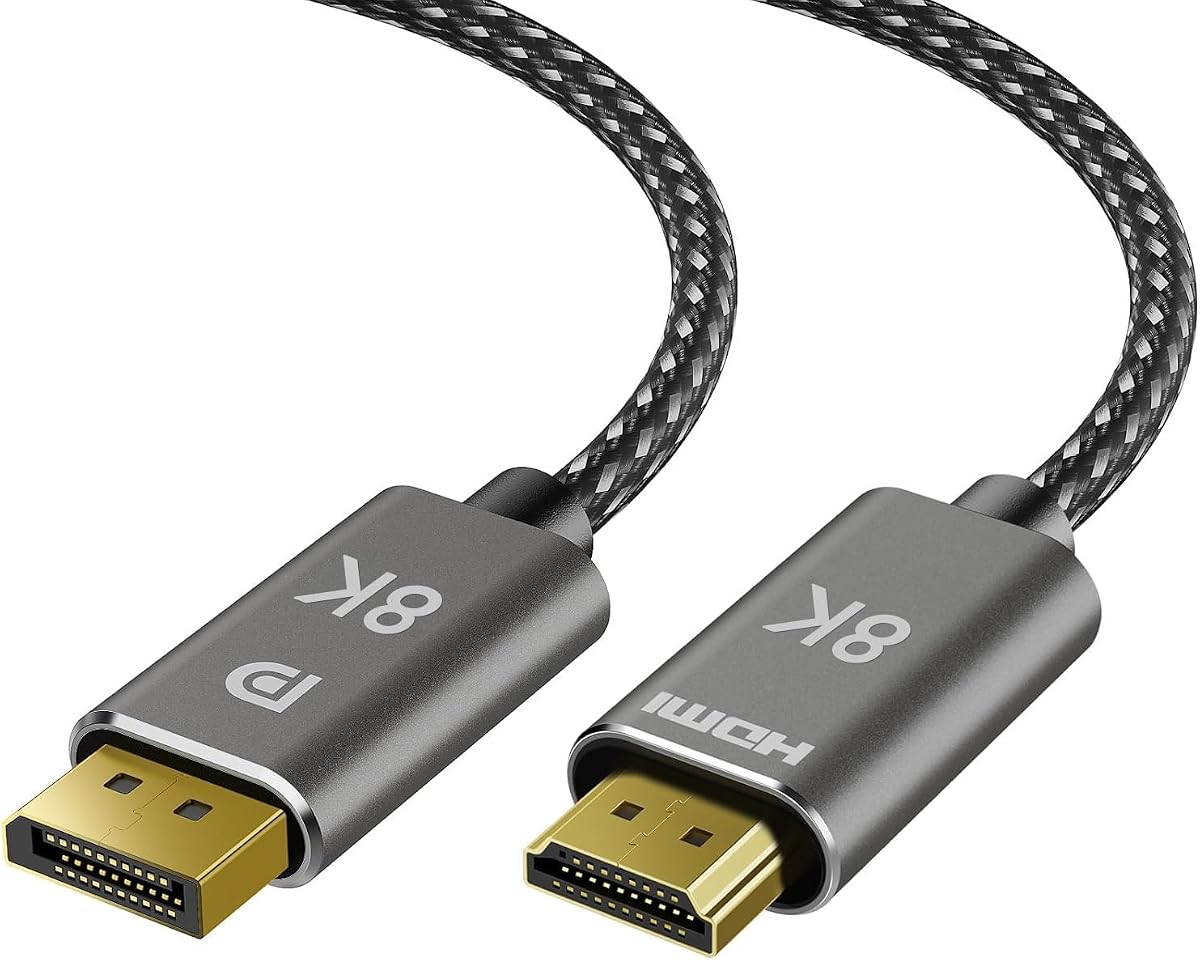

This UGREEN cable delivers strong performance for modern setups with support for 1080P@120Hz. It connects DisplayPort devices to HDMI displays effectively while maintaining audio and video sync without flicker or dropouts.
We may earn a commission when you buy through this link, at no additional cost to you.
The double shielding and aluminum case ensure excellent signal stability and heat dissipation. Its nylon braided jacket offers superior resistance to wear compared to standard PVC cables making it ideal for daily use.
While it is unidirectional which limits use for reverse connections the performance is robust. The lack of driver requirements ensures easy plug and play functionality across various operating systems and devices.
Users needing reliable connections for presentations or gaming will appreciate this balance of speed and durability. It is a top choice for those prioritizing signal quality and build longevity in a mid-range option.
Double shielding prevents electromagnetic interference to maintain a clear picture and consistent audio output throughout use.
Nylon braiding increases resistance to physical stress ensuring the cable lasts longer under regular desk or office conditions.
We may earn a commission when you buy through this link, at no additional cost to you.
The Highwings cable focuses on delivering synchronized high-definition audio and video for immersive experiences. It supports 4K resolution with backward compatibility for lower resolutions and refresh rates effectively.
We may earn a commission when you buy through this link, at no additional cost to you.
Its multi-layer shielding and 24K gold-plated connectors minimize interference and enhance signal quality significantly. The nylon-braided wire offers a long bend lifespan which adds to the overall durability of the product.
Users should note that high-resolution transmission can cause the internal chip to heat up though this is normal. The cable is strictly unidirectional so it cannot be used to connect HDMI sources to DisplayPort displays.
This option is well-suited for gaming or streaming setups where visual clarity and audio sync are priorities. It provides a reliable link between modern computers and large screens with good physical protection.
The cable ensures synchronized audio and video output to prevent lip-sync issues during streaming or gaming sessions.
Gold-plated connectors resist corrosion and improve the long-term signal transmission performance of the connection.
We may earn a commission when you buy through this link, at no additional cost to you.
BENFEI offers a cost-effective solution that does not compromise on essential features like 4K support. It uses a professional multiple shielding design to ensure accurate data streaming between devices reliably.
We may earn a commission when you buy through this link, at no additional cost to you.
The advanced IC chip converts DisplayPort signals to HDMI signals efficiently without bi-directional confusion. The nylon braided layer provides much stronger performance under heavy usage compared to standard cables in this price range.
The built-in chip manages the conversion process to maintain stability. While the cable is short its construction quality helps it withstand frequent plugging and unplugging in office or home environments.
This pick is ideal for users seeking a budget-friendly option with solid build quality. The included warranty adds peace of mind for long-term use with various DisplayPort devices and displays.
Despite the lower cost the cable includes professional shielding and an aluminum shell for enhanced durability.
An exclusive 18-month warranty ensures long-time protection and easy access to customer service for any issues.
We may earn a commission when you buy through this link, at no additional cost to you.
Warrky provides a sleek and lightweight aluminum alloy one-piece shell that resists corrosion and looks modern. It delivers extraordinary visual clarity in 4K UHD resolution suitable for work-from-home setups.
We may earn a commission when you buy through this link, at no additional cost to you.
Five-layer shielding achieves pristine signal transmission while reducing interference. The nylon braided jacket withstands the test of time handling over 16000 bends without compromising flexibility or performance.
Users appreciate the balance of sophistication and affordability in this design. The unidirectional nature ensures it works only from PC to display avoiding confusion with reverse connections.
This cable is a strong choice for users prioritizing build aesthetics and signal integrity. It serves as a steadfast companion for daily tasks requiring reliable video and audio delivery.
The slim aluminum alloy shell reduces bulk while increasing corrosion resistance for better heat dissipation.
The nylon braided jacket allows the cable to bend frequently without internal wire damage or signal loss.
We may earn a commission when you buy through this link, at no additional cost to you.
The JSAUX cable offers a 10FT length providing more flexibility for desk setups and meeting rooms. It supports clear video for work and daily displays with consistent performance across compatible devices.
We may earn a commission when you buy through this link, at no additional cost to you.
Built with a durable nylon exterior it helps provide a more reliable and tidy connection experience. The setup requires no software and works with common DP to HDMI displays easily.
It is ideal for connecting computers to larger screens in various environments. The extra length helps reduce cable clutter and reach distant monitors or TVs without needing extensions.
This option is excellent for users requiring a longer reach without sacrificing build quality. Its straightforward design and durability make it a practical choice for office and home use.
A 10FT length allows for flexible desk setups and reaching distant monitors without needing additional extensions.
The durable nylon exterior ensures the cable remains tidy and reliable during daily use in any environment.
We may earn a commission when you buy through this link, at no additional cost to you.
Amazon Basics offers a standard and reliable passive unidirectional DisplayPort to HDMI cable for everyday use. It includes gold-plated connectors and bare copper conductors for better picture quality and sound.
We may earn a commission when you buy through this link, at no additional cost to you.
Foil-and-braid shielding ensures high picture quality and pure sound transmission. The cable supports uncompressed digital audio channels and video resolutions suitable for most office or home setups.
It is compatible with Dual-Mode DisplayPort and does not support LVDS signal sources like audio/video players. The unidirectional design clearly defines its use for connecting computers to displays.
This product is a solid choice for users needing a trusted brand with consistent performance. Its standard features and durability make it a safe pick for general connectivity needs.
Gold-plated connectors reduce oxidation and ensure a consistent electrical connection over time.
Supports uncompressed digital audio channels to deliver clear and rich sound alongside video.
We may earn a commission when you buy through this link, at no additional cost to you.
This 2-Pack bundle offers a convenient value for those needing multiple connections in different rooms. It directly connects a DisplayPort equipped computer to an HDTV or projector reliably.
We may earn a commission when you buy through this link, at no additional cost to you.
Secure connections are ensured by the DisplayPort connector with latches that prevent accidental disconnection. It supports Full HD resolution and flawless audio pass-through for uncompressed digital sound.
The design includes gold-plated connectors and foil braid shielding to deliver superior performance. This bundle is ideal for office setups or classrooms requiring multiple reliable connections.
Users will appreciate the reliability and ease of setup provided by this pack. The included latches add an extra layer of security to your display connections.
A 2-Pack bundle ensures you have a spare cable for backup or multiple room setups.
The connector includes latches that prevent accidental disconnection and maintain a stable link.
We may earn a commission when you buy through this link, at no additional cost to you.
This cable elevates your digital experience with support for 8K@60Hz and 4K@240Hz capabilities. It utilizes the latest HDMI 2.1 to DisplayPort 1.4 standards for unmatched resolution.
We may earn a commission when you buy through this link, at no additional cost to you.
Firmware updates enhance compatibility including HDR and Dolby Atmos support for vibrant colors and surround sound. The braided jacket and molded strain relief ensure longevity and stable connections.
Users with high-end GPUs may need to update drivers for optimal resolution performance. It is specifically designed to work from DP sources to HDMI displays without reverse functionality.
This option is great for enthusiasts seeking cutting-edge video technology. Its advanced features make it suitable for immersive multimedia and gaming setups with high refresh rates.
Support for 8K@60Hz ensures future-proof connectivity for the latest high-resolution displays available.
HDR and Dolby Atmos support provide an immersive audio-visual experience for media consumption.
We may earn a commission when you buy through this link, at no additional cost to you.
This UGREEN active adapter supports up to 8K@60Hz and backward compatibility for 4K@240Hz for realistic video effects. It bridges the gap between modern DP 1.4 devices and HDMI 2.1 displays effectively.
We may earn a commission when you buy through this link, at no additional cost to you.
With a 32.4 Gbps high transmission rate it supports HDR and DSC1.2a for vivid images without tearing. The aluminum case provides excellent heat dissipation and the braided jacket is more durable than PVC.
It is recommended to connect DP sources directly to HDMI displays to avoid errors from hubs due to hardware limitations. The gold-plated pins and black epoxy cores withstand varying temperatures and humidity well.
Enthusiasts and professionals requiring the highest resolution and refresh rates will find this essential. Its active conversion technology ensures stable performance even under the most demanding conditions.
Active technology allows for stable high-speed transmission that passive cables cannot support at 8K.
The aluminum case ensures excellent heat dissipation to maintain performance during high-load transfers.
We may earn a commission when you buy through this link, at no additional cost to you.
Cable Matters offers a premium unidirectional cable that works from DisplayPort GPU to HDMI monitor with DSC required. It supports 4K@120Hz and 8K@60Hz with high-speed transmission capabilities.
We may earn a commission when you buy through this link, at no additional cost to you.
It is compatible with popular HDMI 2.1 displays and full DisplayPort GPUs like NVIDIA RTX 4070 to 4090. The design includes a braided jacket and secure DisplayPort latch for stable connections.
VRR and G-Sync are not supported so users should verify compatibility with their specific setup. This cable is designed for long-term durability and stable signal transfer in demanding environments.
This option is suitable for users with high-end GPUs seeking reliable connectivity. Its focus on resolution and stability makes it a strong pick for professional and enthusiast use.
Supports popular high-end GPUs to ensure compatibility with the latest graphics hardware available.
The secure DisplayPort latch prevents accidental disconnection and maintains a stable link.
We may earn a commission when you buy through this link, at no additional cost to you.
Choosing the right cable requires understanding key technical specs and build features. This guide breaks down the factors that influence performance and longevity.
Look for cables that support the maximum resolution of your display and source. While 4K@30Hz is common 8K support requires newer HDMI 2.1 and DP 1.4 standards.
Ensure the cable supports the resolution you need for gaming or professional work to avoid bottlenecks.
Most Displayport to HDMI cables are unidirectional meaning they transmit from a PC to a TV or monitor. Using them in reverse will not work and can cause connection failures.
Always confirm the directionality matches your setup before purchasing to prevent compatibility issues.
Durable cables feature nylon braiding and aluminum shells that resist wear and heat. These materials help maintain signal integrity and physical longevity over years of use.
Invest in a cable with a braided jacket to ensure it withstands daily bending and movement.
Foil and braid shielding protect the signal from electromagnetic interference that can cause video flickers. This is essential for stable audio and video transmission.
Choose cables with multiple layers of shielding for the best signal quality in noisy environments.
Gold-plated connectors resist corrosion and oxidation ensuring a consistent electrical connection. This improves the longevity of the port and the overall signal quality.
Prioritize connectors with gold plating to maintain a clean and reliable connection interface.
Select a length that reaches your device without stretching. Longer cables can sometimes introduce more signal loss if not properly shielded.
Choose the right length for your desk or room setup to reduce clutter and maintain signal quality.
The best cables support uncompressed digital audio like 5.1 or 7.1 surround sound. This ensures high quality audio alongside the video transmission.
Verify audio support to ensure you get a complete audio and visual experience from your setup.
Ensure your graphics card and display support the specific HDMI or DisplayPort version used. Not all ports support the latest features like HDR or high refresh rates.
Check your device specs against the cable requirements to ensure full feature functionality.
Connect the DisplayPort end to your computer and the HDMI end to your monitor or TV. Make sure to push the connectors in until they click or lock securely for a stable connection.
Set your display resolution in the system settings to match what the cable supports. If you see no signal check that the monitor is set to the correct HDMI input source.
Store the cable loosely rolled to prevent kinks or internal wire damage. Avoid pulling on the connector heads when unplugging to ensure the cable lasts as long as possible.
Most newer MacBooks use USB-C ports rather than DisplayPort directly. You will need a USB-C to HDMI adapter or cable instead of a direct DisplayPort one. Check your specific Mac model to confirm the available video ports.
Support depends on the specific cable model. Some models support 1080P@120Hz or 4K@30Hz while others support higher rates. Check the product specifications to confirm it matches your refresh rate needs.
Ensure the DisplayPort end is connected to the source and the HDMI end to the display. Verify the monitor is switched to the correct input source. Confirm that your display resolution is within the supported range.
No these cables are unidirectional from DisplayPort source to HDMI display. Gaming consoles are HDMI sources and cannot connect to DisplayPort displays using this cable. You need a separate adapter for that setup.
Most standard passive cables do not require any drivers and work plug and play. However advanced active cables may benefit from driver updates on your graphics card for full resolution support.
Passive cables transmit signals directly without extra chips while active ones convert the signal internally. Active cables are often required for higher resolutions like 8K or when connecting to certain older displays.
Check your graphics card specifications on the manufacturer website to see supported resolutions and HDMI versions. Ensure your card has a DisplayPort that matches the cable standards for best performance.
Our top picks range from budget options like BENFEI to high-performance active cables from UGREEN. Each offers reliable connectivity with strong build quality for various display needs.
Focus on resolution and refresh rate support to match your specific use case. Durable construction ensures longevity and reliable signal transmission for daily use.
Check current prices and stock levels as they change frequently. The best choice depends on your display capabilities and budget requirements for stable audio and video connections.