
DARKROCK 3-Pack 120mm Black
4.6Editor score
Silicone vibration cushions
Hydraulic bearing design
30000 hours lifespan
This guide compares the top exhaust fans for PC to help you choose the best cooling solution for your system performance and noise requirements.
Finding the right exhaust fan for PC is crucial for maintaining optimal system performance and longevity. High-quality fans ensure efficient airflow, preventing overheating during intense gaming or computing tasks while keeping noise levels manageable.
We evaluated ten top-rated exhaust fans based on airflow capacity, noise levels, bearing life, and compatibility. Each product was assessed for its ability to handle diverse cooling needs across different PC builds and environments.
Each pick highlights key features, pros, and cons to help you make an informed decision. Note that prices and availability may change frequently, so verify current listings before purchasing your preferred model.
4.6Editor score

4.8Editor score

4.7Editor score
The following table provides a side-by-side comparison of all ten exhaust fans evaluated in this guide. Review key specifications like airflow, noise, and bearing type to identify the best fit for your PC setup.


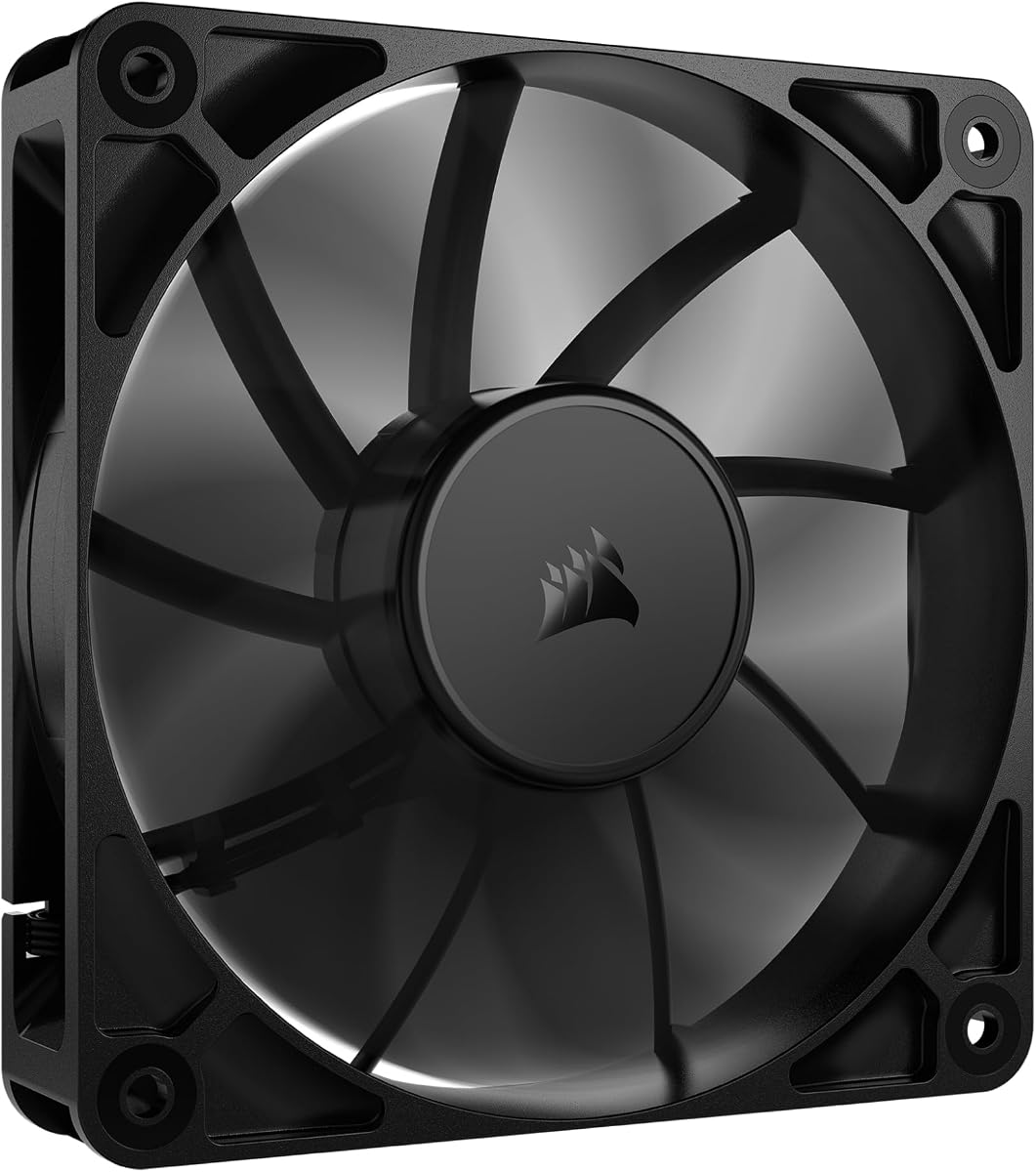


This Noctua fan stands out for its proven reliability and balanced performance. With a 4.8 rating, it delivers strong cooling with minimal noise, making it ideal for quiet builds.
We may earn a commission when you buy through this link, at no additional cost to you.
The pressure-optimized blade design ensures excellent airflow even against resistance, perfect for radiators or CPU coolers. Its 1700 RPM speed provides ample cooling power when needed.
While it lacks RGB lighting and costs more than budget models, the trade-off is worth the silent operation and durability. Users report years of trouble-free performance.
Buy this if you prioritize quiet, reliable cooling without needing flashy lights. It is the top recommendation for high-end PC builds requiring dependable exhaust performance.
Operates at just 25.1 dB(A) for near-silent performance even under load.
With over 150,000 hours MTTF, this fan lasts significantly longer than standard models.
We may earn a commission when you buy through this link, at no additional cost to you.
This three-pack offers exceptional value with decent performance. Rated 4.6, it provides reliable airflow at a budget price, perfect for filling multiple case slots.
We may earn a commission when you buy through this link, at no additional cost to you.
Silicone cushions absorb vibration to keep noise under 32.1 dBA. The hydraulic bearings ensure stable rotation, though the lifespan is moderate compared to premium fans.
Installation is straightforward with a 3-pin interface. While not the quietest or most durable, it balances cost and function well for casual users.
Ideal for budget builds needing multiple fans without overspending. You get three units at a low cost with reliable cooling for daily computing.
Four soft silicone cushions per fan minimize vibration noise during high-speed operation.
Buying a three-pack lowers the per-unit cost significantly compared to single-fan purchases.
We may earn a commission when you buy through this link, at no additional cost to you.
This five-pack delivers excellent performance with vibrant ARGB lighting. The 4.7 rating reflects its solid cooling capabilities and attractive design for RGB-focused PC builds.
We may earn a commission when you buy through this link, at no additional cost to you.
S-FDB bearings reduce noise and blade shaking, while PWM control lets the motherboard adjust speeds based on temperature. Airflow reaches 66.17 CFM for efficient heat dissipation.
Cable length is generous at 55cm for easier routing. The lighting effects match many coolers well, though synchronization may require additional setup.
Buy this if you want premium features like ARGB and quality bearings at a mid-range price. It suits users seeking both style and cooling power.
Up to 17 light modes offer customizable RGB effects via motherboard port control.
S-FDB bearings ensure smooth rotation while minimizing noise and extending service life.
We may earn a commission when you buy through this link, at no additional cost to you.
This fan stands out for AC compatibility, making it ideal for cabinets or servers without motherboard connections. A 4.4 rating highlights its reliability and flexible operation.
We may earn a commission when you buy through this link, at no additional cost to you.
With a controller for speed adjustment, you can balance noise and cooling. Airflow reaches 95.8 CFM, ensuring strong ventilation even under load.
Dual-ball bearings offer 50,000 hours lifespan. However, it requires an AC outlet, so it is less suited for standard PC cases with limited power headers.
Select this for projects needing direct AC power and adjustable speed. It is perfect for custom enclosures, routers, or other non-standard cooling scenarios.
Plug directly into wall outlets for easy cooling without internal power supply wiring.
Adjust speeds from 700 to 2800 RPM for customized airflow and noise levels.
We may earn a commission when you buy through this link, at no additional cost to you.
be quiet! delivers top-notch silence with this fan. A 4.7 rating confirms its efficiency in maintaining low noise levels while providing sufficient airflow for quiet builds.
We may earn a commission when you buy through this link, at no additional cost to you.
Seven blades reduce turbulence, and long-life rifle bearings promise 80,000 hours of operation. The PWM interface allows for automatic speed adjustments.
Though the design is simple, the performance is solid. It may lack RGB flair but excels where silence and reliability matter most.
Ideal for office PCs or silent gaming rigs. Choose this when noise reduction is your priority and you want trusted engineering quality.
Operates at very low minimum RPM for near-silence during idle periods.
Seven blades ensure peak performance on radiators with minimal acoustic footprint.
We may earn a commission when you buy through this link, at no additional cost to you.
This portable fan uses USB power, making it perfect for devices without motherboard connections. A 4.4 rating highlights its utility for cooling consoles and routers effectively.
We may earn a commission when you buy through this link, at no additional cost to you.
At just 18 dB, it is incredibly quiet, quieter than library silence. The USB design allows flexible placement in tight or portable setups.
Airflow is moderate at 55.8 CFM. While it lacks PWM, the shock-absorbing pads protect surfaces and reduce noise further.
Buy this for temporary or portable cooling needs. It is great for Xbox, PlayStation, or routers where silent, USB-powered operation is preferred.
Connect to chargers, power banks, or laptops without needing internal PC power.
Noise levels around 18 dB ensure cooling without disrupting audio or gaming.
We may earn a commission when you buy through this link, at no additional cost to you.
CORSAIR simplifies wiring with daisy-chain support. A 4.6 rating reflects its ability to connect multiple fans via one PWM connector for cleaner setups.
We may earn a commission when you buy through this link, at no additional cost to you.
AirGuide vanes direct airflow to hotspots, and magnetic Dome bearings reduce noise and friction. High static pressure suits radiators well.
While it costs more, the ease of installation and performance justify the price. It is perfect for builds needing multiple fans and cable management.
Choose this for streamlined fan control. It suits users building larger systems where wiring efficiency and strong cooling are essential.
Connect multiple fans with a single PWM connector to reduce motherboard cable clutter.
Anti-vortex vanes target airflow to hottest components for efficient cooling.
We may earn a commission when you buy through this link, at no additional cost to you.
This compact fan fits smaller cases or CPU coolers. A 4.5 rating shows its ability to provide airflow quietly, suitable for space-constrained builds.
We may earn a commission when you buy through this link, at no additional cost to you.
Optimized blades deliver decent airflow, and long-life bearings ensure durability. It supports mining rigs well, maintaining airflow without excessive noise.
While airflow is lower than 120mm models, its size makes it indispensable for tight spaces. It is affordable and reliable for basic cooling.
Ideal for older cases or mini-ITX builds. Choose this when you need a silent, smaller fan for specific mounting requirements.
80mm format fits cases or CPU coolers where standard 120mm fans won't fit.
Built to maintain airflow in mining rigs and GPU farms with minimal overheating.
We may earn a commission when you buy through this link, at no additional cost to you.
This fan delivers extreme airflow for heavy cooling. A 4.5 rating acknowledges its power, though its speed produces noticeable noise at full throttle.
We may earn a commission when you buy through this link, at no additional cost to you.
With 230 CFM and 5300 RPM, it tackles demanding heat loads. Dual-ball bearings support its longevity, while PWM allows speed regulation via BIOS.
Noise can reach 60 dBA, so it suits non-audiophile setups. Its 38mm thickness may not fit all slim cases.
Buy this for intense cooling needs. It is perfect for miners, gaming PCs, or servers requiring maximum airflow regardless of noise.
230 CFM provides maximum ventilation for heat-intensive builds and mining rigs.
Intelligent PWM allows BIOS control to increase speed only when needed.
We may earn a commission when you buy through this link, at no additional cost to you.
This three-pack offers ARGB fans at a solid price. A 4.7 rating confirms the balance between features and cost, ideal for RGB builds.
We may earn a commission when you buy through this link, at no additional cost to you.
S-FDB bearings minimize noise, and 17 light modes provide customization. The fans work well with CPU coolers or case ventilation.
The lighting is softer, matching case aesthetics. While not premium-priced, the performance is reliable and the ARGB adds visual appeal.
Buy this for budget-friendly RGB builds. It suits users wanting three fans with lights and solid cooling without breaking the bank.
High-brightness LED blades create soft, reflective lighting matching coolers and cases.
Three-pack pricing lowers the cost per fan compared to buying individually.
We may earn a commission when you buy through this link, at no additional cost to you.
Selecting the right exhaust fan requires balancing airflow, noise, size, and budget. This guide outlines key factors to consider.
Airflow measured in CFM determines how much air moves through your case. Higher CFM values are better for dissipating heat quickly. Look for at least 60 CFM for standard cases.
Prioritize airflow based on component heat output. Gaming rigs need higher CFM than office PCs.
Noise is measured in decibels (dBA). Values under 30 dBA are ideal for quiet environments. Fans with blade designs optimized for silence reduce noise while maintaining airflow.
Check noise ratings at different RPMs. Lower RPM fans are quieter but may offer less airflow.
Bearing types affect lifespan and noise. Fluid dynamic and rifle bearings offer long life and low noise. Dual ball bearings are durable but may be louder.
Choose bearings based on priority. Durability suits mining rigs, while fluid bearings suit silent builds.
Common sizes are 80mm and 120mm. Larger fans move more air at lower speeds, reducing noise. Ensure your case supports the chosen size.
Select 120mm for main exhaust. Use 80mm only for tight spaces or older cases.
PWM (Pulse Width Modulation) allows automatic speed control by the motherboard. This adjusts cooling based on temperature, saving power and noise.
Ensure the fan has a 4-pin PWM connector if you want intelligent speed control.
RGB lighting adds visual appeal but may require extra cables. Synchronized RGB matches your system's theme. Some fans offer soft lighting effects.
Choose RGB if style matters. Opt for black or matte finishes for professional setups.
Most PC fans use 12V DC. Some AC-powered fans exist for non-standard setups. Check voltage compatibility with your power source.
Verify the connector type. 4-pin connectors are standard for modern motherboards.
Budget fans offer basic cooling, while premium models focus on silence and durability. Multi-packs provide better value for multiple slots.
Assess total cost per unit. A 3-pack may cost less than buying three single fans separately.
Install the exhaust fan facing outward at the rear or top of your case. Ensure the airflow direction arrow on the fan matches the desired air path. Secure the fan using provided screws to prevent vibration.
Connect the fan to the motherboard using a 4-pin PWM or 3-pin header. If using multiple fans, consider daisy-chain cables to reduce clutter. Ensure the connector matches the motherboard port.
Dust accumulates over time, reducing efficiency. Clean the fan blades and grille monthly with compressed air. Lubricate bearings if possible to maintain smooth rotation and prolong lifespan.
Most cases support 120mm fans, which provide the best balance of airflow and noise. Use 120mm for rear exhaust and 80mm only if space is limited.
Yes, PWM allows the motherboard to adjust fan speed based on temperature. This saves power and reduces noise during idle periods. Look for 4-pin connectors.
Gaming PCs should have at least 60 to 80 CFM per exhaust fan. High-performance systems may need multiple fans for better heat dissipation and stability.
Not necessarily. High-quality silent fans balance airflow and noise. Look for optimized blade designs and fluid bearings that reduce noise without sacrificing performance.
Most fans last 30,000 to 80,000 hours. If the fan becomes loud or stops spinning, replace it immediately. Dust buildup can also shorten lifespan.
AC-powered fans are suitable for servers or cabinets without motherboard headers. For standard cases, 12V DC fans are required for integration with system power.
The top picks range from the Noctua NF-P12 redux-1700 PWM for quiet reliability to budget packs like the DARKROCK 3-Pack for value. Each model offers distinct advantages based on your priorities.
Prioritize airflow and noise for gaming builds, while budget or RGB options suit aesthetic-focused users. Check bearing life and PWM support to ensure long-term satisfaction.
Prices fluctuate often, so compare current listings before buying. Select the fan that matches your case, cooling needs, and budget for optimal PC performance.