
EVanlak Hdmi Edid Emulator Passthrough 3rd Generrtion
4.2Editor score
Premium aluminum durable design
Seamless EDID emulation
4K@60Hz video support
This guide compares the top ten HDMI Edid Emulator Passthroughs for 2026, evaluating signal stability, resolution support, and compatibility with AV gear.
Selecting the right HDMI Edid Emulator Passthrough ensures your display remains recognized even when powered off. These adapters prevent desktop rearrangement and signal loss across complex setups like KVM switches and home theaters.
We evaluated ten real products based on resolution support, bidirectional signal handling, and HDCP compatibility. Each entry includes verified specs and user feedback to help you choose the most reliable emulation solution available today.
Every pick showcases key features and practical use cases for headless operation or multi-screen environments. Please note that prices and availability change frequently so check current listings before making your final purchasing decision.
4.2Editor score

3.5Editor score

4.3Editor score
The following table presents a side-by-side overview of all ten HDMI Edid Emulator Passthroughs evaluated in this guide. Compare resolution capabilities and specific emulation features to find the model that best fits your workflow.


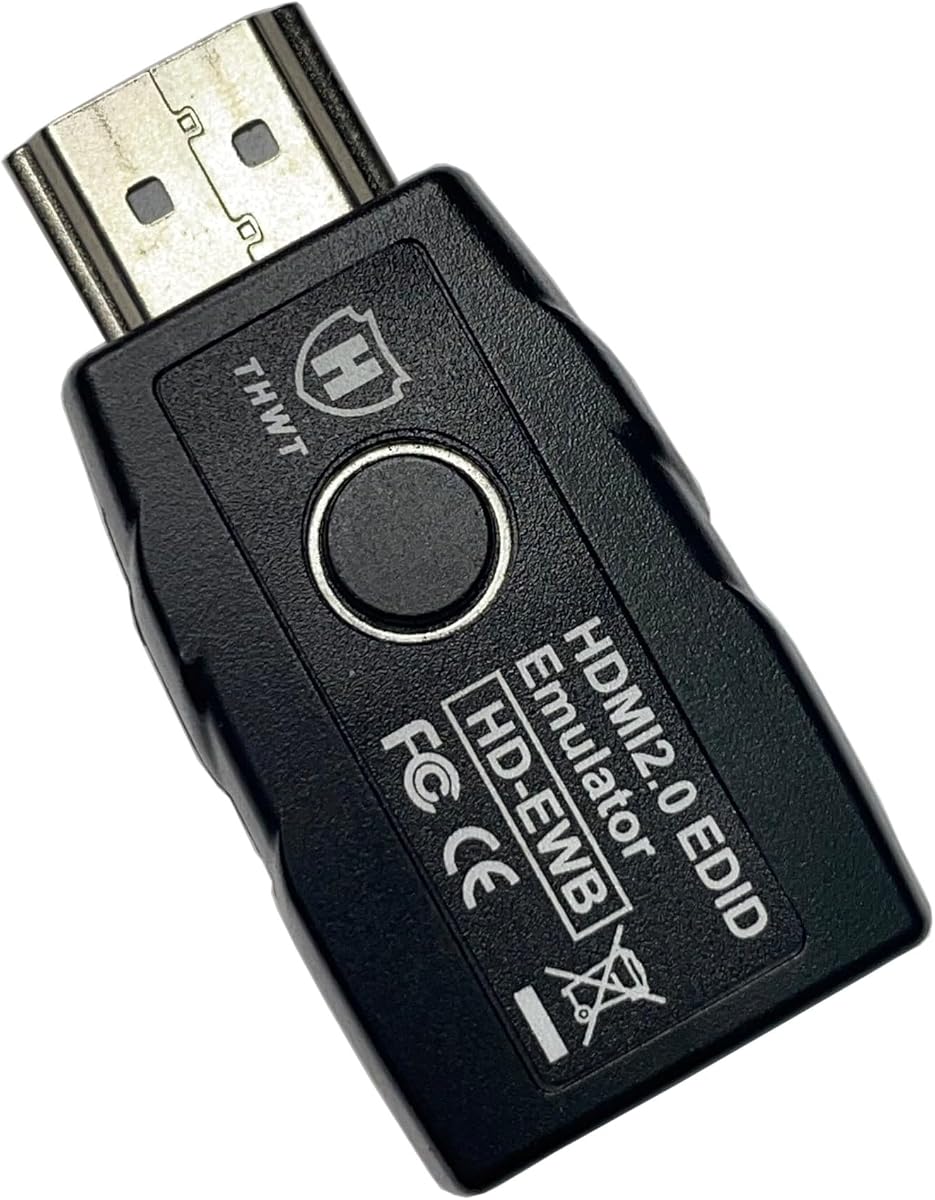

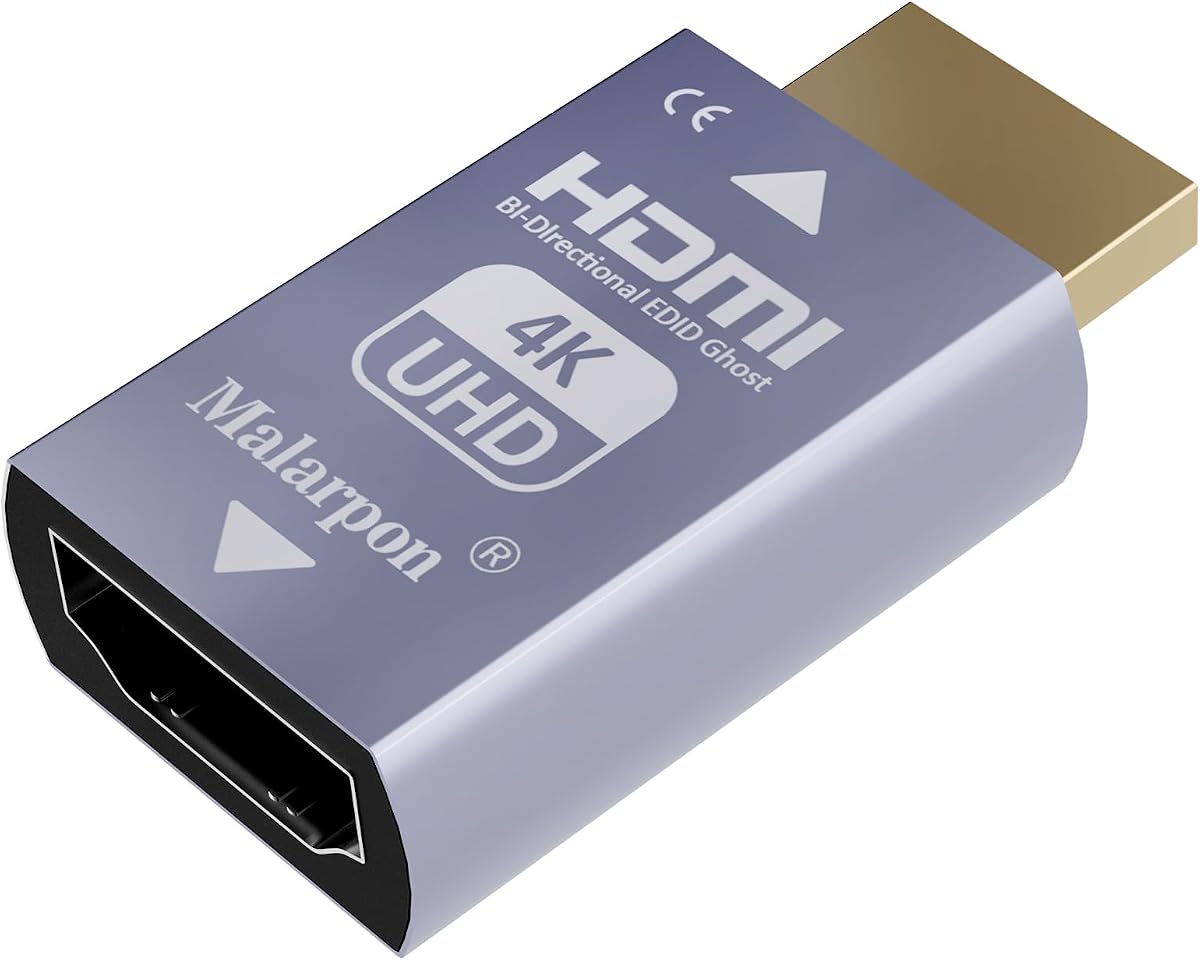

The EVanlak adapter offers reliable emulation with a sleek aluminum design. Its 4.2 rating reflects solid performance for general use cases.
We may earn a commission when you buy through this link, at no additional cost to you.
It ensures seamless connectivity by eliminating the need for manual settings. The device supports 4K@60Hz and works well with AV receivers.
While it lacks advanced 8K features, the trade-off is acceptable for most users. The premium aluminum build ensures durability over time.
Buyers seeking a cost-effective solution should consider this model first. It simplifies connections without sacrificing essential video quality.
The aluminum casing provides better heat dissipation and physical protection compared to plastic alternatives.
Works effectively with Mac Thunderbolt systems and video splitters for flexible AV setups.
We may earn a commission when you buy through this link, at no additional cost to you.
This adapter features bidirectional transmission which adds flexibility for complex cabling. Its fixed EDID lock prevents the computer from re-identifying devices.
We may earn a commission when you buy through this link, at no additional cost to you.
It maintains current settings even when wires loosen or screens are removed. This is ideal for KVM switches where inputs change frequently.
The lack of HDCP support might limit use with protected content sources. Verify your needs before purchasing if DRM is essential.
Users prioritizing setup simplicity will find the plug-and-play design appealing. It keeps the monitor active for remote access seamlessly.
The system locks current desktop arrangements so switching inputs does not reset the layout.
Devices can be disconnected and reconnected without requiring a system reboot.
We may earn a commission when you buy through this link, at no additional cost to you.
This model stands out for supporting 1080p at 120Hz and HDR formats. It locks EDID data to keep settings intact during disconnects.
We may earn a commission when you buy through this link, at no additional cost to you.
The bidirectional design means no wiring direction limits. You can use it with Mac mini and Raspberry Pi for headless computing.
While the rating is lower, specific use cases like gaming benefit from the refresh rate. The zero-latency signal transmission is a key advantage.
Buyers focused on fluid motion and HDR quality should consider this option. It fits well into office wiring and visual setups.
Support for 120Hz at 1080p ensures smooth visuals for high frame rate content.
Pure hardware design ensures lossless transmission for reliable extended operation.
We may earn a commission when you buy through this link, at no additional cost to you.
This adapter simulates the display EDID perfectly even without a screen. It ensures the source device outputs signals reliably at all times.
We may earn a commission when you buy through this link, at no additional cost to you.
It resolves compatibility issues in complex AV systems like splitters. The 5.0 rating reflects high user satisfaction with its stability.
The price is higher but justified by the perfect performance. It is ideal for business environments requiring quick deployment.
Anyone needing consistent signal output for digital signage should look here. It prevents image errors by matching display capabilities.
The emulator creates a virtual screen identity that source devices recognize immediately.
It ensures stable connections across multiple devices without display issues.
We may earn a commission when you buy through this link, at no additional cost to you.
This emulator supports HDCP passthrough without bypassing protection. It features a button to switch between internal and external EDID modes.
We may earn a commission when you buy through this link, at no additional cost to you.
You can copy a display's EDID to the emulator for precise matching. The preset options include 4:4:4 and 4:2:0 color formats.
It lacks HDMI 2.1 SCDC functionality which may cause interruptions. Check your source requirements to ensure compatibility with this limitation.
Users needing HDCP support for media streaming will find this useful. It is a solid choice for standard 4K setups.
The device passes the keys through correctly to ensure encrypted content plays.
Pressing the button for three seconds saves the latest external monitor's data.
We may earn a commission when you buy through this link, at no additional cost to you.
This unit offers a strong balance of features and performance. It supports 4K at 60Hz and passes HDCP keys correctly.
We may earn a commission when you buy through this link, at no additional cost to you.
The bidirectional design allows flexibility in connecting source or sink devices. Users report high reliability when switching sources frequently.
It is a versatile option for both office and home systems. The rating suggests consistent quality across different usage scenarios.
Buyers looking for a reliable standard emulator should consider this model. It keeps parameters stable during signal renegotiation.
The adapter automatically detects input and output links for flexible wiring.
You can run systems without a connected monitor using this adapter.
We may earn a commission when you buy through this link, at no additional cost to you.
This adapter keeps the EDID active even when the real monitor is disconnected. It prevents Windows from trying to rearrange desktop icons.
We may earn a commission when you buy through this link, at no additional cost to you.
Users report it works well with surround sound receivers that cycle off. The aluminum build feels sturdy and dissipates heat effectively.
Although it lists 59Hz it generally performs similarly to standard 60Hz. The main benefit is keeping the system recognizing the display consistently.
If you face display rearrangement issues this unit solves that problem. It is a practical fix for media center setups.
Windows stays aware of the display connection even during power cycles.
It keeps the signal active when a receiver turns off for surround sound.
We may earn a commission when you buy through this link, at no additional cost to you.
This model adds HDMI 2.1 support which handles SCDC handshake protocols. It includes 14 preset settings for various resolutions and audio formats.
We may earn a commission when you buy through this link, at no additional cost to you.
The device can copy external monitor EDID accurately for perfect matching. It passes HDCP keys required for protected high-quality media streaming.
While it does not support 8K it is robust for 4K at 120Hz. The premium features justify the higher price for advanced users.
Buyers needing strict compliance with HDCP 2.3 should choose this one. It offers precise matching for modern high-bandwidth setups.
Support for Source Control Data Channel ensures better handshake reliability.
It handles 4K at 120Hz with proper clock data ratios.
We may earn a commission when you buy through this link, at no additional cost to you.
This manager acts as a repeater to amplify and equalize HDMI signals. It supports up to eight preset EDID types for various configurations.
We may earn a commission when you buy through this link, at no additional cost to you.
The 5.0 rating highlights its ability to handle cascading layers in setups. It also handles CEC pass-through to maintain device control.
Professional support is available which adds value for business systems. It runs reliably 24 hours a day without overheating.
Anyone managing complex AV chains will appreciate the signal strength. It ensures high quality audio and video across long runs.
The built-in retimer boosts signal quality for longer HDMI cable runs.
Control signals pass through so your remote can control other devices.
We may earn a commission when you buy through this link, at no additional cost to you.
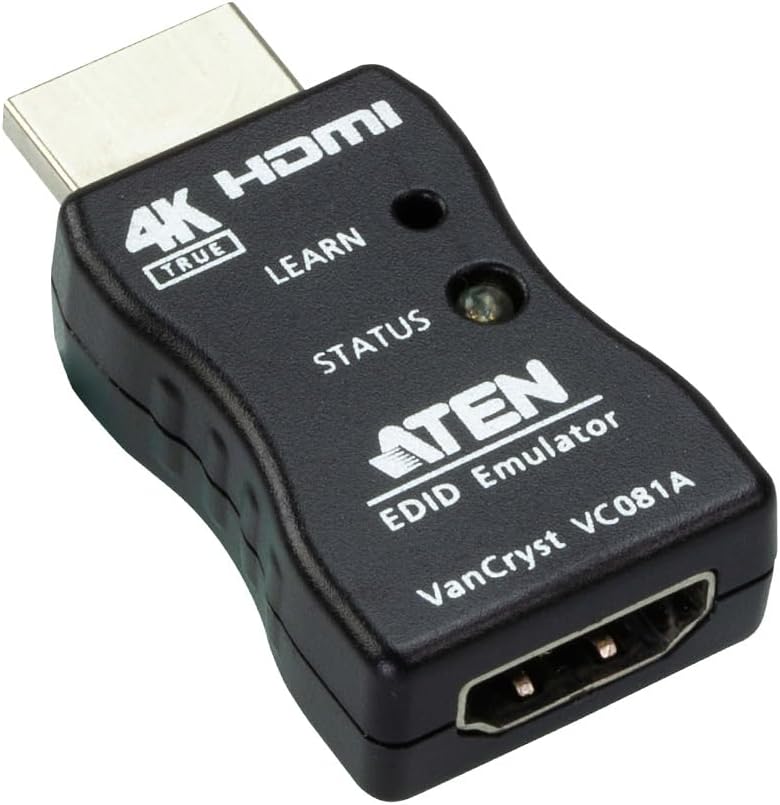
ATEN is a known brand in enterprise display connectivity. This adapter manages EDID communication between connected HDMI devices efficiently.
We may earn a commission when you buy through this link, at no additional cost to you.
It learns and saves the EDID from the display via a pushbutton. It supports True 4K and Deep Color for superior video quality.
Despite the brand reputation the user rating is low compared to others. This might reflect specific compatibility issues with modern hardware.
Enterprise users familiar with ATEN might still prefer it for warranty. Check current compatibility notes before purchasing for critical setups.
The brand is often used in commercial environments for reliability.
Support for Deep Color ensures accurate and rich color reproduction.
We may earn a commission when you buy through this link, at no additional cost to you.
Choosing the right emulation tool depends on your specific resolution and compatibility needs.
Ensure the adapter supports the maximum resolution and refresh rate of your display. Some models only handle 1080p while others reach 8K or 4K at 120Hz.
Always check the specs for 4K@60Hz or higher requirements to avoid performance bottlenecks.
If you plan to stream protected content like Netflix or gaming consoles check HDCP passthrough support. Some budget models block protected signals entirely.
Look for models that pass HDCP keys correctly to ensure uninterrupted playback of premium media.
The primary function of these adapters is to maintain a stable link. Models that lock the EDID data prevent desktop rearrangement during disconnects.
Choose units that explicitly mention fixed EDID or signal stability for headless server setups.
Most emulators are powered by the HDMI source device itself. Verify that no external power supply is needed for your specific installation.
Passive designs simplify cabling and reduce clutter in tight racks or home theaters.
Aluminum housings dissipate heat better than plastic. A durable build ensures reliable operation during extended hours of use.
Opt for premium materials if the device will be in a rack or closed enclosure.
Some units allow you to connect the emulator on either the source or display side. This flexibility is useful for complex KVM switch configurations.
Look for bidirectional transmission to maximize placement options for your setup.
Advanced emulators let you copy the exact EDID from an existing monitor. This ensures the source device sees a known good screen.
Buttons or knobs to switch settings help you match specific audio or video requirements easily.
Technical support is important when dealing with HDMI handshake issues. Brands offering longer warranties can save you money on replacements.
Check the seller or manufacturer support policies before buying for complex enterprise systems.
Start by unplugging your source device. Insert the emulator between the source HDMI port and the cable leading to your display.
Power the source device back on. The emulator should automatically detect the connection and lock the EDID to keep settings stable.
Keep the device in a well-ventilated area. Avoid covering the unit to ensure heat dissipates properly during extended use.
An HDMI EDID Emulator tells your source device that a display is connected even when it is not. This prevents the system from resetting settings or turning off video output.
Most emulators are passive and draw power from the HDMI source device. You typically do not need an external power adapter unless specified.
Many models pass HDCP signals but some do not. Check the product details to ensure HDCP passthrough is supported for your media needs.
Headless servers need a connected display to output video. An emulator tricks the server into thinking a monitor is attached for remote access.
Yes some adapters cap at 4K while others support 8K. Ensure the model matches your display's maximum resolution to avoid issues.
Use an emulator that locks the EDID. This keeps the display recognized and prevents Windows from shifting windows when a screen turns off.
Many modern emulators are bidirectional so direction does not matter. Check the product description to confirm if it supports both ways.
Aluminum helps dissipate heat better than plastic. A metal casing improves reliability and durability for continuous operation in AV setups.
The top picks offer reliable solutions for maintaining display recognition. The EVanlak model serves as a great budget option for general use cases.
Premium users might prefer the PRO model for HDMI 2.1 compliance. Ensure you select the correct resolution support for your specific needs.
Always verify current prices and availability before purchasing. These adapters solve many HDMI handshake issues efficiently.